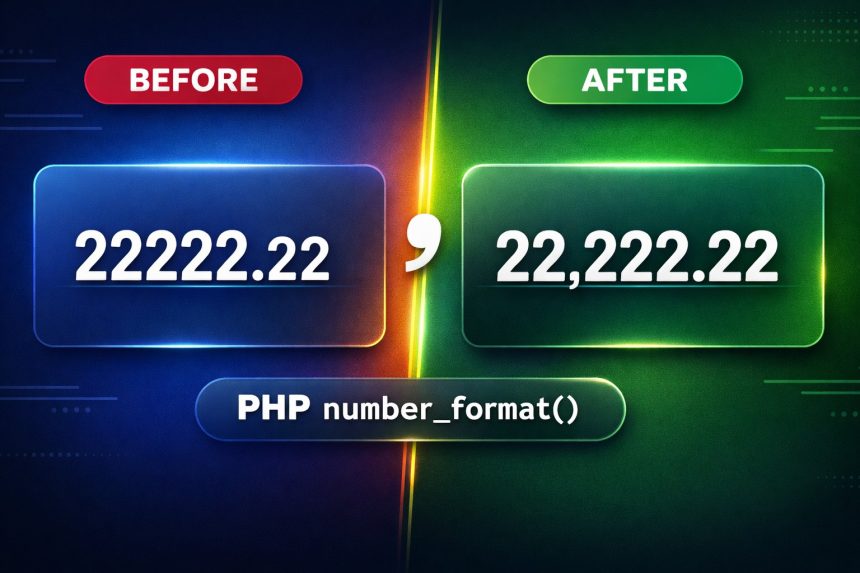
I ran into a small-but-annoying issue while displaying prices: I needed to add commas to numbers in PHP so amounts like 22222.22 show up as 22,222.22. It’s one of those details that makes your UI feel “finished,” especially for currency values.
- What I needed (and why it matters)
- The simplest solution: PHP number_format()
- How number_format() works (so you can adapt it)
- Step-by-step: format any number with commas in PHP
- Step 1: Make sure you’re working with a numeric value
- Step 2: Choose decimal places
- Step 3: Apply number_format() and display it
- Formatting currency cleanly (with a dollar sign)
- Troubleshooting (common gotchas)
- 1) My number includes a currency sign (like 22222.22$)
- 2) I’m seeing rounding I didn’t expect
- 3) The separators look wrong for my region
- 4) Large money values need precision
- Official docs (recommended references)
- Related guides
The good news: PHP already ships with a built-in function for this. Here’s how I solved it, plus a handful of examples (including different notations) so you can copy/paste what you need.
What I needed (and why it matters)
I had a number like 22222.22 and wanted to display it as 22,222.22 (thousands separator + fixed decimals). If you’re printing totals, invoices, product prices, or reports, formatting like this improves readability and reduces mistakes.
The simplest solution: PHP number_format()
Use number_format(). It formats a number with grouped thousands and (optionally) a fixed number of decimal places.
<?php
$number = 22222.22;

// 22,222.22
echo number_format($number, 2, '.', ',');
?>
That’s the exact output you’re after: 22,222.22. If you’re displaying dollars, you’d typically add the symbol separately (more on that below).
How number_format() works (so you can adapt it)
The function signature looks like this:
number_format(float $num, int $decimals = 0, string $decimal_separator = ".", string $thousands_separator = ",")- $num: your number
- $decimals: how many digits after the decimal point (e.g., 2 for money)
- $decimal_separator: usually
.in US/UK notation - $thousands_separator: usually
,in US/UK notation
Step-by-step: format any number with commas in PHP
Here’s the repeatable process I use whenever I need to add commas to numbers in PHP.
Step 1: Make sure you’re working with a numeric value
Store your number as an int or float (not as a string like "22222.22$"). If you have symbols attached, strip them before formatting.
Step 2: Choose decimal places
For currency, I usually want 2 decimal places. For counts (like users, views), I often want 0.
Step 3: Apply number_format() and display it
<?php
$number = 22222.2222;

// Add thousands separator, no decimals: 22,222
echo number_format($number);

// Keep 2 decimals + thousands separator: 22,222.22
echo number_format($number, 2);

// Keep 2 decimals, remove thousands separator: 22222.22
echo number_format($number, 2, '.', '');

// French-style: space thousands, comma decimals: 22 222,22
echo number_format($number, 2, ',', ' ');

// Vietnamese-style: dot thousands, comma decimals: 22.222,22
echo number_format($number, 2, ',', '.');
?>
Formatting currency cleanly (with a dollar sign)
If you want 22,222.22$ or $22,222.22, format the number first, then add the symbol. This avoids mixing currency symbols into your numeric value (which causes bugs later).
<?php
$amount = 22222.22;

echo '$' . number_format($amount, 2, '.', ',');   // $22,222.22
echo number_format($amount, 2, '.', ',') . '$';   // 22,222.22$
?>
Troubleshooting (common gotchas)
1) My number includes a currency sign (like 22222.22$)
That’s not a number anymore—it’s a string. Remove non-numeric characters before formatting.
<?php
$raw = "22222.22$";

// keep digits, minus sign, and dot
$clean = preg_replace('/[^0-9.\-]/', '', $raw);

echo number_format((float) $clean, 2, '.', ','); // 22,222.22
?>
2) I’m seeing rounding I didn’t expect
number_format() rounds based on the decimals you request. If you pass 2, it will round to 2 decimal places. That’s usually correct for prices.
3) The separators look wrong for my region
Use the 3rd and 4th parameters to define decimal and thousands separators. For example, many European formats use comma decimals and spaces/dots for thousands.
4) Large money values need precision
For everyday display formatting, number_format() is fine. But if you’re doing calculations with money, use integer cents (e.g., store 2222222 cents) or a decimal-safe approach before formatting the final output.
Official docs (recommended references)
Related guides
(Add your internal links here — send me 1–3 URLs and I’ll plug them into this section.)