How7o
  • Home
  • Tools
  • Prank Screens
  • Contact
  • Blog
Reading: How to Display Only the Current Date in Laravel (Carbon Examples)
Share
Subscribe Now
How7oHow7o
Font ResizerAa
  • Marketing
  • OS
  • Features
  • Guide
  • Complaint
  • Advertise
Search
  • Home
  • Tools
  • Prank Screens
  • Contact
  • Blog
Follow US
Copyright © 2014-2023 Ruby Theme Ltd. All Rights Reserved.
How7o > Blog > Web Development > How to Display Only the Current Date in Laravel (Carbon Examples)
Web Development

How to Display Only the Current Date in Laravel (Carbon Examples)

how7o
By how7o
Last updated: January 12, 2026
4 Min Read
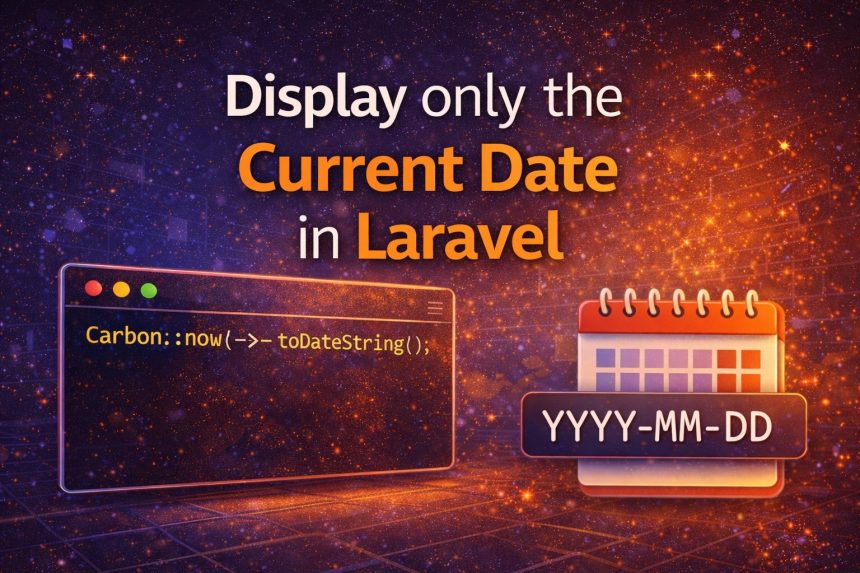
Display only the current date in Laravel using Carbon
SHARE

I ran into a small but annoying issue while building a Laravel page that shows “today’s date” at the top of a report. I used Carbon like I always do:

Contents
  • Method 1 (best/simple): toDateString()
  • Method 2: format(‘Y-m-d’) (best when you need a custom format)
  • Method 3: today() (nice when you truly mean “today”)
  • Showing the date in a Blade view
  • Controller example (recommended style)
  • Timezone tip (this is where people get confused)
  • Quick FAQ
    • Why not just use Carbon::now() and split the string?
    • Which one should I use most of the time?
  • Final thoughts
Carbon::now();

But Carbon returns a full datetime value (date + time). That’s great for logs, but not what I wanted on the UI. I only needed the date, something like 2024-10-11—no hours, minutes, or seconds.

Here are the best ways to display only the current date in Laravel using Carbon, plus the approach I now use depending on where the date is shown (Blade, controller, API, etc.).
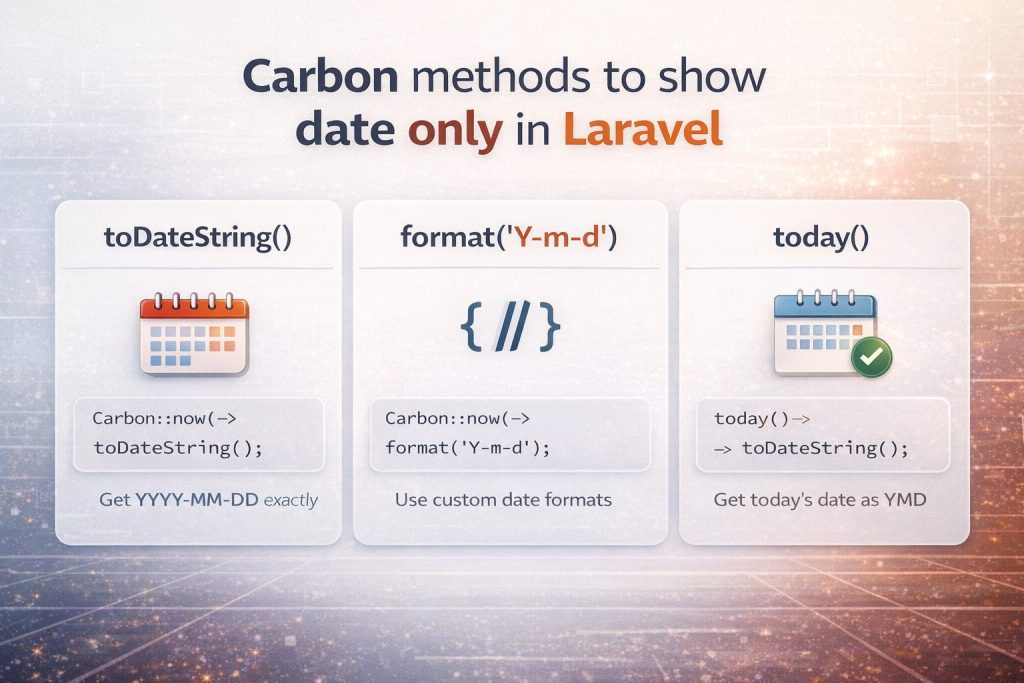
Carbon methods to show date only in Laravel (toDateString, format, today)

Method 1 (best/simple): toDateString()

If you want YYYY-MM-DD exactly, this is the cleanest option:

use Carbon\Carbon;

$date = Carbon::now()->toDateString(); // 2024-10-11

I like this because it’s readable and instantly tells you what it returns: just the date portion.

Method 2: format(‘Y-m-d’) (best when you need a custom format)

When I need a different format (like 11-10-2024 or Oct 11, 2024), I use format():

use Carbon\Carbon;

$date = Carbon::now()->format('Y-m-d');   // 2024-10-11
$date2 = Carbon::now()->format('d-m-Y');  // 11-10-2024
$date3 = Carbon::now()->format('M d, Y'); // Oct 11, 2024

If you’re copying a strict format requirement from a client or API docs, format() is usually the right choice.

Method 3: today() (nice when you truly mean “today”)

Sometimes I don’t even want “now” — I want “today” as a date value. Laravel/Carbon gives you that too:

$today = today()->toDateString(); // 2024-10-11

This reads nicely in code and matches the intent: it’s the current date (not a timestamp).

Showing the date in a Blade view

If you just want to display it on the page, Blade can do it directly:

{{ \Carbon\Carbon::now()->toDateString() }}

But on real projects, I prefer passing the value from the controller so the view stays clean.

Controller example (recommended style)

use Carbon\Carbon;

public function index()
{
    $date = Carbon::now()->toDateString();

    return view('reports.index', compact('date'));
}

Then in Blade:

{{ $date }}

Timezone tip (this is where people get confused)

If your server timezone is different than your users, “today” may look wrong near midnight. In that case, set the timezone explicitly:

use Carbon\Carbon;

$date = Carbon::now('Asia/Dhaka')->toDateString();

If this is a full app, it’s usually better to set the correct timezone globally in config/app.php so you don’t have to repeat it everywhere.

Quick FAQ

Why not just use Carbon::now() and split the string?

You can, but it’s fragile and unnecessary. Carbon already provides proper methods that are readable and reliable.

Which one should I use most of the time?

  • Use toDateString() if you want YYYY-MM-DD.
  • Use format() if you need a custom format.
  • Use today() when the intent is “today as a date”.

Final thoughts

Once I switched from Carbon::now() to Carbon::now()->toDateString(), the problem was solved instantly and the code became more readable. If you’re showing dates in a UI, reports, or APIs, picking the right Carbon method saves time and prevents formatting bugs later.


TAGGED:BladeCarbonDate FormattingEloquentLaravelphpTimezone

Sign Up For Daily Newsletter

Be keep up! Get the latest breaking news delivered straight to your inbox.
By signing up, you agree to our Terms of Use and acknowledge the data practices in our Privacy Policy. You may unsubscribe at any time.
Share This Article
Facebook Copy Link Print
Previous Article Send a simple email in Laravel using Mail::raw and SMTP How to Send a Simple Email in Laravel (Fast SMTP + Mail::raw)
Next Article Laravel Blade Time Format (HH:MM) How to Show Only Hours and Minutes in Laravel Blade (HH:MM)
Leave a Comment

Leave a Reply Cancel reply

You must be logged in to post a comment.

FacebookLike
XFollow
PinterestPin
InstagramFollow

Subscribe Now

Subscribe to our newsletter to get our newest articles instantly!
Most Popular
Laravel get config variable — config() helper and Config facade resolving dotted keys
How to Get Config Variables in Laravel
May 3, 2026
Laravel call controller from another controller — app() and constructor injection patterns
How to Call a Controller Method from Another Controller in Laravel
May 3, 2026
Laravel Carbon not found error — namespace import fix
Fix “Class Carbon not found” in Laravel
May 3, 2026
Laravel unknown column CONCAT fix — DB::raw and selectRaw bypass identifier escaping
How to Fix “Unknown column ‘CONCAT'” in Laravel
May 3, 2026
Laravel validate in rule — restricting input to an allow-list with in: and Rule::in
Laravel Validate Input to Specific Values (in Rule)
May 3, 2026

You Might Also Like

Find prime numbers in JavaScript thumbnail
Web Development

How to Find Prime Numbers in JavaScript (1 to 100) — Fast & Simple Methods

5 Min Read
Install a specific version of a package using Composer (composer require vendor/package:2.1.0)
Web Development

Install a Specific Version of a Package Using Composer (Exact Version + Examples)

5 Min Read
Laravel Blade Time Format (HH:MM)
Web Development

How to Show Only Hours and Minutes in Laravel Blade (HH:MM)

3 Min Read
Check if Laravel scheduler is running (cron + php artisan schedule:run)
Web Development

How to Check if Laravel Scheduler Is Running (Cron + Logs)

6 Min Read
How7o

We provide tips, tricks, and advice for improving websites and doing better search.

Latest News

  • SEO Audit Tool
  • Client ReferralsNew
  • Execution of SEO
  • Reporting Tool

Resouce

  • Google Search Console
  • Google Keyword Planner
  • Google OptimiseHot
  • SEO Spider

Get the Top 10 in Search!

Looking for a trustworthy service to optimize the company website?
Request a Quote
Welcome Back!

Sign in to your account

Username or Email Address
Password

Lost your password?