


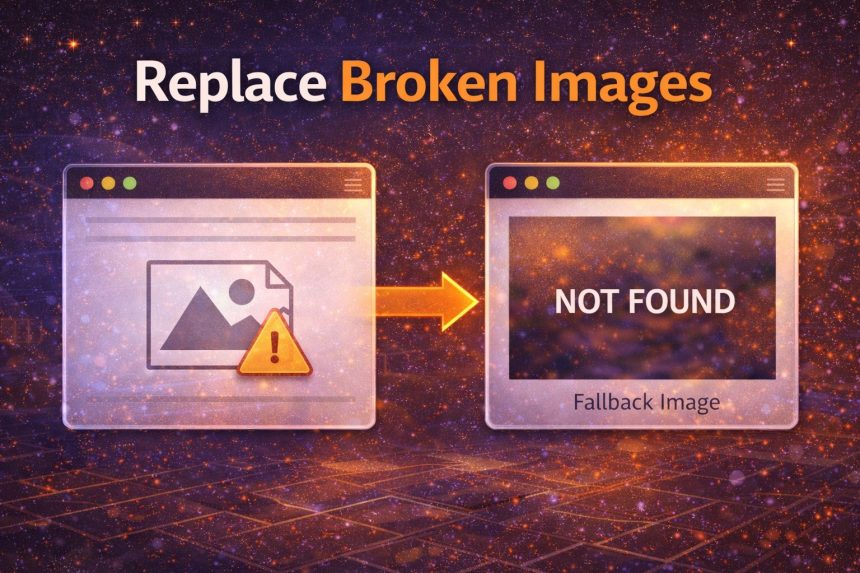
I run a wallpaper-style site, which means I’m dealing with a lot of images—some from uploads, some from remote sources. And sooner or later, it always happens: an image gets removed, permissions change, a hotlink breaks, or the server starts returning “Access Denied”.
- Best quick fix (inline): use the image onerror attribute
- Cleaner inline version: call a function instead
- Best scalable fix: handle ALL broken images with JavaScript (no HTML edits)
- jQuery solution (simple and popular)
- Extra tips (these made my gallery look cleaner)
- Optional CSS (make fallback images look nice)
- Final thoughts
When that happens, browsers show the ugly broken-image icon, and it completely ruins a grid layout. Worse: if your cards depend on consistent heights, broken images can make the whole page look “broken”. So I wanted a simple fix: if an image fails to load, automatically replace it with a default “not found” image.
Below are the cleanest solutions I’ve used in production—starting from the simplest inline method, then moving to a scalable JavaScript/jQuery approach that requires zero HTML editing.
Best quick fix (inline): use the image onerror attribute
If you control the HTML output (templates, CMS, etc.), the fastest solution is using onerror directly on the <img> tag.
<img src="image.png"
     alt="Wallpaper"
     onerror="this.onerror=null;this.src='/images/not-found.gif';">
Why the this.onerror=null part? Because if your fallback image also fails (wrong path, permission issue), you can end up in an infinite loop. This line prevents that.
Cleaner inline version: call a function instead
If you prefer not to keep logic inside HTML attributes, attach a function and reuse it:
<script>
function processError(img) {
  img.onerror = null;              // prevent infinite loop
  img.src = "/images/noimage.gif"; // fallback
  img.alt = "Image not found";
  return true;
}
</script>

<img src="image.png" alt="Wallpaper" onerror="processError(this);">
Best scalable fix: handle ALL broken images with JavaScript (no HTML edits)
This is what I use when pages have lots of images (galleries, infinite scroll, user uploads). You add one script and it automatically fixes broken images site-wide.
<script>
(function () {
  const FALLBACK_SRC = "/images/noimage.gif";

  function replaceWithFallback(img) {
    // Avoid looping if the fallback fails
    if (img.dataset.fallbackApplied) return;
    img.dataset.fallbackApplied = "1";
    img.src = FALLBACK_SRC;
    img.alt = img.alt || "Image not found";
    img.classList.add("img-fallback"); // optional: style it
  }

  // 1) Handle existing images
  document.querySelectorAll("img").forEach(img => {
    img.addEventListener("error", () => replaceWithFallback(img), { once: true });
  });

  // 2) Handle images added later (AJAX / infinite scroll)
  const observer = new MutationObserver(mutations => {
    for (const m of mutations) {
      m.addedNodes.forEach(node => {
        if (node.nodeType !== 1) return;
        if (node.tagName === "IMG") {
          node.addEventListener("error", () => replaceWithFallback(node), { once: true });
        } else {
          node.querySelectorAll?.("img").forEach(img => {
            img.addEventListener("error", () => replaceWithFallback(img), { once: true });
          });
        }
      });
    }
  });

  observer.observe(document.documentElement, { childList: true, subtree: true });
})();
</script>
This version also covers images injected after page load (common on wallpaper sites). That was a big deal for me, because my broken images weren’t only on the initial HTML—some came from “Load More” results.
jQuery solution (simple and popular)
If your site already uses jQuery, this is the classic approach:
<script>
$("img").on("error", function () {
  // Prevent infinite loop
  if ($(this).data("fallbackApplied")) return;
  $(this).data("fallbackApplied", true);

  $(this).attr("src", "/images/noimage.gif");
  $(this).attr("alt", $(this).attr("alt") || "Image not found");
});
</script>
Important: If you load images dynamically, you’ll need to attach the handler for newly added images too. The MutationObserver approach above is more future-proof.
Extra tips (these made my gallery look cleaner)
- Use a fallback image with the same aspect ratio as your thumbnails (so it doesn’t stretch your layout).
- Add a CSS style for fallbacks to make them look intentional (example: blur background, show “Not Found” text, etc.).
- Fix the root cause too: if images are frequently “Access Denied”, check hotlink protection, CORS, token expiry, or storage permissions.
Optional CSS (make fallback images look nice)
img.img-fallback {
  object-fit: cover;
  filter: grayscale(1);
  opacity: 0.85;
}
Final thoughts
For small sites, the inline onerror trick is enough. But for image-heavy websites (like wallpaper galleries), a global JavaScript handler is the easiest way to keep the design clean. The moment an image fails, it gets replaced—no broken icons, no ugly layout jumps.