How7o
  • Home
  • Tools
  • Prank Screens
  • Learn
  • Blog
  • Contact
Reading: Install Docker on AlmaLinux: Step-by-Step (Docker CE + Compose)
Share
How7oHow7o
Font ResizerAa
  • OS
Search
  • Home
  • Tools
  • Prank Screens
  • Learn
  • Blog
  • Contact
Follow US
© 2024–2026 How7o. All rights reserved.
How7o > Free Laravel, PHP, WordPress & Server Tutorials > Server Management > Install Docker on AlmaLinux: Step-by-Step (Docker CE + Compose)
Server Management

Install Docker on AlmaLinux: Step-by-Step (Docker CE + Compose)

how7o
By how7o
Last updated: January 12, 2026
4 Min Read
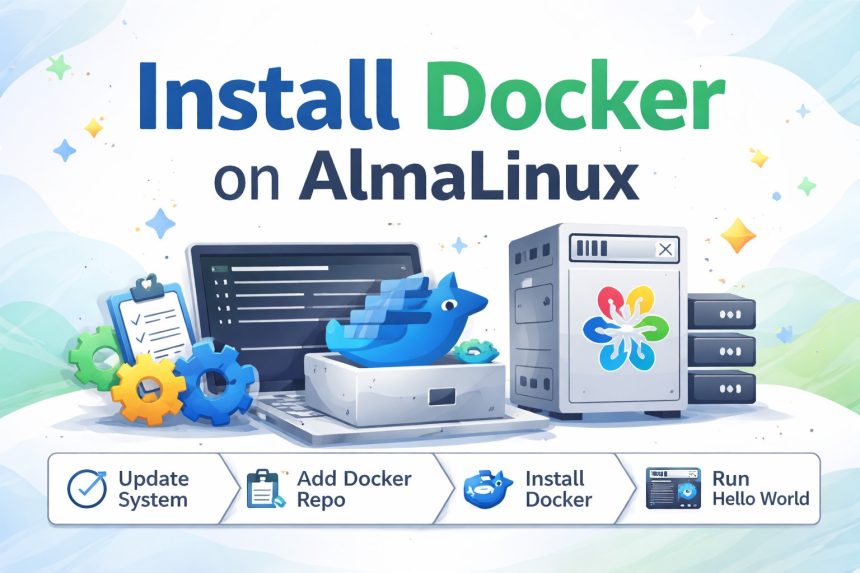
Installing Docker on AlmaLinux guide
SHARE

I had to install Docker on AlmaLinux recently because I was setting up a fresh server for a few self-hosted apps (and later, Discourse). I came from CentOS, so I expected it to be “dnf install docker and done”… but on AlmaLinux (RHEL-family), the clean approach is using Docker’s official repository.

Contents
  • What you need before starting
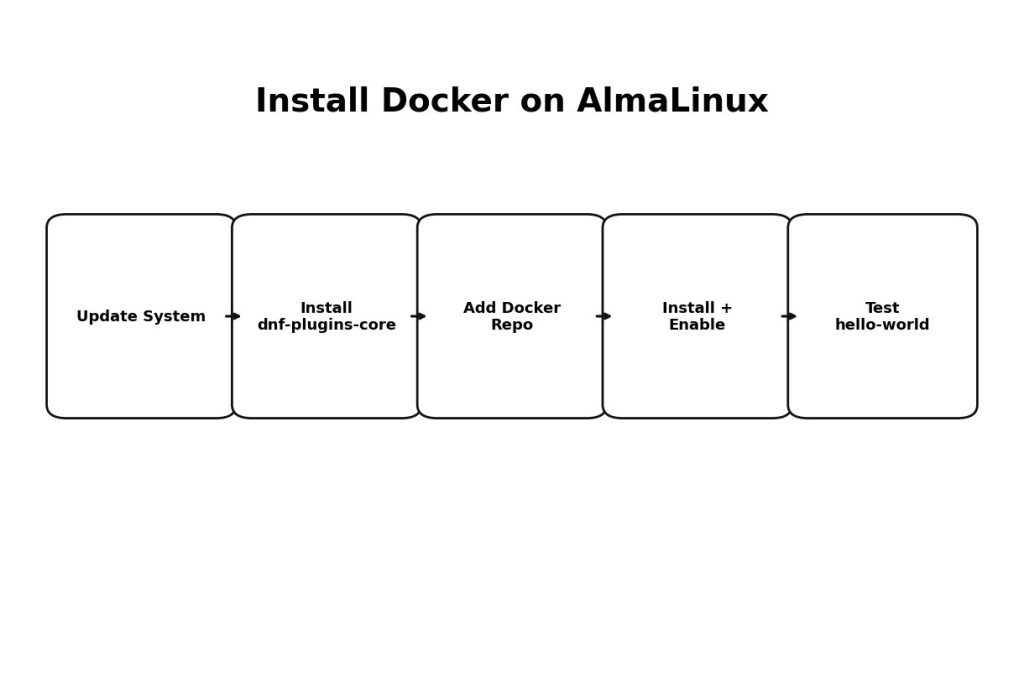
  • Step 1: Update your AlmaLinux system
  • Step 2: Install the required DNF plugin
  • Step 3: Add Docker’s official repository (recommended)
  • Step 4: Install Docker Engine (plus Compose plugin)
  • Step 5: Start Docker and enable it on boot
  • Step 6: Test Docker (hello-world)
  • Optional: Run Docker without sudo (recommended)
  • Optional: Check Docker Compose
  • Troubleshooting (the common issues)
    • Docker service won’t start
    • Permission denied when running docker (without sudo)
  • Useful links
  • Final thoughts

This guide is the exact process I used—simple, repeatable, and easy to maintain when you upgrade later.
What you need before starting

  • An AlmaLinux server (8/9 works great)
  • A user with sudo privileges
  • Internet access (to pull packages from Docker’s repo)

Step 1: Update your AlmaLinux system

I always update first. It avoids dependency weirdness later.

sudo dnf -y update

Step 2: Install the required DNF plugin

To add external repositories cleanly, you’ll want dnf config-manager, which comes from dnf-plugins-core.

sudo dnf install -y dnf-plugins-core

Step 3: Add Docker’s official repository (recommended)

This is the part most people miss. AlmaLinux doesn’t ship Docker CE in the default repo the way people remember from older CentOS days, so adding Docker’s repo keeps installs and upgrades consistent.

sudo dnf config-manager --add-repo https://download.docker.com/linux/centos/docker-ce.repo

Step 4: Install Docker Engine (plus Compose plugin)

For a modern setup, I recommend installing Docker CE plus the Buildx and Compose plugins. That way you can run docker compose without extra hacks.

sudo dnf install -y docker-ce docker-ce-cli containerd.io docker-buildx-plugin docker-compose-plugin

Quick note: if you only want the minimal packages, you can install just docker-ce, docker-ce-cli, and containerd.io (that’s how my original quick answer was written). But for most servers, the plugins are worth it.

Step 5: Start Docker and enable it on boot

sudo systemctl enable --now docker

Confirm Docker is running:

sudo systemctl status docker
docker --version

Step 6: Test Docker (hello-world)

This is my favorite sanity check because it verifies the service and the runtime in one shot.

sudo docker run hello-world

Optional: Run Docker without sudo (recommended)

By default, Docker needs root privileges. If this is your own server and you want convenience, add your user to the docker group.

sudo usermod -aG docker $USER

Then log out and log back in (or reboot). After that, try:

docker run hello-world

Optional: Check Docker Compose

If you installed the Compose plugin, this should work:

docker compose version

Troubleshooting (the common issues)

Docker service won’t start

Check logs first:

sudo journalctl -u docker --no-pager -n 200

Permission denied when running docker (without sudo)

You probably added the user to the docker group but didn’t re-login yet. Re-login or reboot, then try again.

Useful links

  • Docker’s official install guide (RHEL/CentOS-family)
  • How to install Discourse on AlmaLinux (my next step after Docker)

Final thoughts

That’s it. Once you install Docker on AlmaLinux using the official repo, everything becomes easier—upgrades are predictable, Compose works normally, and deploying apps becomes “pull + run” instead of a long dependency mess.


TAGGED:almalinuxContainersDevOpsDNFdockerDocker CEDocker ComposeLinuxvps

Sign Up For Daily Newsletter

Be keep up! Get the latest breaking news delivered straight to your inbox.
[mc4wp_form]
By signing up, you agree to our Terms of Use and acknowledge the data practices in our Privacy Policy. You may unsubscribe at any time.
Share This Article
Facebook Copy Link Print
Previous Article Change welcome message on Ubuntu VPS server (MOTD + SSH banner) Change Welcome Message on Ubuntu VPS (MOTD + SSH Banner)
Next Article Installed Discourse on AlmaLinux How I Installed Discourse on AlmaLinux (Docker Method, Step-by-Step)
Leave a Comment

Leave a Reply Cancel reply

You must be logged in to post a comment.

FacebookLike
XFollow
PinterestPin
InstagramFollow
Most Popular
Set vi as the default editor in Ubuntu — a terminal opening the vim editor
How to Set vi (Vim) as the Default Editor in Ubuntu
June 8, 2026
rsync says ALL DONE but files are missing — a terminal showing ALL DONE next to an empty folder
rsync Says “ALL DONE” but Files Are Missing: How to Verify
June 8, 2026
Migrate a website to a new server with rsync — files copying from an old server to a new one over SSH
How to Migrate a Website to a New Server With rsync
June 8, 2026
Bun runtime — faster JS toolkit replacing npm in Laravel projects
How to Install Bun Runtime on Ubuntu (And Use It in a Laravel Project)
May 24, 2026
Tailscale mesh — peer-to-peer connections between devices, coordination server
How to Install Tailscale on Ubuntu (Zero-Config Mesh VPN for Self-Hosters)
May 24, 2026

You Might Also Like

Completely remove MariaDB from a RHEL-family server
Server Management

How to Remove MariaDB Completely from RHEL/CentOS

5 Min Read
Safely remove MySQL binary log files to free disk space
Server Management

How to Safely Clean Up MySQL Binary Log Files

5 Min Read
MySQL top CPU usage — PROCESSLIST snapshot and performance_schema digest
Server Management

How to Check Which MySQL Database or User Is Using the Most CPU

8 Min Read
Delete all lines in Vim with :%d
Server Management

How to Delete All Lines in a File with Vi or Vim

4 Min Read
How7o

We provide tips, tricks, and advice for improving websites and doing better search.

Tools

  • Age Calculator
  • Word Counter
  • Image Upscaler
  • Password Generator
  • QR Code Generator
  • See all tools→

Pranks

  • Fake Blue Screen Prank
  • Hacker Typer
  • Fake iMessage Generator
  • Windows XP Crash Prank
  • Windows 11 Update Prank
  • See all prank screens →

Company

  • About Us
  • Blog
  • Contact
  • Privacy Policy
  • Terms of Service
  • Sitemap
© 2024–2026 How7o. All rights reserved.
Welcome Back!

Sign in to your account

Username or Email Address
Password

Lost your password?