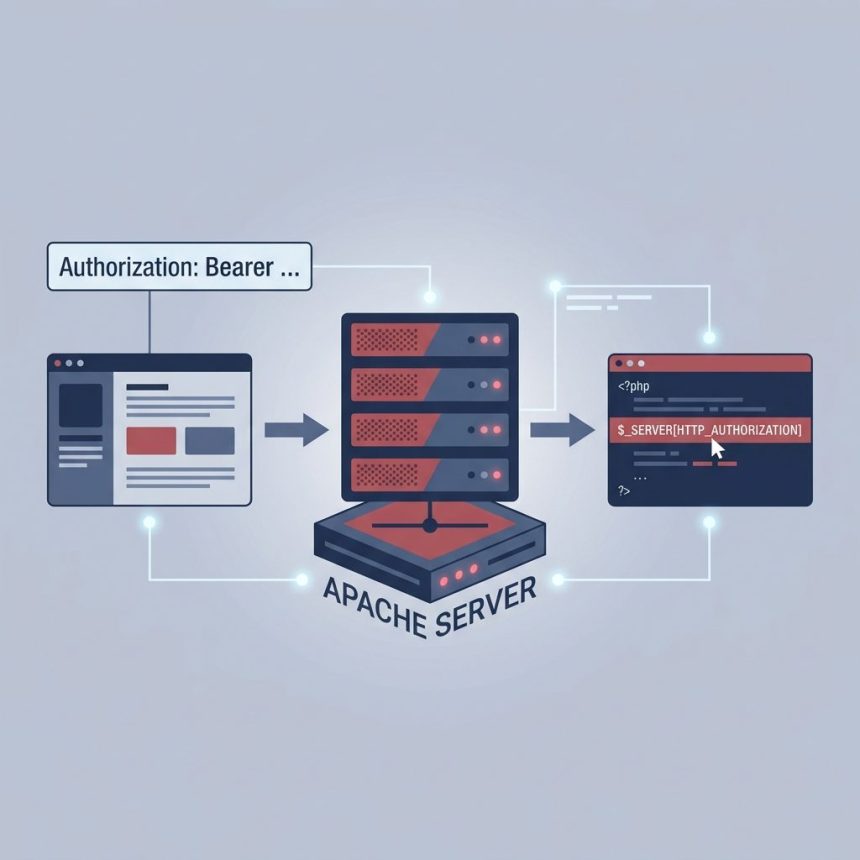
To fix a missing Authorization header in a PHP request on Apache (commonly seen on cPanel servers after migration), tell Apache to forward the header to PHP. The two-line fix lives in .htaccess or, with root access, in Apache’s main config. After adding it and restarting Apache, $_SERVER['HTTP_AUTHORIZATION'] is populated as expected.
Last verified: 2026-05-17 on Apache 2.4 with PHP-FPM and suPHP. Originally published 2024-01-01, rewritten and updated 2026-05-17.
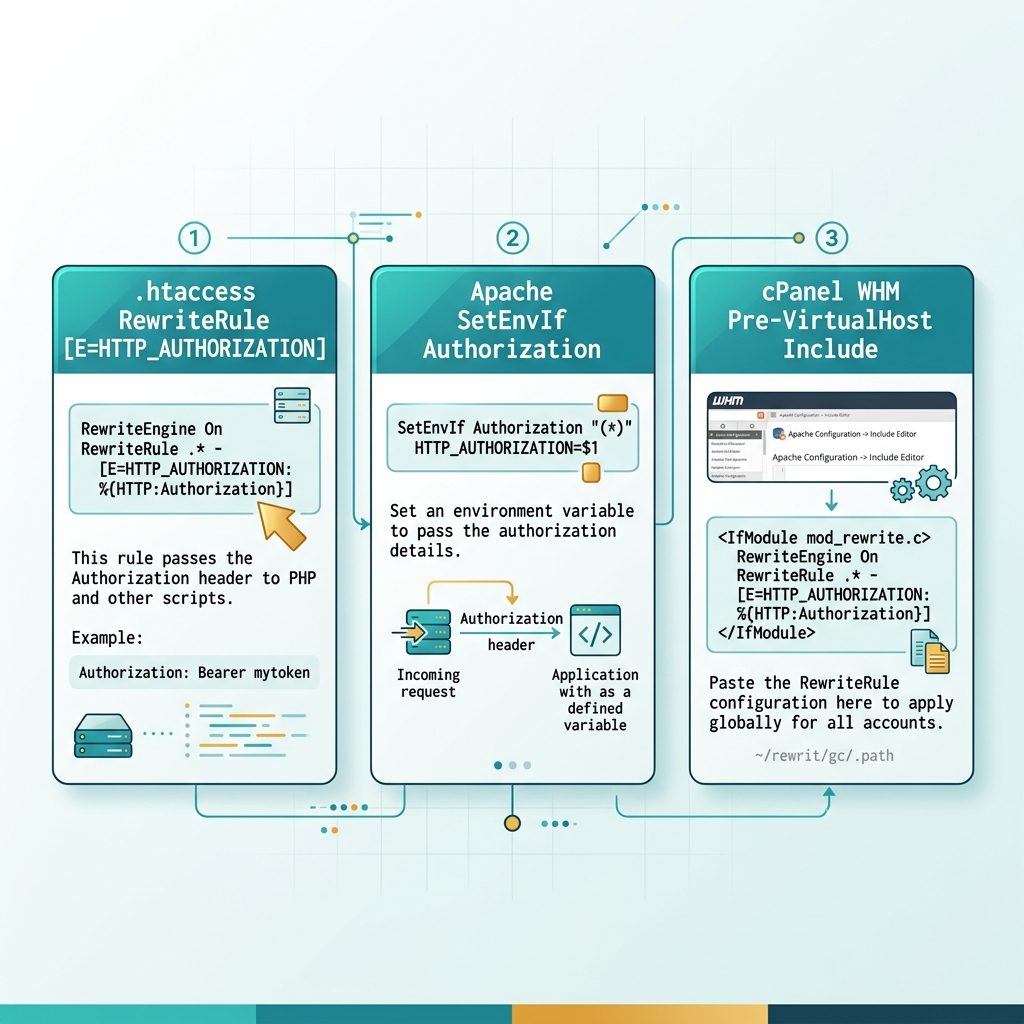
Option 1 — .htaccess (per-site, works on shared hosting)
RewriteEngine On
RewriteRule .* - [E=HTTP_AUTHORIZATION:%{HTTP:Authorization}]
The [E=VAR:value] flag sets an environment variable on every request, and PHP exposes Apache env vars as $_SERVER[...]. After saving the file, the next request will have $_SERVER['HTTP_AUTHORIZATION'] filled in. No Apache restart needed when changing .htaccess.
Option 2 — Apache config SetEnvIf (root access)
SetEnvIf Authorization "(.*)" HTTP_AUTHORIZATION=$1Place this inside the <VirtualHost> for the site (or in the global config to cover every site). The header is captured into HTTP_AUTHORIZATION and PHP exposes it on $_SERVER. Restart Apache to apply:
sudo systemctl restart apache2     # Debian/Ubuntu
sudo systemctl restart httpd       # RHEL/Alma/Rocky
service httpd restart              # older init systems
Option 3 — cPanel / WHM Pre-VirtualHost Include
If you’re on WHM/cPanel, the supported way to add Apache directives is via the Include Editor:
- WHM Home → Service Configuration → Apache Configuration
- Include Editor → Pre VirtualHost Include → All Versions
- Paste the same line:
SetEnvIf Authorization "(.*)" HTTP_AUTHORIZATION=$1- Save. WHM rebuilds
httpd.confand restarts Apache automatically.
Pre-VirtualHost includes survive Apache config rebuilds (cPanel regenerates the main config on package updates), which is why this is the right place rather than editing httpd.conf directly.
Verify
<?php
// Quick check — drop in a temp file, hit it with an Authorization header
header('Content-Type: text/plain');
echo "HTTP_AUTHORIZATION: " . ($_SERVER['HTTP_AUTHORIZATION'] ?? '(missing)') . PHP_EOL;
curl -H "Authorization: Bearer test123" https://example.com/check.php
# HTTP_AUTHORIZATION: Bearer test123If it still shows (missing), double-check that mod_rewrite is enabled (for the .htaccess option) or that mod_setenvif is loaded (it usually is by default). Remove the test script after debugging.
Frequently asked questions
Authorization header by default? On CGI/FastCGI stacks (cPanel’s default suPHP, php-fpm), Apache only forwards headers it’s been told to. Authorization is treated specially because Apache may handle Basic auth itself — leaving it in the request would either short-circuit your PHP auth code or leak credentials past mod_auth. The SetEnvIf/RewriteRule rules in this guide explicitly pass it through to PHP.
.htaccess rule or the Apache config SetEnvIf? Either works; pick based on access. Use .htaccess when you only control your account on a shared host (cPanel). Use SetEnvIf in the main Apache config (or a cPanel Pre-VirtualHost Include) when you have root — it’s slightly faster and applies to every site at once.
Nginx passes headers to PHP-FPM via fastcgi_params, and the Authorization header normally makes it through unchanged. If you do see it missing, check that your fastcgi_params include fastcgi_pass_request_headers on; (the default) and that no rule explicitly drops the header.
After the fix, it’s available as $_SERVER['HTTP_AUTHORIZATION']. For a portable getter, the getallheaders() function returns every header in a case-insensitive array on most SAPIs. Be careful with case: HTTP_AUTHORIZATION is upper-case in $_SERVER, but getallheaders() preserves the original casing from the request.
Related guides
- How to Fix “CORS Policy Blocked Origin”
- How to Display PHP Errors
- How to Enable the PHP DOM Extension
References
Apache SetEnvIf: httpd.apache.org/docs/2.4/mod/mod_setenvif.html#setenvif. Apache RewriteRule [E] flag: httpd.apache.org/docs/2.4/rewrite/flags.html#flag_e. PHP $_SERVER: php.net/manual/en/reserved.variables.server.php.