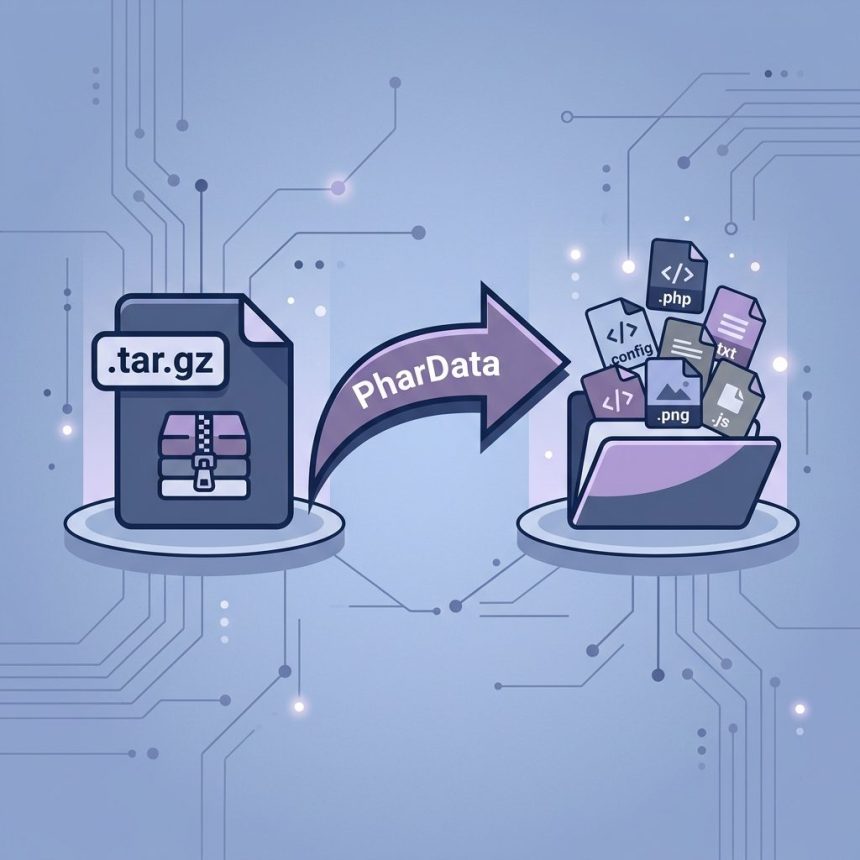
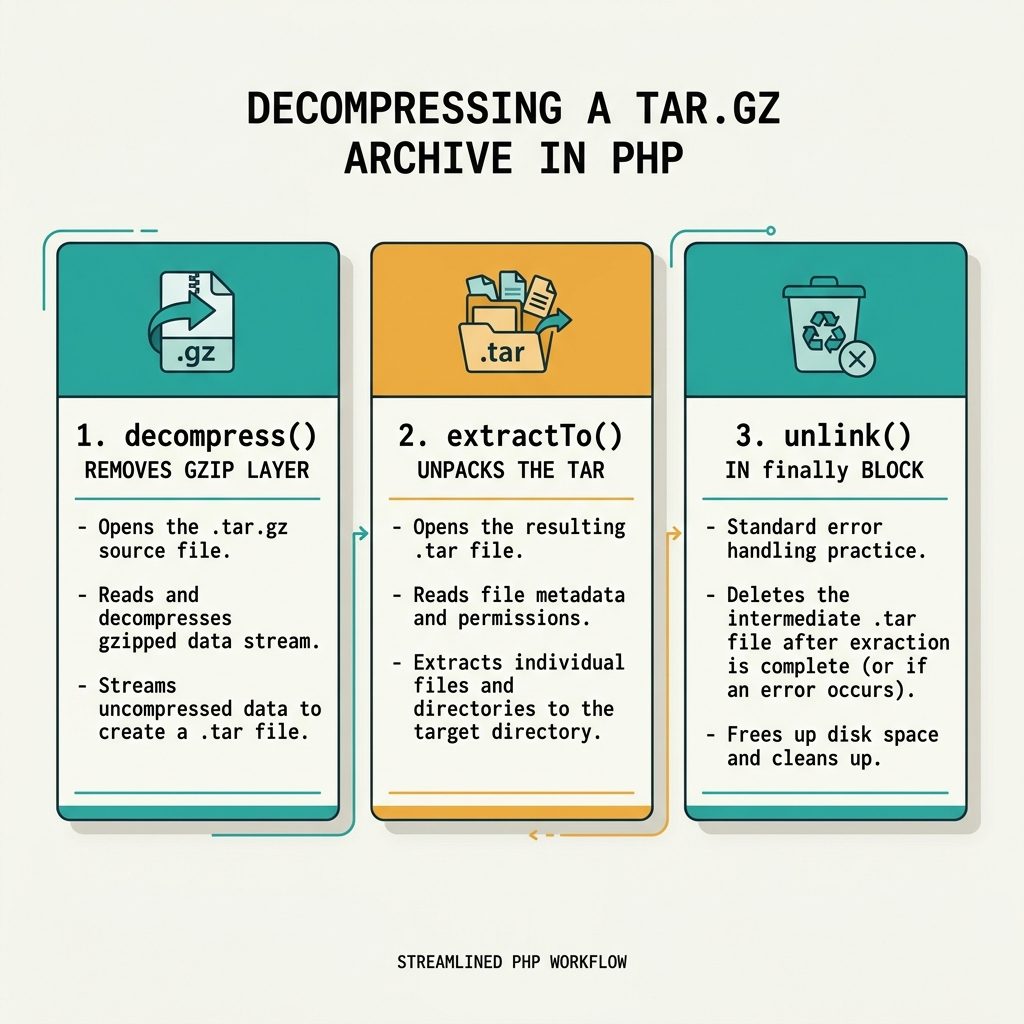
To extract a .tar.gz file with PHP on shared hosting that blocks exec(), use the built-in PharData class. The pattern is two steps: decompress() removes the gzip layer, then extractTo() unpacks the resulting .tar into a destination directory.
Last verified: 2026-05-17 on PHP 8.1 and 8.3. Originally published 2022-07-19, rewritten and updated 2026-05-17.
The two-step recipe
<?php
try {
    $file_path = "/path/to/myfile";

    // 1. Decompress the gzip layer -> /path/to/myfile.tar
    $p = new PharData("{$file_path}.tar.gz");
    $p->decompress();

    // 2. Extract the tar archive
    $phar = new PharData("{$file_path}.tar");
    $phar->extractTo("/destination/path");

} catch (Exception $e) {
    error_log("tar.gz extract failed: " . $e->getMessage());
}
After decompress(), there’s an uncompressed myfile.tar sitting next to your .tar.gz. The second step opens that tar and writes every entry into /destination/path. extractTo() creates the destination directory if it doesn’t exist.
Cleaning up the intermediate .tar
$archive = "{$file_path}.tar.gz";
$tar     = "{$file_path}.tar";

try {
    (new PharData($archive))->decompress();
    (new PharData($tar))->extractTo("/destination/path", null, true);
} finally {
    if (file_exists($tar)) {
        unlink($tar);
    }
}
The third argument true to extractTo() overwrites existing files in the destination. The finally block ensures the intermediate .tar is removed even if extraction throws — important for shared hosts with disk quotas.
One-call variant (newer PHP)
(new PharData('/path/to/myfile.tar.gz'))->extractTo('/destination/path', null, true);On PHP 8+, PharData handles the gzip layer transparently in many cases — no separate decompress() step needed. If it errors out (which still happens on certain archives), fall back to the explicit two-step recipe above.
When extraction silently does nothing
- Wrong file extension on disk.
PharDatainfers format from the file name, not the bytes. A.tar.gzrenamed to.tgzwon’t be read as gzip. Rename or passPhar::TAR/Phar::GZflags. - Phar read-only mode. If
phar.readonly = 1inphp.ini,decompress()on a non-Phar archive still works, but write-style operations on.phararchives don’t. Reading and extracting.tar.gzis unaffected. - Destination permissions. If your script user can’t write to
/destination/path,extractTo()throws aPharException. Catch it and report.
Frequently asked questions
PharData create a .tar file when I decompress? .tar.gz is two layers — tar bundles many files into one, gzip compresses the bundle. PharData::decompress() only handles the gzip layer, leaving the uncompressed .tar behind. You then call extractTo() on that .tar to write out the individual files. It’s the same two-step model as gunzip foo.tar.gz followed by tar -xf foo.tar.
The phar extension must be enabled — it’s bundled in core and on by default on every modern PHP build. You also need zlib compiled in for gzip support, which is also default. On shared hosting where you can’t change PHP config, both are almost always present. Check with php -m | grep -iE 'phar|zlib'.
.tar after extraction? Just unlink() it after extractTo() succeeds. For tidiness, wrap the whole thing so the intermediate file is cleaned up even on error: extract inside a try, then unlink in a finally. Otherwise a failed extraction leaves the .tar sitting on disk.
Yes — (new PharData('file.tar.gz'))->extractTo('/dest') works in one call on newer PHP, because PharData can read the gzip layer transparently. The two-step approach in the source is the historically-safe pattern that always worked, including on older PHP where transparent gzip wasn’t reliable.
Related guides
- How to Create a Folder If It Does Not Exist in PHP
- How to Zip Multiple Files and Directories in Linux
- How to Enable the PHP DOM Extension
References
PharData manual: php.net/manual/en/class.phardata.php. PharData::decompress(): php.net/manual/en/phardata.decompress.php. PharData::extractTo(): php.net/manual/en/phardata.extractto.php.