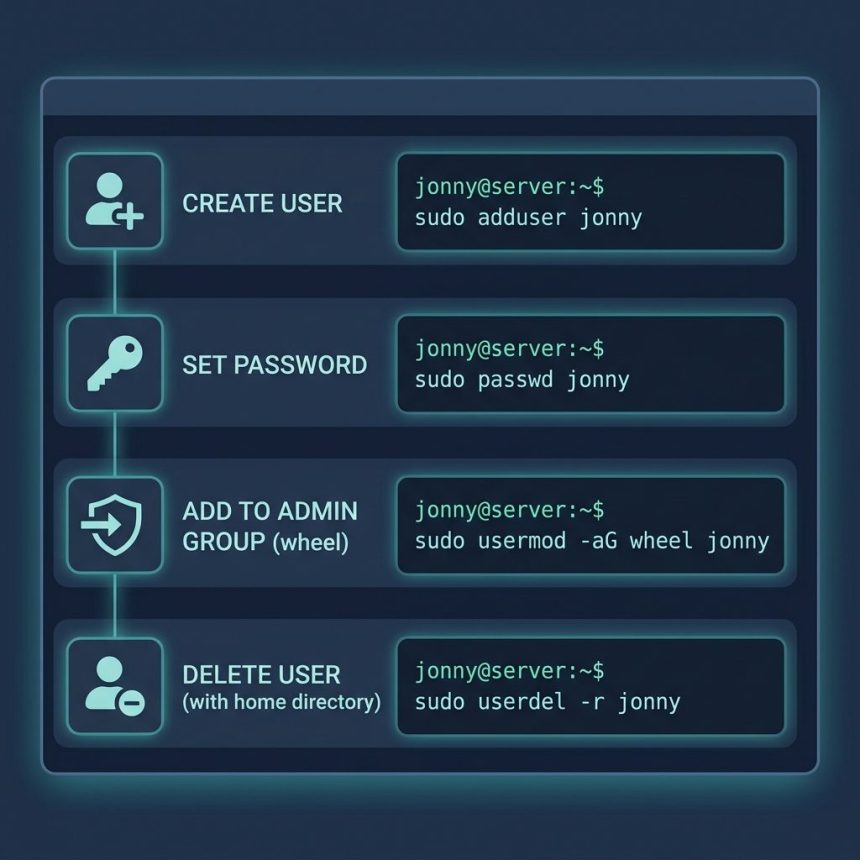
To add and delete users on a Linux server from the terminal, you have four commands: adduser to create, passwd to set the password, usermod -aG to grant sudo, and userdel -r to delete with their home directory. This guide walks through the full lifecycle on any modern Linux (AlmaLinux, Rocky, RHEL, Debian, Ubuntu).
Last verified: 2026-05-17 on AlmaLinux 9 and Ubuntu 22.04. Originally published 2023-01-09, rewritten and updated 2026-05-17.
TL;DR
# Create the user (interactive — prompts for password, gecos, etc.)
sudo adduser jonny

# Or, scripted equivalent
sudo useradd -m -s /bin/bash jonny
echo 'jonny:initialpass' | sudo chpasswd

# Grant sudo (RHEL family)
sudo usermod -aG wheel jonny

# Grant sudo (Debian/Ubuntu)
sudo usermod -aG sudo jonny

# Delete user and their home directory
sudo userdel -r jonny
Add a user
sudo adduser jonnyOn Debian/Ubuntu, adduser is a friendly interactive wrapper — it prompts for a password, full name, room number (which you can leave blank), and confirms. It creates the home directory at /home/jonny, copies skeleton files from /etc/skel/, sets the default shell, and creates a primary group named after the user.
On RHEL/AlmaLinux/Rocky, adduser is a symlink to useradd — non-interactive. Use this scripted form instead:
sudo useradd -m -s /bin/bash jonny
sudo passwd jonny
-m creates the home directory; -s /bin/bash sets the login shell. passwd prompts for the new password twice.
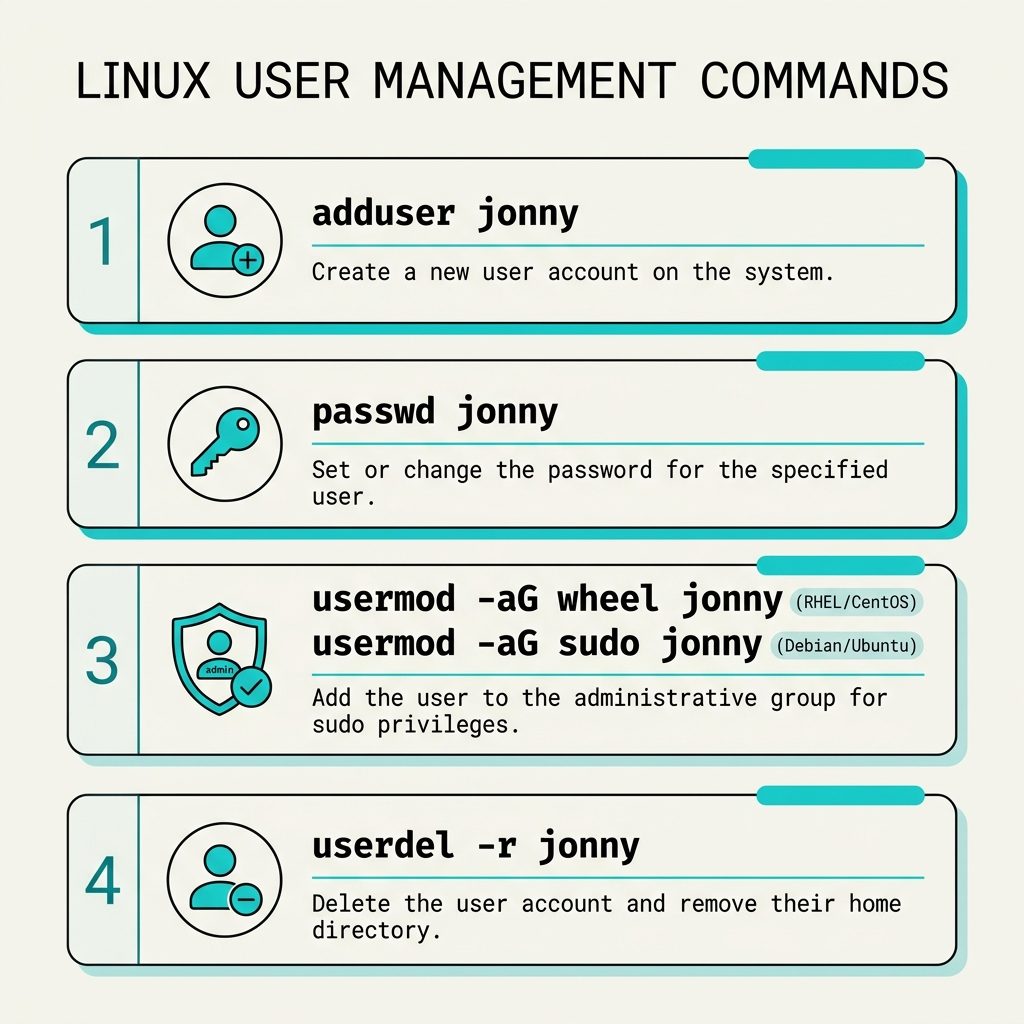
Grant sudo privileges
By default, the new user can log in and do whatever their own files allow — but can’t sudo. The fix is to add them to the admin group. Which group depends on the distro:
# RHEL / AlmaLinux / Rocky / Fedora — group is "wheel"
sudo usermod -aG wheel jonny

# Debian / Ubuntu — group is "sudo"
sudo usermod -aG sudo jonny
-aG is critical: -a appends (without it, you’d replace the user’s group list, removing them from every other group); -G sets supplementary groups. Verify with id jonny — the wheel/sudo group should appear in the output.
The new sudo access takes effect on the user’s next login. Have them exit and SSH back in, then test:
sudo whoami # Should print: rootSet or change a password
# Interactive — prompts twice
sudo passwd jonny

# The user can also change their own
passwd
For automation (cloud-init, provisioning scripts):
# Debian/Ubuntu — chpasswd reads user:pass pairs from stdin
echo 'jonny:newpass' | sudo chpasswd

# RHEL family — passwd --stdin
echo 'newpass' | sudo passwd --stdin jonny
Delete a user
# Remove user, keep their home directory
sudo userdel jonny

# Remove user AND their home directory and mail spool
sudo userdel -r jonny
The -r flag is what you usually want when offboarding — otherwise /home/jonny persists on disk indefinitely.
If userdel errors with user is currently used by process X, the account still has an active session or daemon. Find it with pgrep -u jonny, then either wait for the session to end or kill the processes: sudo pkill -KILL -u jonny.
Useful related commands
# What groups does a user belong to?
id jonny
groups jonny

# Lock / unlock without deleting
sudo usermod -L jonny     # lock
sudo usermod -U jonny     # unlock

# Force password change on next login
sudo chage -d 0 jonny

# List human (non-system) users
awk -F: '$3 >= 1000 {print $1}' /etc/passwd
Frequently asked questions
adduser and useradd? useradd is the low-level binary that creates the user entry in /etc/passwd — it doesn’t prompt for a password, doesn’t create a home directory unless you pass -m, doesn’t set the shell beyond the default. adduser is an interactive wrapper (Perl on Debian/Ubuntu, sometimes a shell script on RHEL) that prompts for everything and sets sensible defaults. For interactive setup, use adduser. For scripted/automated setup, use useradd with explicit flags.
wheel is the traditional Unix admin group — members are granted sudo access via a line in /etc/sudoers (or a drop-in under /etc/sudoers.d/). On RHEL/AlmaLinux/Rocky, the group is wheel. On Debian/Ubuntu, it’s sudo. Add a user to the right group with usermod -aG wheel jonny (RHEL) or usermod -aG sudo jonny (Debian/Ubuntu).
sudo userdel -r jonny on every modern Linux. The -r flag tells userdel to remove the home directory and mail spool too. Without it, the account is removed but /home/jonny stays on disk — useful when you want to preserve work, but easy to forget about cleanup later.
awk -F: '$3 >= 1000 {print $1}' /etc/passwd prints every user with UID 1000 or higher — the convention for human accounts. System accounts (root, daemon, sshd, etc.) live below 1000 (or below 500 on very old systems).
Yes — echo 'newpass' | sudo passwd --stdin jonny works on RHEL family. On Debian/Ubuntu, use chpasswd: echo 'jonny:newpass' | sudo chpasswd. Both are non-interactive and suitable for cloud-init or provisioning scripts. Treat the password string carefully — it’ll show up in shell history.
Related guides
- How to Add a User to Pure-FTPd from the Command Line on Linux
- How to Enable CageFS for a User on CloudLinux
- How to List Network Devices on Linux
References
man adduser, man useradd, man userdel, man usermod on any Linux system. RHEL documentation on user/group management: access.redhat.com — managing local users and groups.