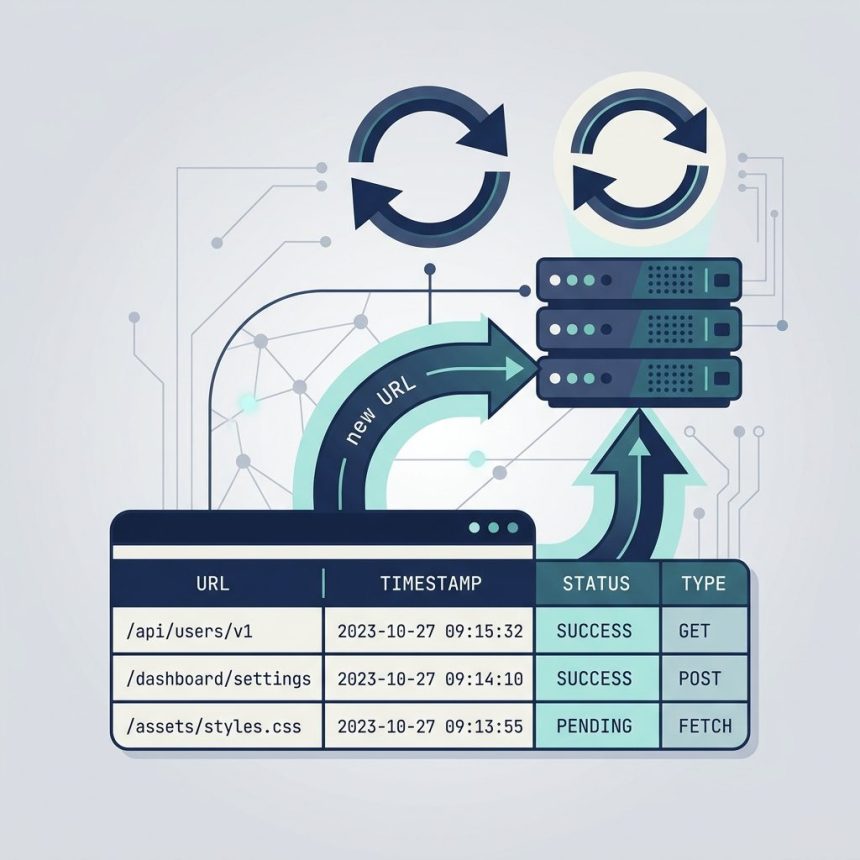
To reload a DataTable with a new Ajax URL without reinitializing it, grab the existing API object, call ajax.url() with the new endpoint, and then ajax.reload() (or chain .load()). The table stays intact — column definitions, sort state, search box — only the underlying data refreshes.
Last verified: 2026-05-17 with DataTables 2.0. Originally published 2024-03-30, rewritten and updated 2026-05-17.
The three-line update
const history = $('#purchase_history').DataTable();
history.ajax.url('/purchase-history-new');
history.ajax.reload();
$('#table').DataTable() without options returns the existing API object for an already-initialised table. ajax.url() sets the new endpoint; ajax.reload() fires the request.
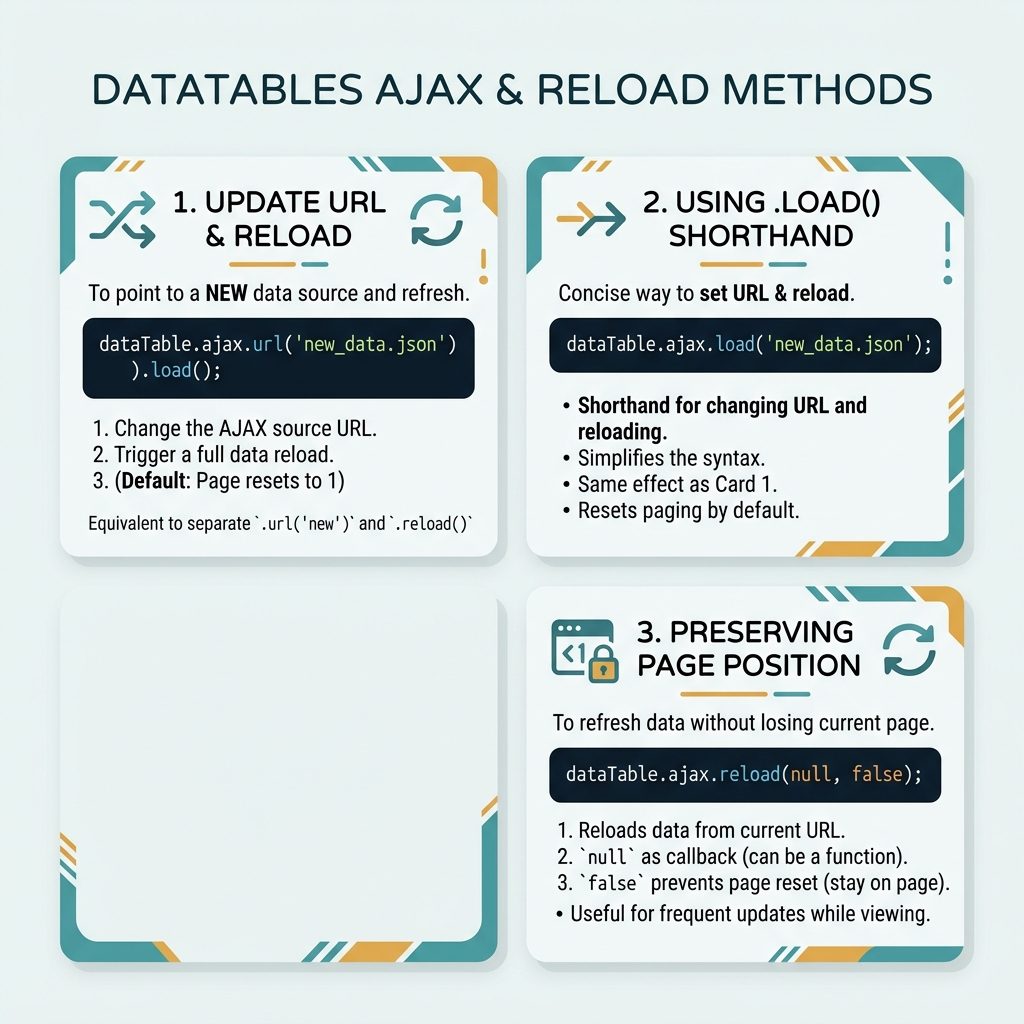
One-line shorthand with .load()
$('#purchase_history').DataTable().ajax.url('/purchase-history-new').load();.load() is equivalent to .reload() after a URL change but reads more like English. It resets pagination to page 1 — usually what you want when the data source changes.
Keep the user on the current page
const history = $('#purchase_history').DataTable();
history.ajax.url('/purchase-history-new');
history.ajax.reload(null, false);   // false = stay on current page
The second argument to ajax.reload() is resetPaging. Pass false to keep the user where they are — useful when changing filters or re-fetching after an edit and you don’t want to jump back to page 1.
Callback after reload
history.ajax.reload((json) => {
    console.log(`Loaded ${json.data.length} rows`);
});
The first argument to ajax.reload() is a callback that receives the server’s JSON response. Use it to update counters, dispatch events, or trigger follow-on actions tied to the fresh data.
When you want filters, not a new URL
const table = $('#purchase_history').DataTable({
    ajax: {
        url:  '/purchase-history',
        data: (d) => {
            d.start_date = $('#start').val();
            d.end_date   = $('#end').val();
            return d;
        },
    },
    // columns: [...]
});

// When filters change
table.ajax.reload();
If the only thing changing is filter parameters (same endpoint, different query string), make ajax.data a function. DataTables calls it on every request, picks up the current filter values, and sends them as part of the request — no URL juggling required.
Frequently asked questions
ajax.url() first instead of just ajax.reload()? ajax.reload() re-fetches from the current Ajax URL. To point at a different endpoint, you have to change the URL first with ajax.url('new-endpoint') — that returns the API object, so you can chain .load() or call ajax.reload() next. Without changing the URL, you get fresh data from the same endpoint.
.load() and ajax.reload() after changing the URL? ajax.url('...').load() issues the request immediately and resets pagination to page 1. ajax.url('...'); ajax.reload(null, false) is the version that preserves the current page. The false as the second arg keeps the user on the page they were on (handy if they were deep into pagination and you just changed filters).
$('#table').DataTable() (capital D, no options) returns the existing API object for an initialised table. $('#table').dataTable() (lowercase) returns the old jQuery-plugin-style object and is mostly deprecated. Always use the capital-D form for the new API.
Yes — make ajax.data a function: ajax: { url: '...', data: (d) => { d.filter = getCurrentFilter(); return d; } }. Each ajax.reload() calls the function fresh and sends the current filter value. No URL gymnastics needed.
Related guides
- How to Load Data in DataTables Using Ajax
- How to Create Ajax-Based Pagination in DataTables
- How to Trigger a Function When DataTables Loads Data
References
DataTables ajax.url(): datatables.net/reference/api/ajax.url(). DataTables ajax.reload(): datatables.net/reference/api/ajax.reload(). DataTables ajax.data: datatables.net/reference/option/ajax.data.