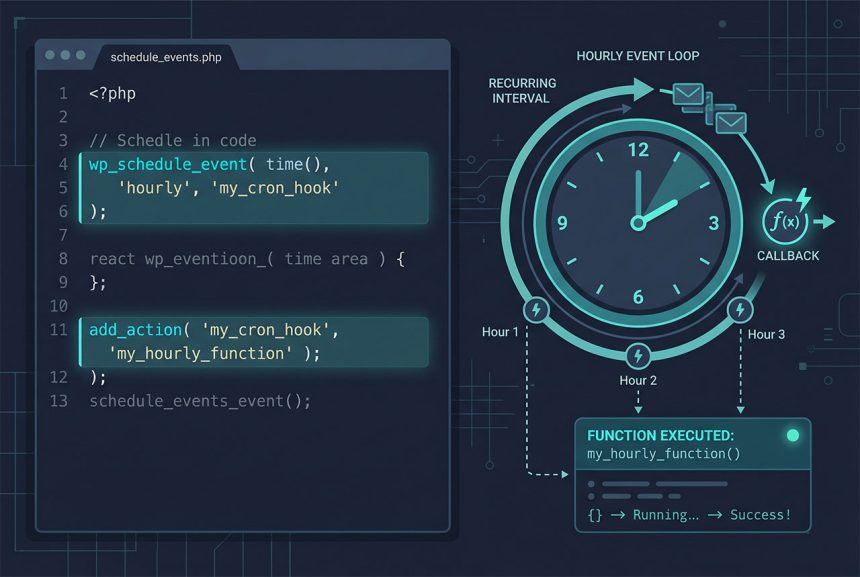
A wordpress cron job no plugin setup is three pieces of code in functions.php: a custom interval (optional), a wp_schedule_event call guarded by wp_next_scheduled, and an add_action for your event hook. WordPress’s WP-Cron API handles the scheduling; you just tell it what to run and when. This guide covers the full pattern, how to clear stale events, and why you’ll probably also want to pair it with a real system cron — covered in the companion guide.
Last verified: 2026-04-23 on WordPress 6.5 and PHP 8.3. Originally published 2024-02-23, rewritten and updated 2026-04-23.
TL;DR
// 1. Custom interval (skip if 'hourly'/'daily'/'weekly' fits)
add_filter( 'cron_schedules', function ( $schedules ) {
    $schedules['every_15_min'] = array(
        'interval' => 15 * 60,
        'display'  => __( 'Every 15 Minutes', 'how7o' ),
    );
    return $schedules;
} );

// 2. Register the event (only if not already scheduled)
add_action( 'init', function () {
    if ( ! wp_next_scheduled( 'how7o_cron_event' ) ) {
        wp_schedule_event( time(), 'every_15_min', 'how7o_cron_event' );
    }
} );

// 3. The callback that runs
add_action( 'how7o_cron_event', 'how7o_run_cron_job' );
function how7o_run_cron_job() {
    // Do something here — update prices, send digest, etc.
}
Step 1 — Custom interval (optional)
function how7o_cron_intervals( $schedules ) {
    $schedules['1hr_cron'] = array(
        'interval' => 3600,                  // in seconds
        'display'  => __( '1hr Interval', 'how7o' ),
    );
    return $schedules;
}
add_filter( 'cron_schedules', 'how7o_cron_intervals' );
Skip this if one of WordPress’s built-in intervals fits — hourly, twicedaily, daily, weekly. Define a custom interval only when you need something the built-ins don’t cover. The interval is in seconds; display is what shows up in plugins that list cron events.
Step 2 — Register the recurring event
function how7o_register_cron_event() {
    if ( ! wp_next_scheduled( 'how7o_cron_event' ) ) {
        wp_schedule_event( time(), '1hr_cron', 'how7o_cron_event' );
    }
}
add_action( 'init', 'how7o_register_cron_event' );
Three parts:
wp_next_scheduled('how7o_cron_event')returns the timestamp of the next scheduled run, orfalseif none. The guard means we only schedule if it’s not already scheduled.time()is the first run timestamp — “start from now.”'1hr_cron'(or whichever interval slug) is how often it repeats.'how7o_cron_event'is the action hook WordPress fires on each run.
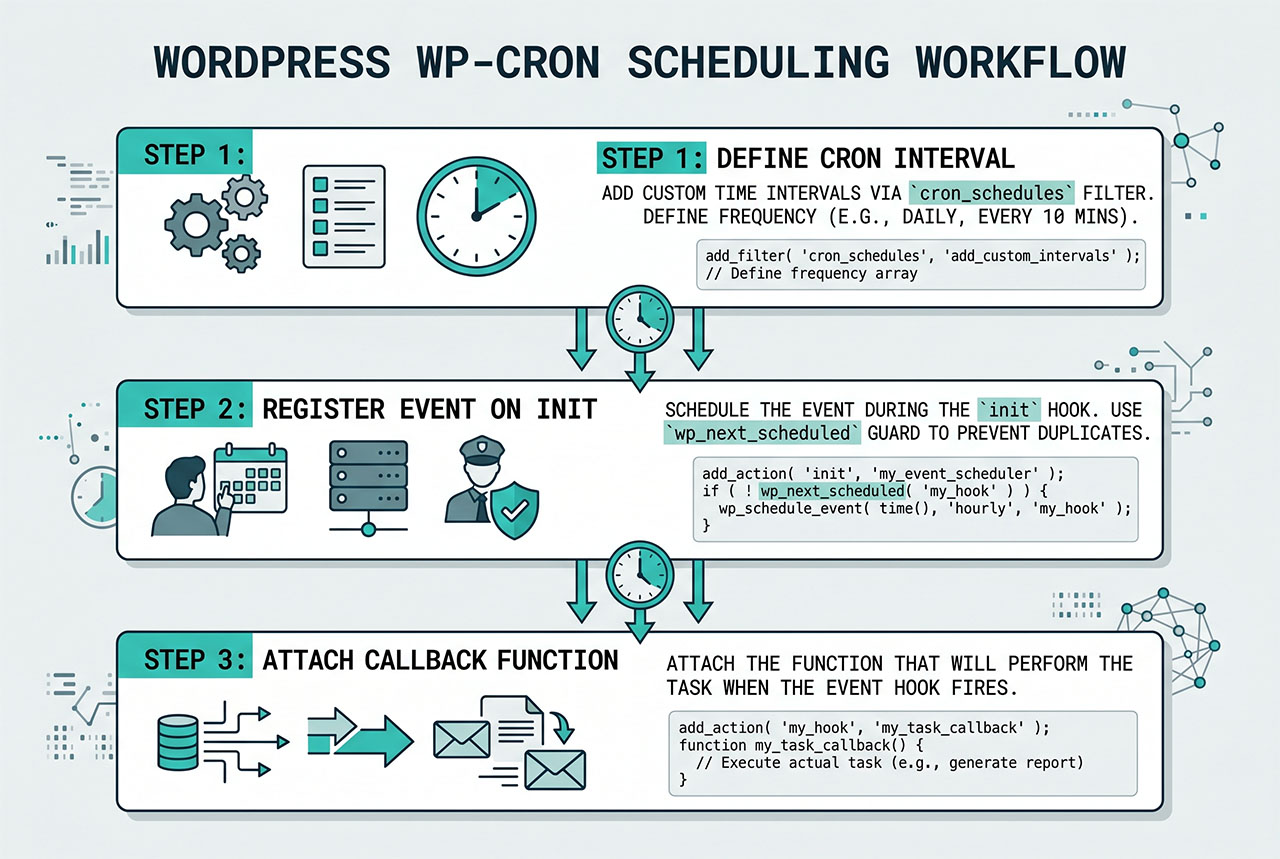
Step 3 — The callback
function how7o_run_cron_job() {
    // Your actual work: update data, call an API, send emails.
    // Keep this fast — long-running cron can time out.
}
add_action( 'how7o_cron_event', 'how7o_run_cron_job' );
The hook name you registered in step 2 (how7o_cron_event) is what WordPress fires on each run — attach your function to that. Keep the callback fast. If the work is heavy (scanning thousands of posts, calling an external API per post), queue an Action Scheduler or batch-mode job from the cron callback rather than doing it all inline.
Clearing and inspecting
// Remove every queued instance of the event
wp_clear_scheduled_hook( 'how7o_cron_event' );

// Inspect everything currently in the cron queue
$cron = get_option( 'cron' );
var_dump( $cron );
Useful during development. Always run wp_clear_scheduled_hook before switching from one interval to another — otherwise both the old and new schedule coexist. On deactivation of a plugin that registered the event, call wp_clear_scheduled_hook in the deactivation hook so the queue doesn’t accumulate orphan events.
The low-traffic caveat
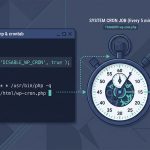
WP-Cron runs on-page-load: every request checks if any cron event is due and fires them in-process. On a high-traffic site this is fine — there’s always a visitor to trigger it. On a low-traffic site, a cron scheduled for 2am may not fire until someone visits at 9am. For time-sensitive work, disable WP-Cron and hit wp-cron.php from a real system cron — walkthrough in How to Set Up a System-Based Cron Job in WordPress.
Frequently asked questions
Two hooks: wp_schedule_event to register the recurring event (inside an init callback, guarded by wp_next_scheduled so it only registers once), and a separate add_action for the event’s hook name that runs your actual function. Optionally a cron_schedules filter for custom intervals. That’s it — no plugin needed.
wp_schedule_event in wp_next_scheduled? wp_schedule_event registers the event every time it’s called, which fires on init on every request. Without the guard you’d queue thousands of duplicate events. wp_next_scheduled('your_hook') returns the timestamp of the next scheduled run, or false if none. Registering only when it’s false keeps the queue clean.
WordPress ships hourly, twicedaily, daily, and weekly. To run more or less often, define a custom interval via the cron_schedules filter: return an array with your slug (e.g. '1hr_cron') mapping to ['interval' => 3600, 'display' => '1 Hour']. The interval is in seconds.
wp_clear_scheduled_hook('your_hook_name') removes every queued instance of that hook. Run it from a WP-CLI wp eval call or temporarily add it to functions.php, hit any page to fire init, then remove the line. For one-off dumps of the current queue, get_option('cron') returns the raw array.
No — WordPress’s built-in wp-cron.php only fires when someone visits the site. On low-traffic sites scheduled events can miss their window by hours. The fix is a real system cron job that hits wp-cron.php at a predictable interval — see how to set up a system-based cron job in WordPress.
Related guides
- How to Set Up a System-Based Cron Job in WordPress — the “make wp-cron actually run on time” follow-up.
- How to Apply pre_get_posts on Custom Post Types in WordPress — another hook-driven customization.
- How to Show Custom Notifications in the WordPress Dashboard — a simple admin UI for your cron’s output.
- How to Deregister or Remove a CSS File in WordPress — sibling priority-matters hook pattern.
References
WordPress developer reference for wp_schedule_event and cron_schedules: developer.wordpress.org/reference/functions/wp_schedule_event.