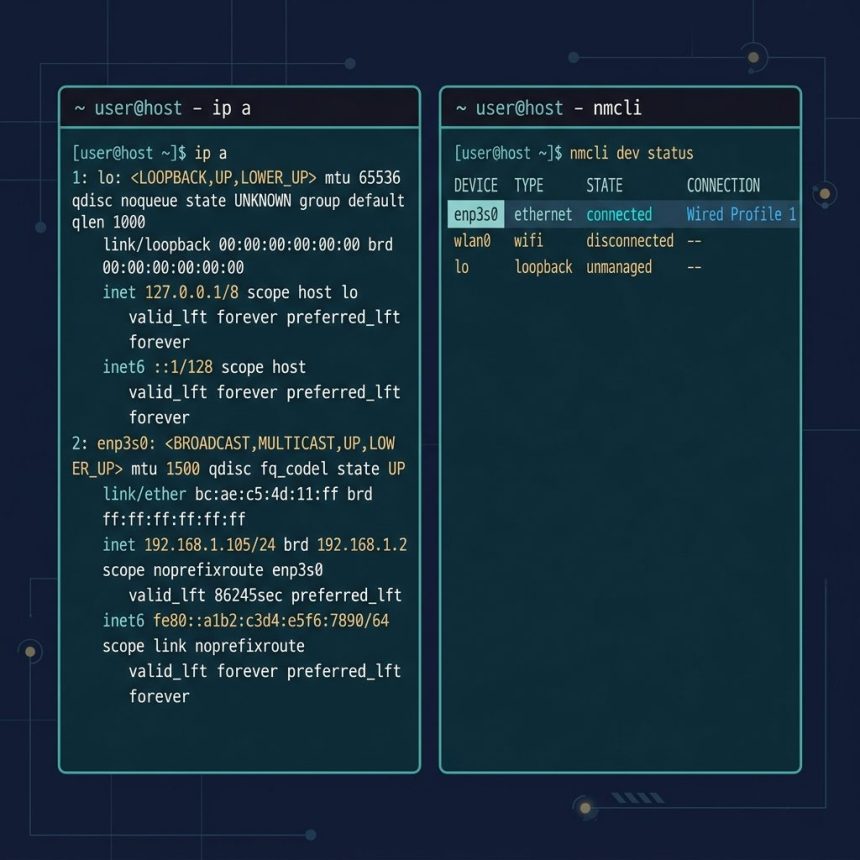
To list network devices on Linux, the fastest way is ip a (shows every interface with its addresses and link state) or nmcli dev status (shows NetworkManager-managed connection state). Both work on AlmaLinux, Rocky, RHEL, Debian, Ubuntu, Arch — anywhere with a modern kernel and iproute2 installed.
Last verified: 2026-05-17 on AlmaLinux 9, Ubuntu 22.04, and Fedora 40. Originally published 2022-08-29, rewritten and updated 2026-05-17.
TL;DR
# Every interface, addresses, link state
ip a

# Compact one-line-per-interface view
ip -br link

# NetworkManager view (only on systems with NM installed)
nmcli dev status

# Default-route interface
ip route show default
Using ip
ip a (short for ip address show) is the modern, official command — part of the iproute2 package that every Linux distro ships in the default install:
ip aSample output:
1: lo: <LOOPBACK,UP,LOWER_UP> mtu 65536 ...
    inet 127.0.0.1/8 scope host lo
2: enp3s0: <BROADCAST,MULTICAST,UP,LOWER_UP> mtu 1500 ...
    link/ether 52:54:00:12:34:56 brd ff:ff:ff:ff:ff:ff
    inet 192.168.1.42/24 brd 192.168.1.255 scope global enp3s0
For a more compact view, pass -br (brief):
ip -br link

# lo               UNKNOWN        00:00:00:00:00:00
# enp3s0           UP             52:54:00:12:34:56
# wlp2s0           DOWN           a0:88:b4:11:22:33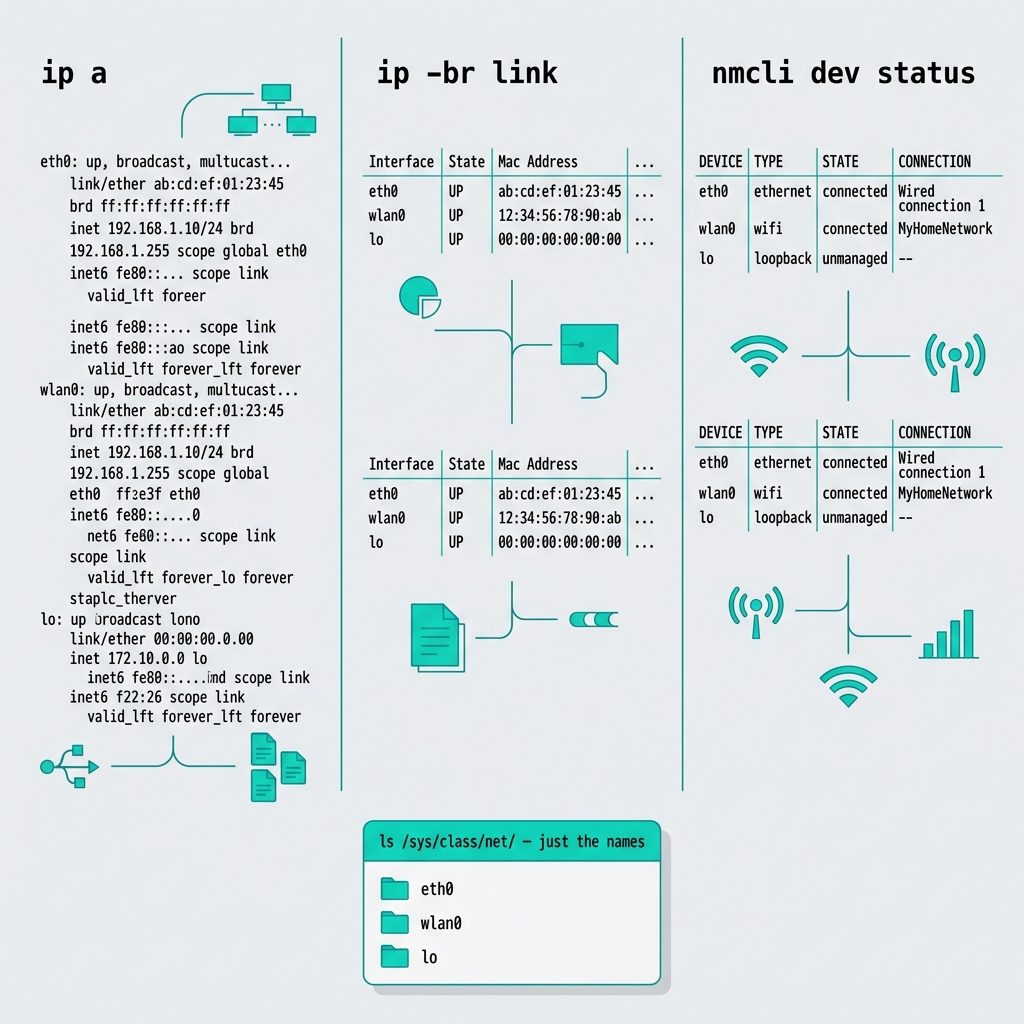
Using nmcli
On any system with NetworkManager installed (most desktops, many servers), nmcli dev status gives a higher-level view:
nmcli dev status

# DEVICE   TYPE      STATE        CONNECTION
# enp3s0   ethernet  connected    Wired connection 1
# wlp2s0   wifi      disconnected --
# lo       loopback  unmanaged    --
The advantage over ip a: nmcli knows which connection profile is active, which Wi-Fi network you’re on, and whether NetworkManager is managing the device at all. If you get Error: NetworkManager is not running, your system doesn’t have NetworkManager — that’s fine, just use ip.
Just the names
If a script just needs the list of interface names, the kernel exposes them as directories under /sys/class/net/:
ls /sys/class/net/

# enp3s0  lo  wlp2s0
This is the cleanest, dependency-free way to enumerate interfaces — useful inside containers, minimal Alpine images, or anywhere ip might not be installed.
Frequently asked questions
ip a and ifconfig? ip a is part of the iproute2 suite and is the official replacement for the deprecated net-tools commands (ifconfig, route, arp). It shows the same information plus IPv6, multiple addresses per interface, and link-state details. Most distros stopped installing ifconfig by default years ago. Always use ip on modern systems.
nmcli dev status show that ip a doesn’t? nmcli queries NetworkManager, so its output reflects the connection profile (Wi-Fi network names, VPN status, bond/bridge members, whether a device is managed by NetworkManager at all). ip a just shows the kernel-level interface state. On servers without NetworkManager you’ll get an error from nmcli — that’s not a bug, just a sign NetworkManager isn’t installed.
Filter on the link/ether line. ip -br link gives a compact one-line-per-interface view; pipe to grep -v ' DOWN\|lo' to drop loopback and inactive ones. Or use ls /sys/class/net/ to see every kernel-recognized interface as a directory.
enp0s3 instead of eth0? That’s predictable network interface names, introduced with systemd. The prefix en = ethernet, p0 = PCI bus 0, s3 = slot 3. The names stay stable across reboots and kernel upgrades, which the old eth0/eth1 scheme didn’t guarantee. To revert to the old naming, add net.ifnames=0 to your kernel command line, but stable names are the better default.
ip route show default prints the default gateway and the device used to reach it: default via 192.168.1.1 dev enp3s0. That’s the interface your internet traffic leaves through.
Related guides
- How to Install Docker on AlmaLinux
- How to Update Ubuntu to the Latest Kernel
- Change the SSH Welcome Message on an Ubuntu VPS
References
iproute2 reference (ip command): man ip. NetworkManager CLI reference: networkmanager.dev/docs/api/latest/nmcli.html.