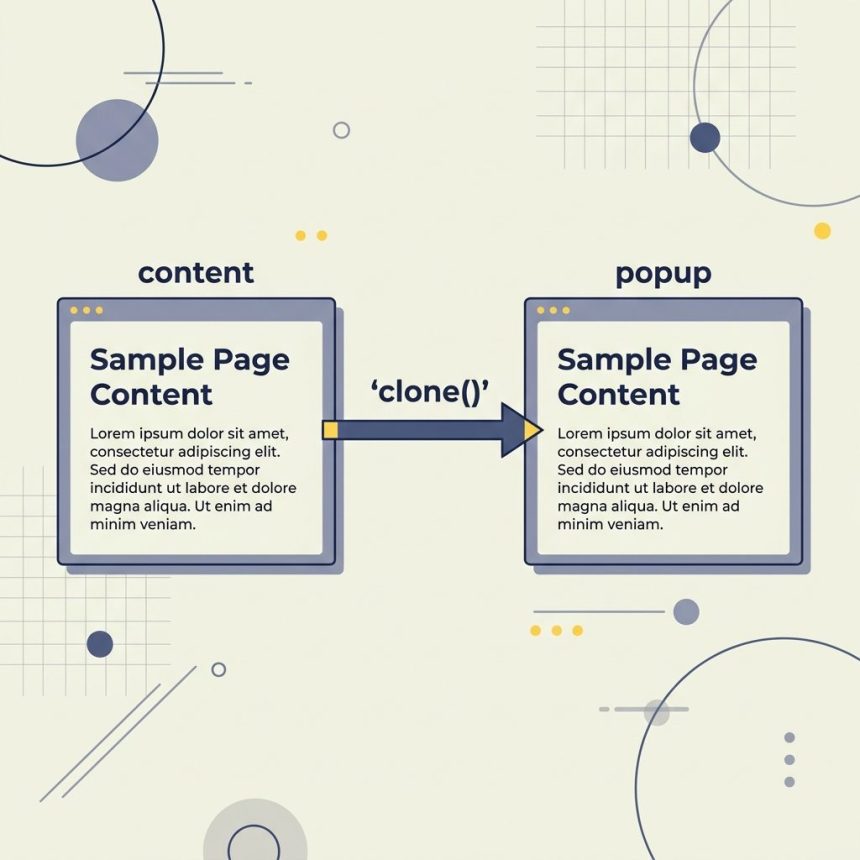
To duplicate a div into another div with jQuery, use .clone() to get a copy of the element and an insertion method like .appendTo() or .html() to place it into the target. For the common case of a popup or preview that mirrors some source content, .clone() is the cleaner choice.
Last verified: 2026-05-17 with jQuery 3.7. Originally published 2022-10-26, rewritten and updated 2026-05-17.
Starting markup
<div class="content">
    <h1>Title</h1>
    <p>Some Content</p>
</div>

<div class="popup">
    <!-- duplicate goes here -->
</div>
Option 1 — .clone() (recommended)
var elem = $('.content').clone();
$('.popup').html(elem);
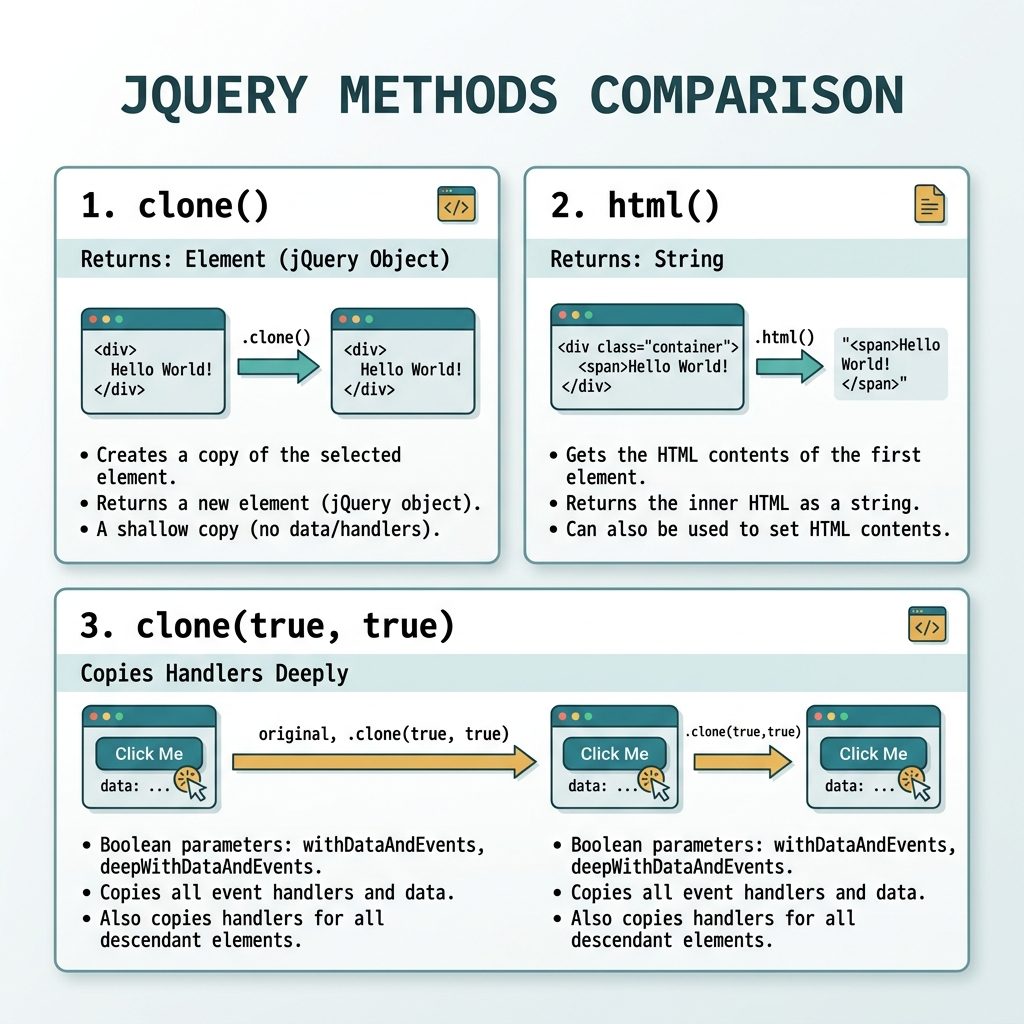
.clone() returns a duplicate jQuery object that’s detached from the DOM. .html(elem) replaces the inner content of .popup with it, including the outer <div class="content"> wrapper.
Option 2 — .html() (string copy)
var elem = $('.content').html();
$('.popup').html(elem);
This copies only the inner markup of .content (the <h1> and <p>, not the wrapping div). Same .html() method is doing two different things here: with no argument it’s a getter that returns a string; with an argument it’s a setter that replaces inner HTML.
Cloning with event handlers
// Shallow clone — copies markup, drops event handlers
$('.content').clone();

// Deep clone — copies jQuery data + events on the cloned element
$('.content').clone(true);

// Deeper still — events on the element AND all its descendants
$('.content').clone(true, true);
Default is structure-only. Pass true when you want a true behavioural copy.
Strip or rewrite ids on the clone
var cloned = $('.content').clone();

// Strip every id from the clone and its descendants
cloned.find('[id]').addBack('[id]').removeAttr('id');

$('.popup').html(cloned);
HTML id attributes must be unique per page. Cloning a subtree that contains ids and inserting it elsewhere will silently duplicate them — labels stop pointing at the right input, CSS rules match more than one element. Strip them or rewrite them with a fresh prefix on the clone.
Vanilla JS equivalent
const source = document.querySelector('.content');
const target = document.querySelector('.popup');

// Element clone
target.innerHTML = '';
target.appendChild(source.cloneNode(true));

// Or: string copy (equivalent of .html())
target.innerHTML = source.innerHTML;
Frequently asked questions
.clone() or .html() to copy a div? .clone() returns an element (with all of its descendants, attributes, and optionally its event handlers); .html() returns the inner HTML as a string. If you want a full structural copy with the outer wrapper, use .clone(). If you only need the inner markup re-injected, .html() is fine and slightly cheaper.
.clone() copy event handlers too? Only when you pass true: $('.content').clone(true) includes attached jQuery data and event handlers; $('.content').clone(true, true) also copies handlers on every descendant. Without the argument, only DOM structure and attributes are copied — useful when you want a clean copy that won’t fire stale handlers.
id attributes when cloning? id values must be unique per page. After cloning, walk the new tree and either strip ids (cloned.find('[id]').addBack('[id]').removeAttr('id')) or rewrite them to a fresh prefix. Forgetting this is a common cause of subtle bugs — labels stop linking to the right input, CSS rules match more than one element, etc.
Yes: node.cloneNode(true) clones the element with all descendants, and target.append(clone) inserts it. target.innerHTML = source.innerHTML is the string-copy equivalent of .html(). Both work without jQuery on every modern browser.
Related guides
- How to Check if an Element Is Visible or Hidden with jQuery
- How to Check if a Checkbox Is Checked with jQuery
- How to Disable or Enable an Input with JavaScript or jQuery
References
jQuery .clone(): api.jquery.com/clone. jQuery .html(): api.jquery.com/html. Node.cloneNode(): developer.mozilla.org/en-US/docs/Web/API/Node/cloneNode.