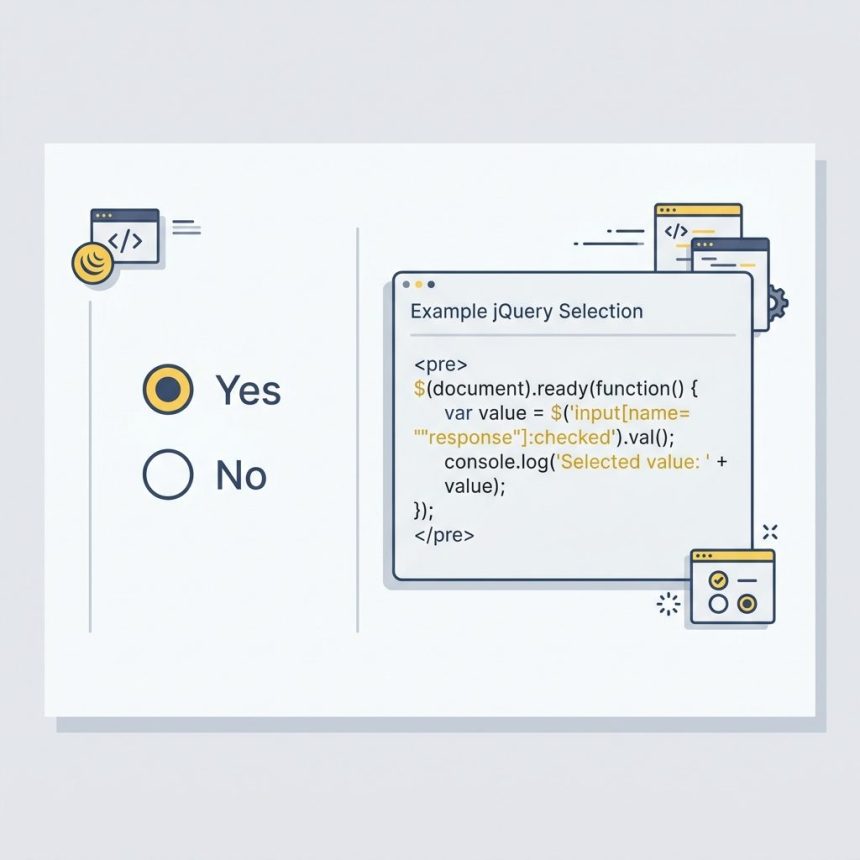
To get the selected radio button value with jQuery, combine the name attribute selector with the :checked pseudo-class: $('input[name="radio_button"]:checked').val(). Returns the value of whichever radio is currently selected, or undefined if none is.
Last verified: 2026-05-17 with jQuery 3.7. Originally published 2022-08-28, rewritten and updated 2026-05-17.
The markup
<input type="radio" name="radio_button" value="1" /> Yes
<input type="radio" name="radio_button" value="0" /> No
The one-liner
const value = $('input[name="radio_button"]:checked').val();
// "1" or "0", or undefined if nothing is selected
:checked matches the radio (or checkbox) that’s currently on; the bracket selector limits the match to the named group. .val() returns the value attribute as a string.
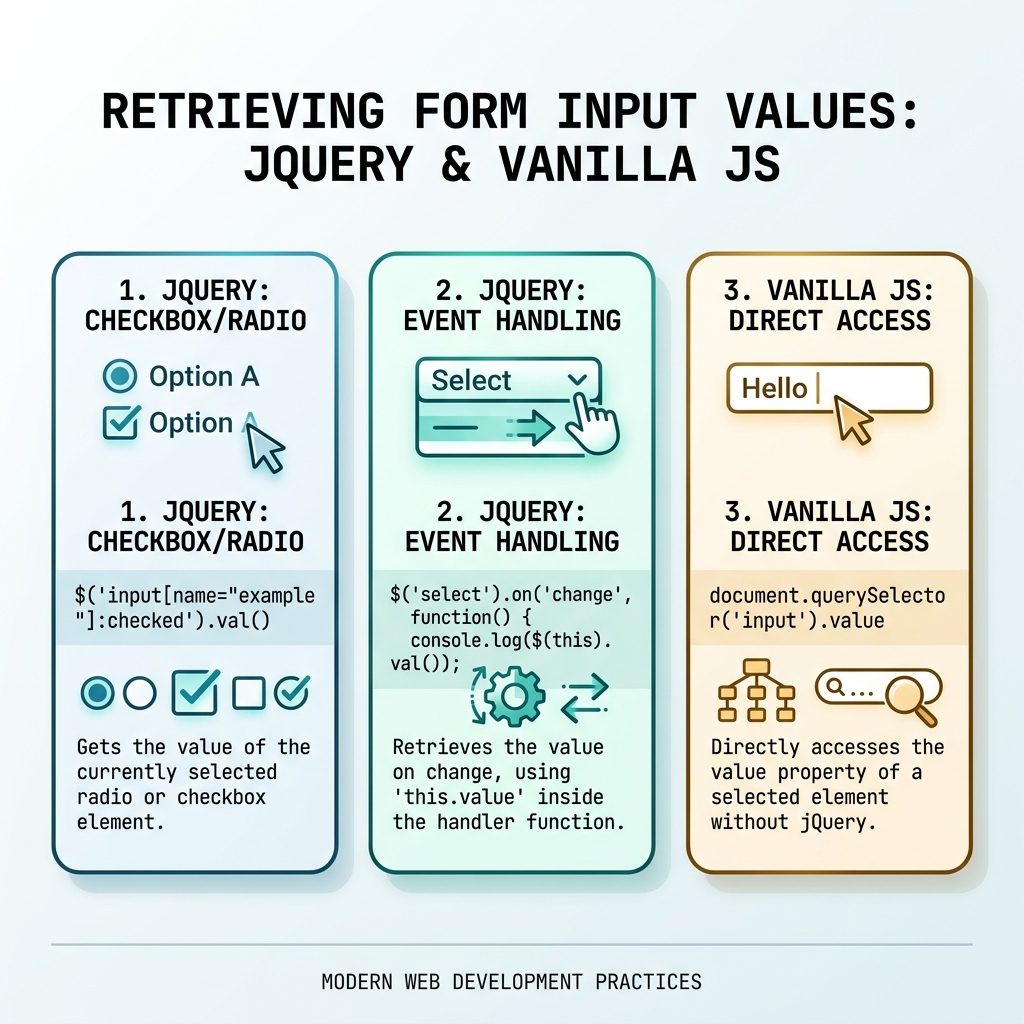
React to selection changes
$('input[name="radio_button"]').on('change', function () {
    console.log('Selected:', this.value);
});
The change event fires on the newly-selected radio. Inside the handler, this is that radio element — read its value directly via this.value without re-querying the DOM.
Default when nothing is selected
// Falsy-default (treats empty string as "no selection" too)
const value = $('input[name="radio_button"]:checked').val() || '0';

// Strict-default (only kicks in when truly undefined)
const value = $('input[name="radio_button"]:checked').val() ?? '0';
Use ?? (nullish coalescing) when an empty string is a valid selection that you don’t want overridden. Use || when any falsy value should fall back to the default.
Vanilla equivalent
const selected = document.querySelector('input[name="radio_button"]:checked');
const value    = selected?.value;
?. short-circuits when nothing is selected, so value is undefined instead of throwing. Works on every modern browser without jQuery.
Frequently asked questions
.val() return? undefined. The :checked selector returns an empty jQuery set when nothing matches, and calling .val() on an empty set returns undefined. Use a default with ? or ||: const v = $('input[name="x"]:checked').val() ?? '';.
Attach a change handler to the radio inputs by name. The change event fires on the newly-selected radio: $('input[name="radio_button"]').on('change', function () { console.log(this.value); });. Inside the handler, this is the selected radio, so this.value reads its value directly.
[name="x"] case-sensitive? Yes for the attribute value. HTML attribute names are case-insensitive (NAME and name match), but the value side is case-sensitive: [name="Radio_Button"] and [name="radio_button"] are different selectors. Keep your name= attributes consistent across HTML and JS.
document.querySelector('input[name="radio_button"]:checked')?.value. The ?. safely short-circuits when nothing is selected. Works identically to the jQuery version in every modern browser, no library needed.
Related guides
- How to Check if a Checkbox Is Checked with jQuery
- How to Disable or Enable an Input with JavaScript or jQuery
- How to Add a Required Attribute to Input Fields in jQuery
References
jQuery :checked selector: api.jquery.com/checked-selector. jQuery .val(): api.jquery.com/val. MDN :checked: developer.mozilla.org/en-US/docs/Web/CSS/:checked.