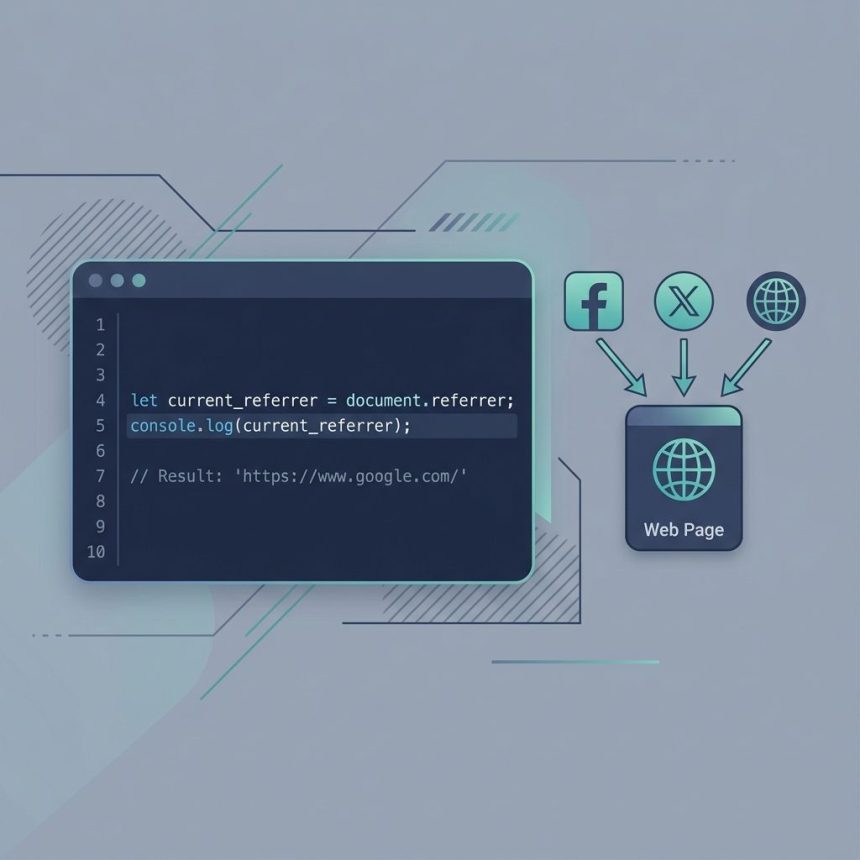
To check the HTTP referrer with JavaScript, read document.referrer. It returns the full URL of the page that linked to the current page, or an empty string if the visitor came directly. This guide covers basic detection, social-media source matching, and the privacy-related reasons the referrer is often empty in modern browsers.
Last verified: 2026-05-17 in Chromium, Firefox, and Safari. Originally published 2023-04-09, rewritten and updated 2026-05-17.
TL;DR
const referrer = document.referrer;

if (referrer === '') {
  console.log('Direct visit (no referrer)');
} else if (referrer.includes('facebook.com')) {
  console.log('From Facebook');
} else if (referrer.includes('twitter.com') || referrer.includes('x.com')) {
  console.log('From Twitter/X');
} else if (referrer.includes('instagram.com')) {
  console.log('From Instagram');
} else {
  console.log('From other source:', referrer);
}
Using document.referrer
document.referrer is a read-only string property on the global document object. It’s available in every browser, no library needed:
const referrer = document.referrer;
console.log(referrer);
// "https://www.google.com/"  (or "" for direct visits)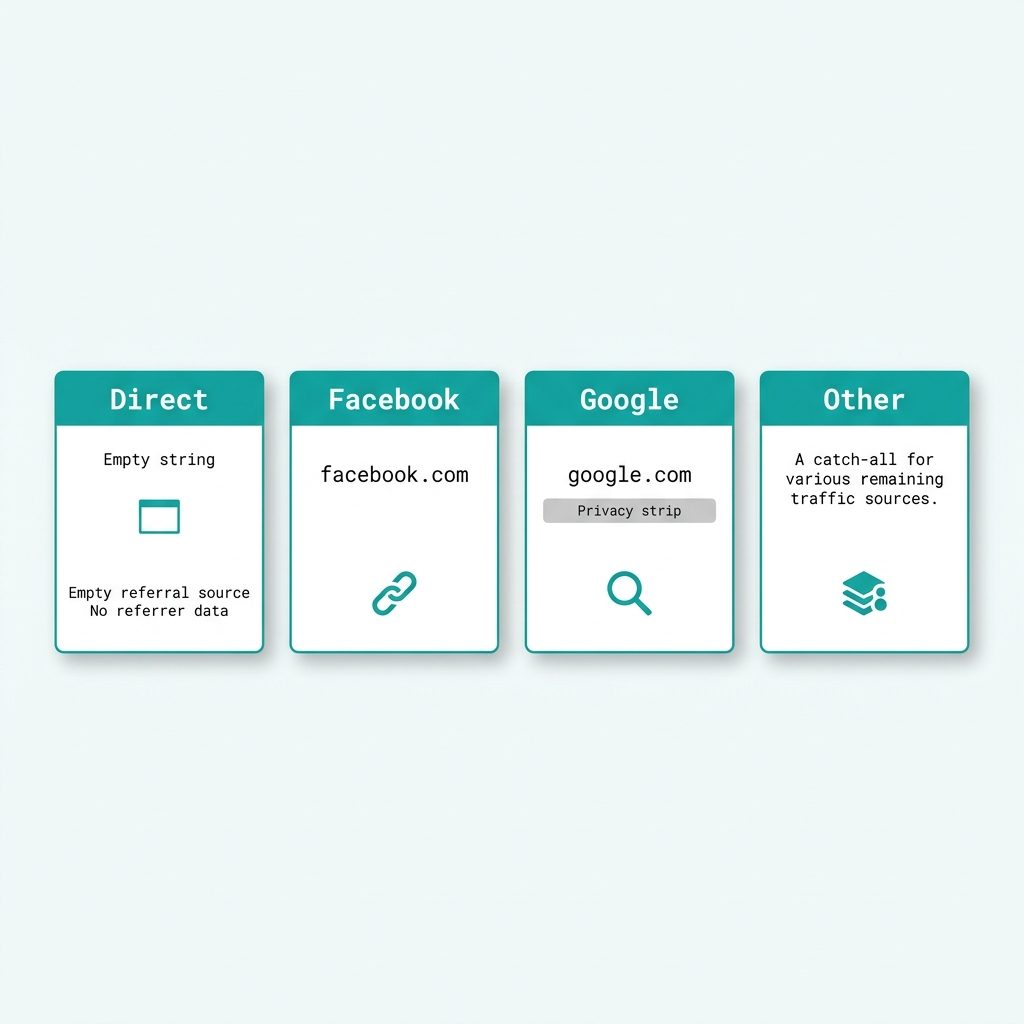
Match against an allowlist of sources
const sources = {
  'facebook.com':  'Facebook',
  'twitter.com':   'Twitter/X',
  'x.com':         'Twitter/X',
  'instagram.com': 'Instagram',
  'linkedin.com':  'LinkedIn',
  'reddit.com':    'Reddit',
};

const ref = document.referrer;
const matched = Object.entries(sources).find(([host]) => ref.includes(host));
const source  = matched ? matched[1] : (ref === '' ? 'Direct' : 'Other');

console.log('Source:', source);
When the referrer is empty
document.referrer is "" in several common cases — far more often than you’d expect:
- User typed the URL directly or opened a bookmark.
- Source page set
Referrer-Policy: no-referrer. - Cross-origin navigation between HTTPS and HTTP (browser strips for privacy).
- Visitor opened the link with right-click → “Open in new tab” in some browsers.
For accurate traffic-source attribution, combine the referrer with UTM parameters on the URL — UTMs survive even when the referrer is stripped.
Frequently asked questions
document.referrer empty for many visitors? Several reasons: the user typed your URL directly, opened it from a bookmark, came from an HTTPS site that didn’t pass the referrer (default browser policy in many cases), or the source site set Referrer-Policy: no-referrer. Modern browsers also strip the path from cross-origin referrers — so even when set, you usually only see the origin (https://www.google.com/), not the search query.
document.referrer? Almost never anymore. Google and most large search engines redirect through their own URL and strip query parameters from the referrer they send. You’ll typically just see https://www.google.com/ with no path. For actual search-term tracking, use Google Search Console (organic) or UTM parameters (paid).
document.referrer for security checks? No. The referrer is set by the user’s browser and can be empty, spoofed, or stripped — never trust it for authorization or CSRF protection. For CSRF, use proper anti-forgery tokens. For ‘where did this user come from’ analytics, the referrer is fine because the worst case is bad data, not a bypass.
document.referrer different from the HTTP Referer header? It’s the same value — document.referrer exposes the value the browser sent in the request’s Referer HTTP header (note the historical single-r spelling). The JavaScript property gives you access from the client side without parsing headers.
Related guides
References
MDN Document.referrer: developer.mozilla.org/en-US/docs/Web/API/Document/referrer. Referrer-Policy: MDN Referrer-Policy.