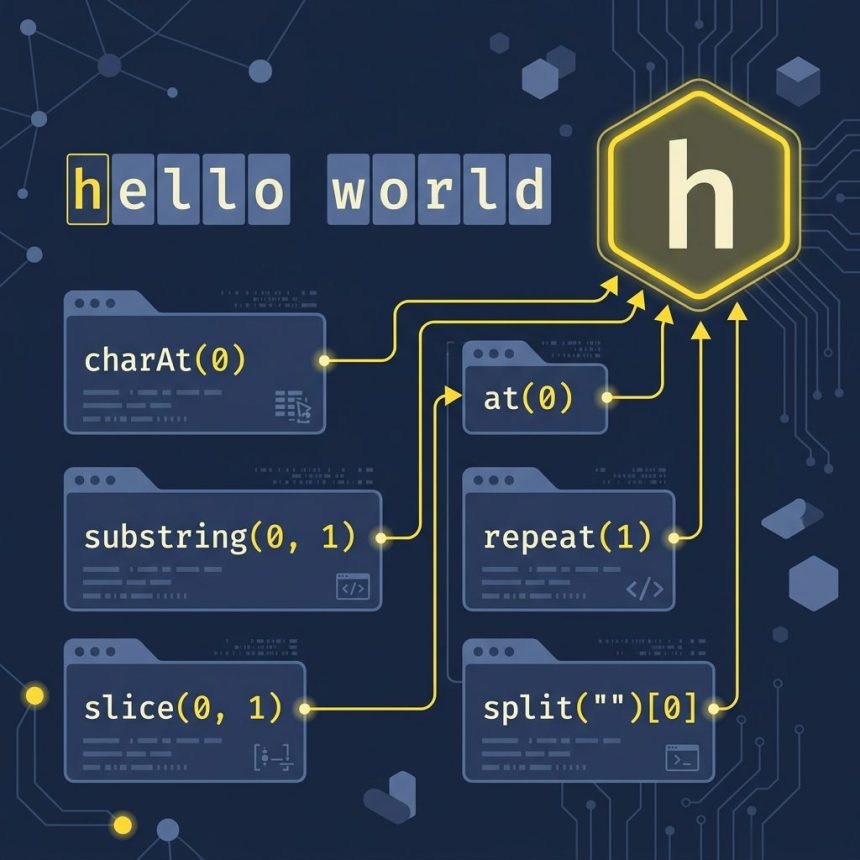
To get the first character of a string in JavaScript, use str[0] for the modern style or str.charAt(0) when you want explicit “empty string when there’s nothing there” behavior. str.at(0) works on every modern browser too and supports negative indices.
Last verified: 2026-05-17 on modern browsers and Node 20+. Originally published 2022-10-19, rewritten and updated 2026-05-17.
Every approach in one block
const str = "hello world";

str[0];               // "h"   bracket notation (modern, terse)
str.at(0);            // "h"   modern (also supports negative indices)
str.charAt(0);        // "h"   classic, never throws
str.slice(0, 1);      // "h"   returns a 1-char substring
str.substring(0, 1);  // "h"   same as slice for non-negative args
str.substr(0, 1);     // "h"   legacy (deprecated, but works)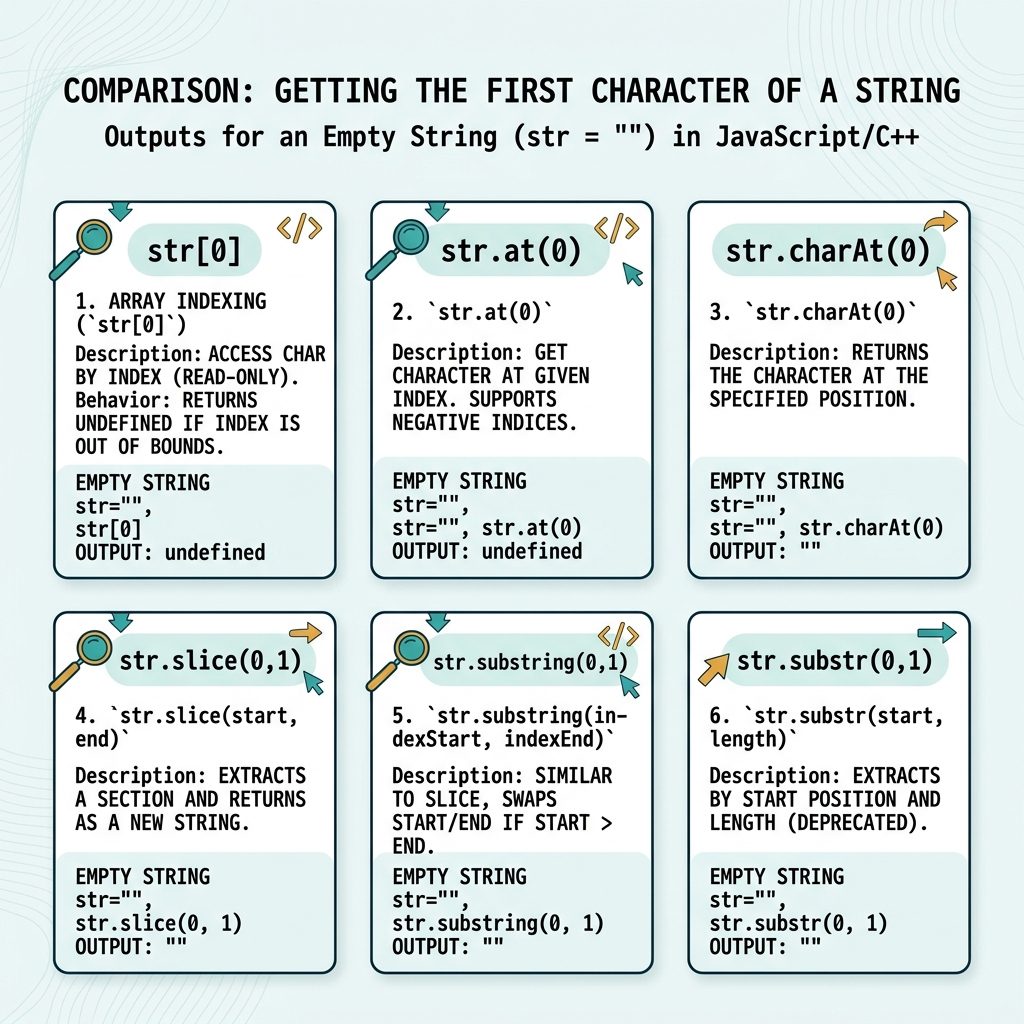
Empty-string behavior differs
const empty = "";

empty[0];               // undefined
empty.at(0);            // undefined
empty.charAt(0);        // ""
empty.slice(0, 1);      // ""
empty.substring(0, 1);  // ""
empty.substr(0, 1);     // ""
The bracket-notation and .at() methods return undefined — usually what you want, because falsy-checking undefined is clearer than checking for an empty string. The older methods return "", which both pass the “is it falsy?” test and silently chain through further string operations without raising.
Checking the first character
const v = document.querySelector('input').value;

// Is the first character a digit?
if (v[0] >= '0' && v[0] <= '9') { /* ... */ }

// Or using startsWith for a cleaner test
if (v.startsWith('@')) { /* mention syntax */ }
For “does the string start with X?” prefer str.startsWith('x') — it reads naturally and handles multi-character prefixes for free.
Heads-up: emoji and surrogates
const flag = "🇺🇸 USA";
flag[0];           // "\uD83C"  (broken half of the emoji)

// Iterate code points instead
[...flag][0];      // "🇺" or similar — still one code point, not the whole flag

// Grapheme-aware (recognises 🇺🇸 as one cluster)
const seg = new Intl.Segmenter('en', { granularity: 'grapheme' });
[...seg.segment(flag)][0].segment;   // "🇺🇸"
JavaScript strings are UTF-16, so any single emoji is two code units. str[0] returns one of those halves — a “lone surrogate” that doesn’t render. Use the spread iterator for code-point granularity, or Intl.Segmenter for true user-perceived characters (graphemes).
Frequently asked questions
All of them are O(1) — they look up the first code unit. Performance differences are negligible. Pick by readability: str[0] is the shortest; str.charAt(0) is the most self-documenting; str.at(0) is the modern choice. Don’t optimise for speed here.
str[0] and str.at(0) return undefined on an empty string, but charAt returns ''? charAt and its older siblings (slice, substring, substr) treat out-of-range indices as the empty string. str[0] is bracket notation that returns undefined for missing keys (same as any object). str.at(0) follows the bracket-notation convention. The undefined behavior is usually more useful — empty-string returns can hide bugs.
All of these methods return one UTF-16 code unit, not necessarily one user-visible character. An emoji like 😀 is two code units, so '😀'[0] returns half of it (a lone surrogate that won’t render). For grapheme-aware first-character extraction, use the Intl Segmenter: new Intl.Segmenter().segment(str)[Symbol.iterator]().next().value.segment — verbose but correct.
String.raw have to do with this? Nothing — but people often confuse it with str.at(). String.raw is a template tag that returns the raw string without processing escape sequences. Different feature entirely; mentioned only because both arrived in modern JS and search results sometimes conflate them.
Related guides
- How to Get the First Character of a String in PHP
- How to Check if a Character Is Unicode in JavaScript
- How to Check if a JavaScript String Is a Valid URL
References
MDN String.prototype.at(): developer.mozilla.org/en-US/docs/Web/JavaScript/Reference/Global_Objects/String/at. MDN String.prototype.charAt(): developer.mozilla.org/en-US/docs/Web/JavaScript/Reference/Global_Objects/String/charAt. MDN Intl.Segmenter: developer.mozilla.org/en-US/docs/Web/JavaScript/Reference/Global_Objects/Intl/Segmenter.