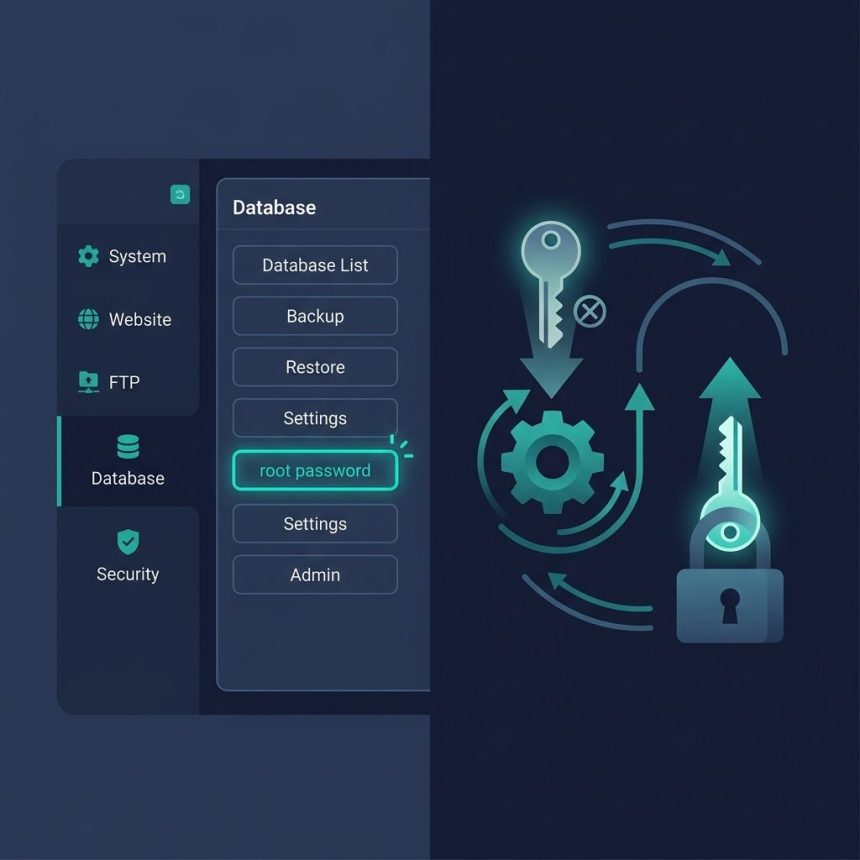
An aapanel mysql root password can’t be retrieved — MySQL only stores password hashes — but aaPanel makes resetting it a click. This guide covers the GUI flow in aaPanel, the SSH fallback for when the panel itself isn’t accessible, and the reason most application configs shouldn’t use root in the first place.
Last verified: 2026-04-23 on aaPanel 7.x with MySQL 8.0. Originally published 2023-01-04, rewritten and updated 2026-04-23.
TL;DR
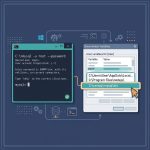
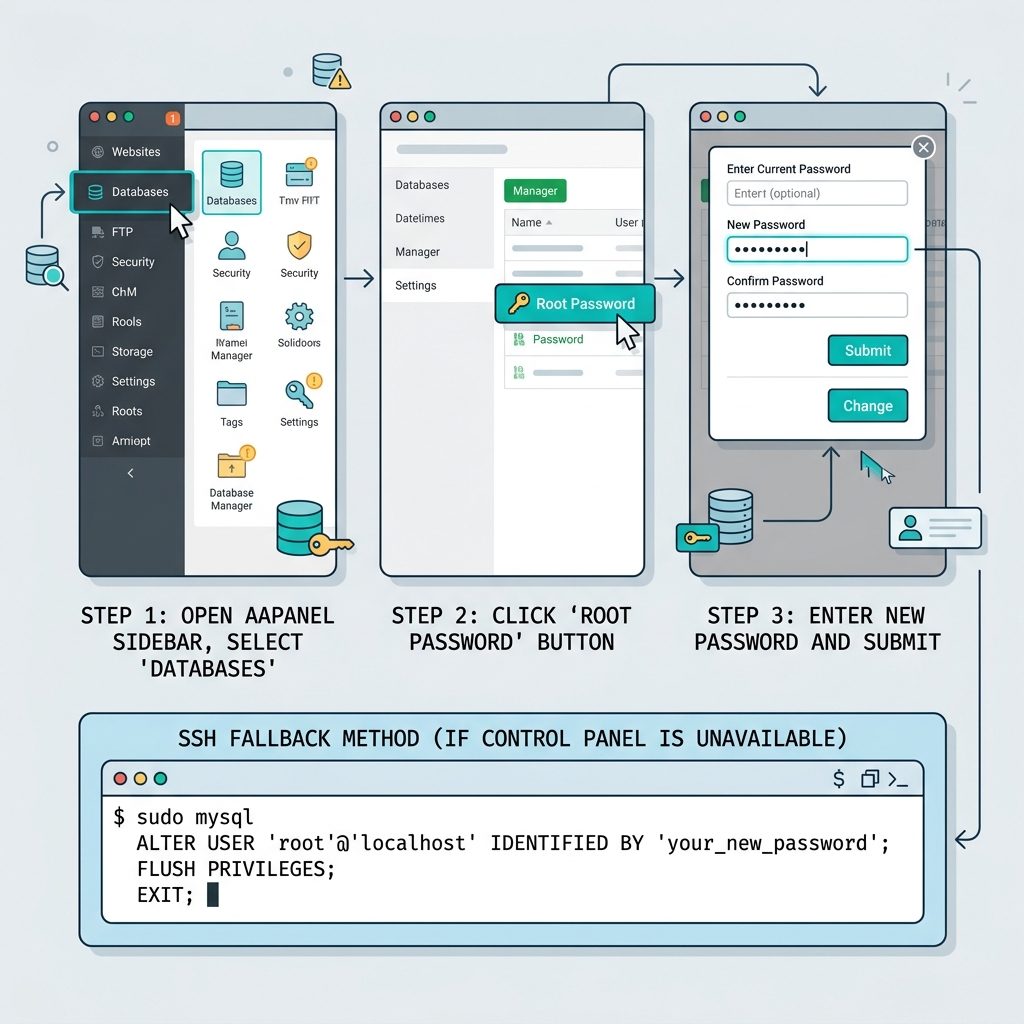
- Log into aaPanel.
- Sidebar → Databases.
- Click the root password button at the top of the page.
- Enter the new password and submit.
That’s it — aaPanel updates MySQL immediately. No restart, no SSH.
Why retrieval isn’t possible
MySQL (and MariaDB) stores passwords as one-way hashes in the mysql.user table. Reversing the hash to plaintext would require cracking it — cryptographically infeasible for any reasonable password. No aaPanel button, no SSH command, and no direct SQL query can return what was originally set. Reset is the only path.
If you need the password because an app has it hardcoded: reset it, update the app config with the new one, and move on.
SSH fallback — when aaPanel isn’t accessible
# 1. Connect as root (auth_socket — no password needed for sudo user)
sudo mysql

# 2. Reset the root password
ALTER USER 'root'@'localhost' IDENTIFIED BY 'your_new_strong_password';
FLUSH PRIVILEGES;
EXIT;
On Ubuntu/Debian with MySQL 5.7+, the root user authenticates via the auth_socket plugin — password-less for any user who can sudo. That means you can reset the password from SSH even if you’ve forgotten the current one entirely.
On older systems where root authenticates with a password you’ve actually lost, the --skip-grant-tables recovery mode bypasses authentication:
# Stop the service, start in skip-grant mode, connect, reset, restart
sudo systemctl stop mysql
sudo mysqld_safe --skip-grant-tables --skip-networking &
mysql -u root

# Inside the MySQL shell:
FLUSH PRIVILEGES;
ALTER USER 'root'@'localhost' IDENTIFIED BY 'your_new_strong_password';
EXIT;

# Restart normally
sudo killall mysqld_safe
sudo systemctl start mysql
--skip-grant-tables opens the server to any connection with no authentication — use --skip-networking alongside to block external access during the recovery window, and complete the reset quickly.
Don’t use root in application configs
Changing root also breaks every app that has it hardcoded — which is a good reason not to have it hardcoded in the first place. For any WordPress, Laravel, or custom PHP site, create a dedicated MySQL user with only the privileges it needs:
-- From the root session
CREATE USER 'wp_site'@'localhost' IDENTIFIED BY 'strong_unique_password';
GRANT ALL PRIVILEGES ON wordpress_db.* TO 'wp_site'@'localhost';
FLUSH PRIVILEGES;
Use wp_site in the app’s config, keep root’s password locked up. Now root changes don’t cascade into application downtime. Full walkthrough in creating users and granting privileges in MySQL 8.
Frequently asked questions
No — passwords are stored as hashes, not plaintext, so there’s no way to display what was set. aaPanel lets you reset the root password to a new value, which is the practical equivalent. If you need the old password because an application has it hardcoded, reset the password and update the application’s config.
Sidebar → Databases. At the top of the Databases page there’s a root password button that opens a small form — enter the new password, confirm, submit. aaPanel runs the equivalent ALTER USER 'root'@'localhost' IDENTIFIED BY '...' on the backend and applies it immediately.
That’s a different problem — aaPanel’s own admin credentials are stored separately from MySQL’s root. Reset the aaPanel password from SSH with bt default (CentOS) or bt 5 (Ubuntu) — the CLI prints the temporary password you can use to log in and change it. The aaPanel docs have the full password-reset flow.
From SSH: sudo mysql (uses auth_socket, no password needed for root), then ALTER USER 'root'@'localhost' IDENTIFIED BY 'new_password';. If sudo mysql also requires a password, start MariaDB with --skip-grant-tables temporarily (edit the systemd unit or use mysqld_safe), connect, update the password, and restart normally. See MariaDB restart for the service commands.
Yes — every application that uses the root user’s credentials will stop working until you update their config. For WordPress sites, that’s wp-config.php. For Laravel, .env. For PHP scripts, the mysqli_connect() or PDO string. Better practice: never use root in applications — create a dedicated user with only the privileges it needs. See creating users and granting privileges.
Related guides
- How to Create Users and Grant Privileges in MySQL 8 — the “never use root in apps” follow-up.
- How to Restart the MariaDB Server on Linux — service commands after a config change.
- How to Troubleshoot MariaDB Not Starting — when the service won’t come back up after a reset.
- How to Install MySQL on Ubuntu — fresh install with a known root password.
References
MySQL password reset docs: dev.mysql.com/doc/refman/8.0/en/resetting-permissions. aaPanel documentation: aapanel.com.