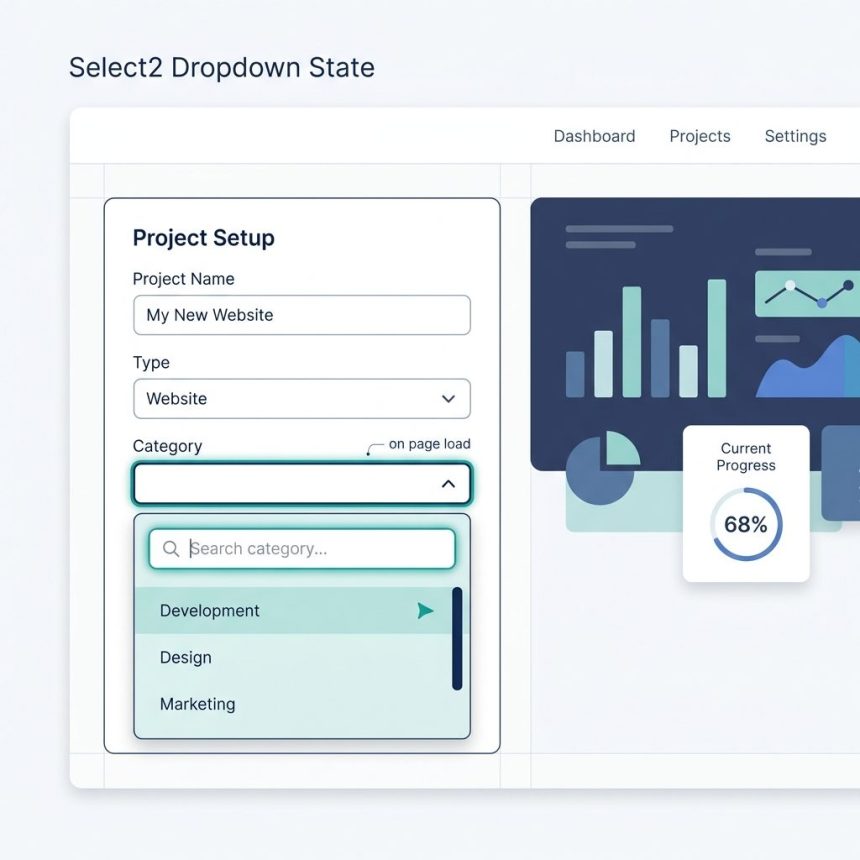
To auto-focus a Select2 dropdown on page load, call $('#mySelect2').select2('open') after the element has been initialized as a Select2 and after the DOM is ready. This both opens the dropdown and focuses the internal search input — Select2’s plain focus() doesn’t do this because Select2 hides the original <select> behind custom DOM.
Last verified: 2026-05-17 with Select2 4.1.0+ and jQuery 3.7+. Originally published 2023-03-13, rewritten and updated 2026-05-17.
TL;DR
<select id="mySelect2">
  <option value="1">Option 1</option>
  <option value="2">Option 2</option>
  <option value="3">Option 3</option>
</select>

<script>
$(function () {
  $('#mySelect2').select2();        // initialize
  $('#mySelect2').select2('open');  // open + focus the search box
});
</script>
Why .focus() doesn’t work
Select2 hides the original <select> element and replaces it with its own DOM — a styled container plus an internal search input that only appears when the dropdown is open. Calling $('#mySelect2').focus() focuses the hidden native element, not anything the user can see.
The Select2 API has a method for this exact use case: .select2('open'). It opens the dropdown and, in the same call, focuses the internal search input — equivalent to the user clicking the Select2 control with the mouse.
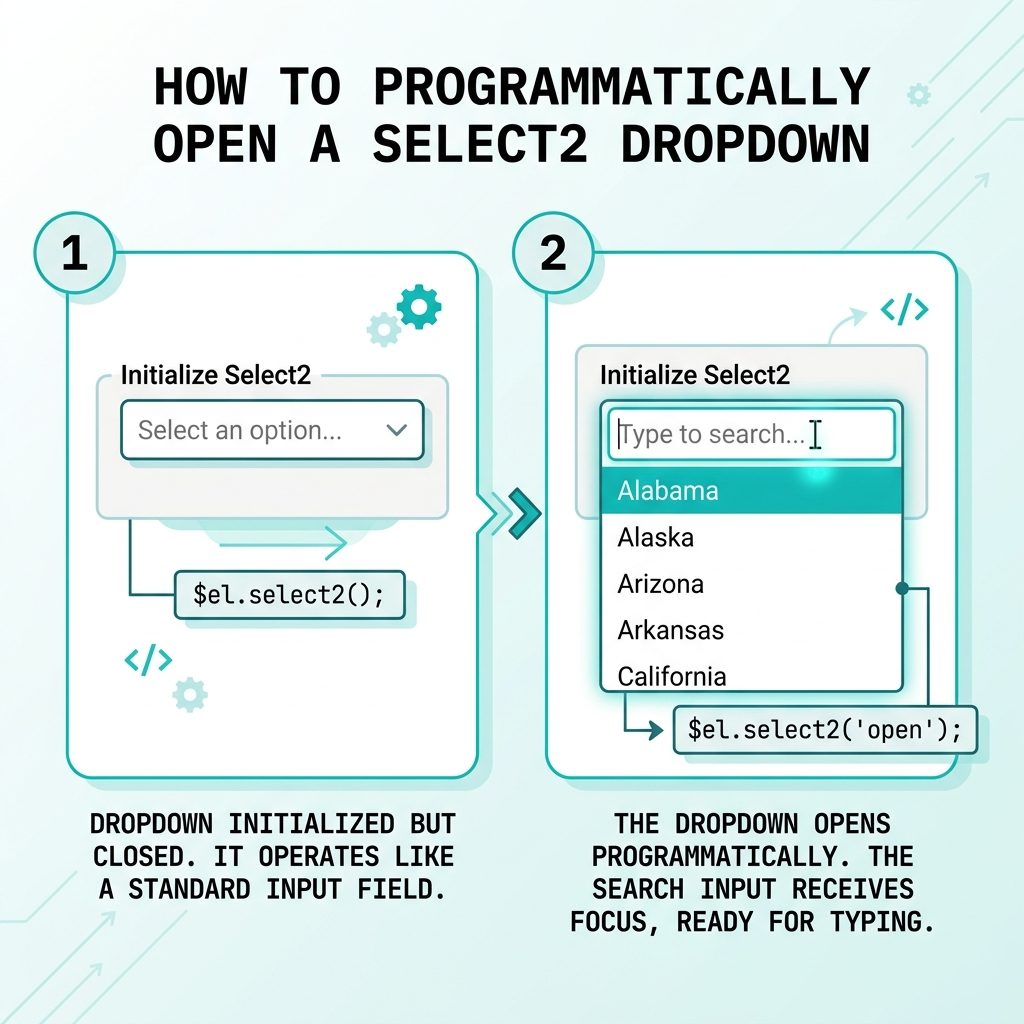
Order matters: init first, then open
$(function () {
  // 1. Initialize as a Select2 (does nothing yet)
  $('#mySelect2').select2({
    placeholder: 'Choose one',
    width: 'resolve',
  });

  // 2. Then ask Select2 to open it
  $('#mySelect2').select2('open');
});
Calling .select2('open') before .select2() throws “select2 is not a function” — the plugin only attaches its API methods after initialization.
Close programmatically too
// Open
$('#mySelect2').select2('open');

// Close
$('#mySelect2').select2('close');

// Pre-select an option and close
$('#mySelect2').val('2').trigger('change').select2('close');
Frequently asked questions
$('#mySelect2').focus() open the dropdown? Because Select2 replaces the native <select> with a hidden input wrapped in custom DOM. Calling focus() on the original element focuses something the user can’t see. Select2 exposes a programmatic API for this exact case — .select2('open') — that opens the dropdown and focuses the internal search input.
.select2('open')? After the element is initialized as a Select2 and after the DOM is ready. The safest spot is inside a $(document).ready(...) handler, immediately after the .select2() initialization call: $('#mySelect2').select2(); $('#mySelect2').select2('open');.
Yes, but only one can be open at a time — opening a second auto-closes the first. If you really need them all ‘pre-open’ you can’t (Select2 by design), but you can open the first and let the user tab to the others.
Two common reasons: (1) you have a single-purpose page (an order entry form, a search interface) where the very first action is to pick from the dropdown — opening it saves a click; (2) for accessibility, focus + open signals ‘start here’ to screen readers without a separate label.
$('#mySelect2').select2('close'). Mirrors the open method. Useful for closing after a programmatic selection: $('#mySelect2').val('2').trigger('change').select2('close');.
Related guides
- How to Add the Required Attribute to Input Fields with jQuery
- How to Check if a JavaScript String Is a Valid URL
References
Select2 programmatic control reference: select2.org/programmatic-control/methods.