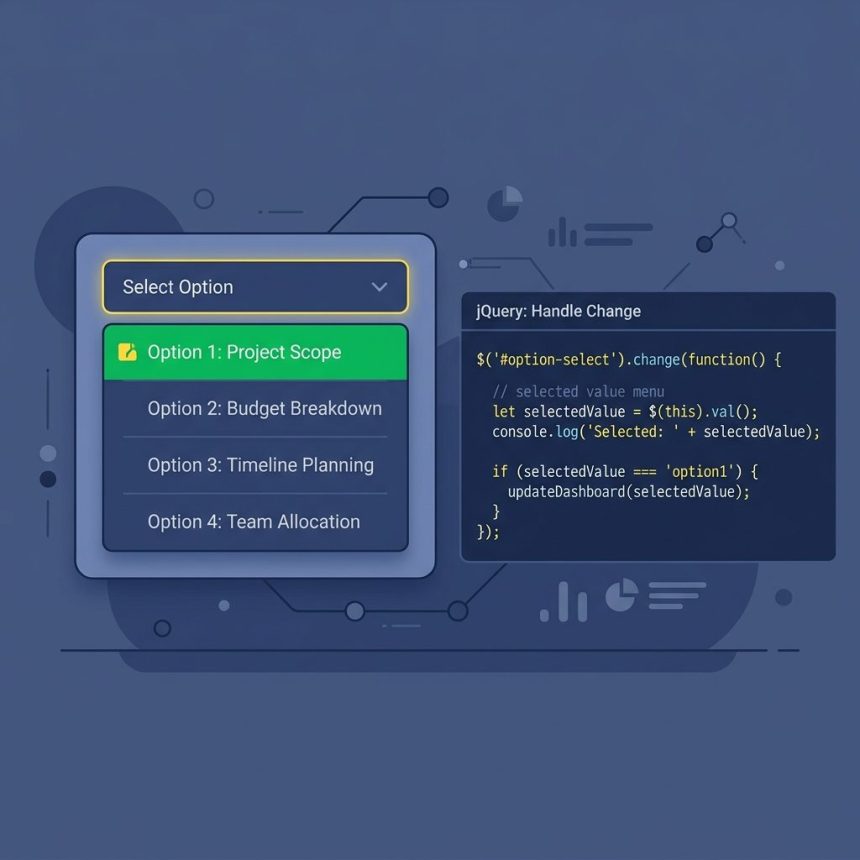
To make the first option selected in a <select> with jQuery, set selectedIndex to 0: $('#mySelectTag').prop('selectedIndex', 0). It’s the cleanest pick — no need to look up the first option’s value, works on every browser, and the result is identical to what the browser does when the select first loads.
Last verified: 2026-05-17 with jQuery 3.7. Originally published 2022-08-30, rewritten and updated 2026-05-17.
The cleanest pick
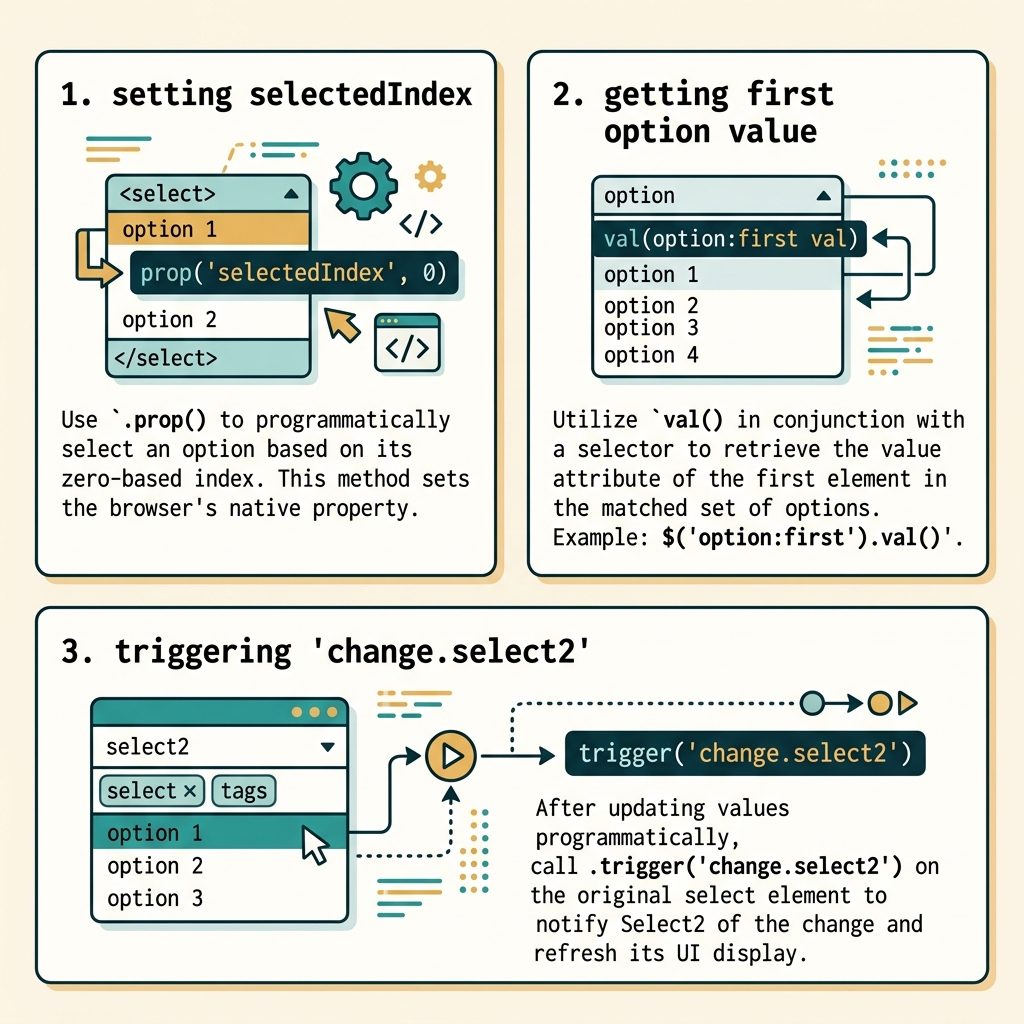
$('#mySelectTag').prop('selectedIndex', 0);selectedIndex is a live property on the <select> element — the browser uses it directly to determine which option is highlighted. Setting it to 0 selects the first option regardless of value.
Other forms that work
// Set value to the first option's value
$('#mySelectTag').val( $('#mySelectTag option:first').val() );

// Direct DOM property (no jQuery wrapper needed)
$('#mySelectTag')[0].selectedIndex = 0;

// Equivalent to the cleanest form above
$('#mySelectTag').prop('selectedIndex', 0);

// Mark the option itself as selected
$('#mySelectTag option:first').prop('selected', true);
All four reach the same end state. selectedIndex is the lightest and doesn’t require querying the option list.
Fire change if listeners need it
// Programmatic changes don't auto-fire change — trigger it yourself
$('#mySelectTag').prop('selectedIndex', 0).trigger('change');
Form-control change events fire only on user interaction. If your code or another component listens for the event, trigger it manually after the programmatic update.
With Select2
$('#mySelectTag')
    .val( $('#mySelectTag option:first').val() )
    .trigger('change.select2');
Select2 keeps its own visible widget in sync with the underlying <select>. After changing the value, fire change.select2 so the widget repaints.
Vanilla equivalent
const sel = document.getElementById('mySelectTag');
sel.selectedIndex = 0;

// With change event
sel.dispatchEvent(new Event('change', { bubbles: true }));
Frequently asked questions
$('#sel').prop('selectedIndex', 0) is the most direct — it sets the property the browser actually checks, doesn’t depend on knowing the first option’s value, and doesn’t fire the change event (you can dispatch it manually if needed). For new code, prefer it over the option:first + val() forms.
selectedIndex fire the change event? No. Programmatic changes don’t trigger change on form controls — that event is for user interaction. If you need handlers to run, fire it yourself: $('#sel').val('1').trigger('change') or el.dispatchEvent(new Event('change', { bubbles: true })) in vanilla JS.
Same idea, but Select2 needs to know about the change. Set the value and explicitly tell Select2: $('#sel').val($('#sel option:first').val()).trigger('change.select2'). Without the trigger, the underlying select updates but the visible Select2 widget keeps showing the old label.
.attr('selected') and .prop('selected')? attr reads/writes the static HTML attribute; prop reads/writes the live DOM property. The browser uses prop to decide which option is highlighted. .attr('selected', 'selected') can work as a side effect but it’s the wrong tool — always use .prop('selected', true) for boolean form states.
Related guides
- How to Check if a Checkbox Is Checked with jQuery
- How to Get the Selected Radio Button Value in jQuery
- How to Auto-Focus a Select2 Dropdown on Page Load
References
jQuery .prop(): api.jquery.com/prop. MDN HTMLSelectElement.selectedIndex: developer.mozilla.org/en-US/docs/Web/API/HTMLSelectElement/selectedIndex.