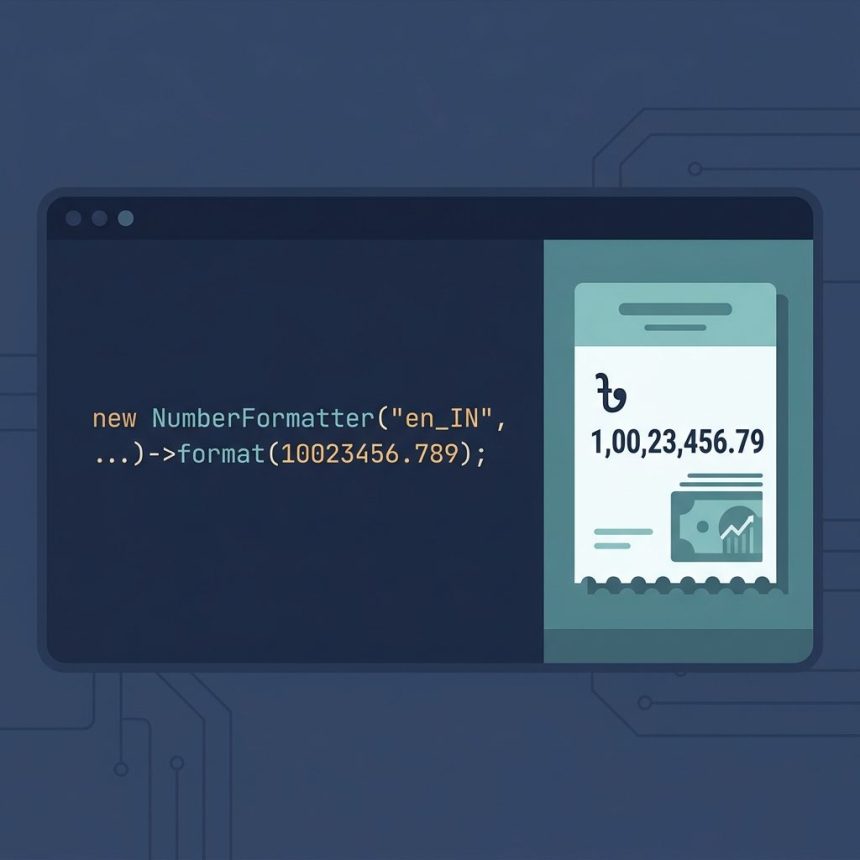
To format a number with Bangladeshi or Indian-style commas in PHP — one group of 3 on the right, then groups of 2 — there’s no single built-in. The cleanest options are PHP’s NumberFormatter (from the intl extension, locale-aware) when available, or a small custom function when intl isn’t installed. This guide covers both, plus the gotchas around negative numbers and very large balances.
Last verified: 2026-05-17 on PHP 8.3. Originally published 2023-02-19, rewritten and updated 2026-05-17.
TL;DR
// If the intl extension is available — preferred
$fmt = new NumberFormatter('en_IN', NumberFormatter::DECIMAL);
$fmt->setAttribute(NumberFormatter::FRACTION_DIGITS, 2);
echo $fmt->format(10023456.789);
// 1,00,23,456.79

// Manual fallback (no intl extension required)
echo format_currency(10023456.789, 2);
// 1,00,23,456.79
Preferred: NumberFormatter with the Indian locale
If your PHP install has the intl extension loaded, NumberFormatter already knows how to group South Asian numbers. The Indian-English locale (en_IN) produces the 3-2-2 pattern correctly:
$fmt = new NumberFormatter('en_IN', NumberFormatter::DECIMAL);
$fmt->setAttribute(NumberFormatter::FRACTION_DIGITS, 2);

echo $fmt->format(10023456.789);
// 1,00,23,456.79

echo $fmt->format(1234.5);
// 1,234.50
Check availability first if you’re not sure:
if (extension_loaded('intl')) {
    // use NumberFormatter
} else {
    // fall back to the manual function below
}
Fallback: manual function
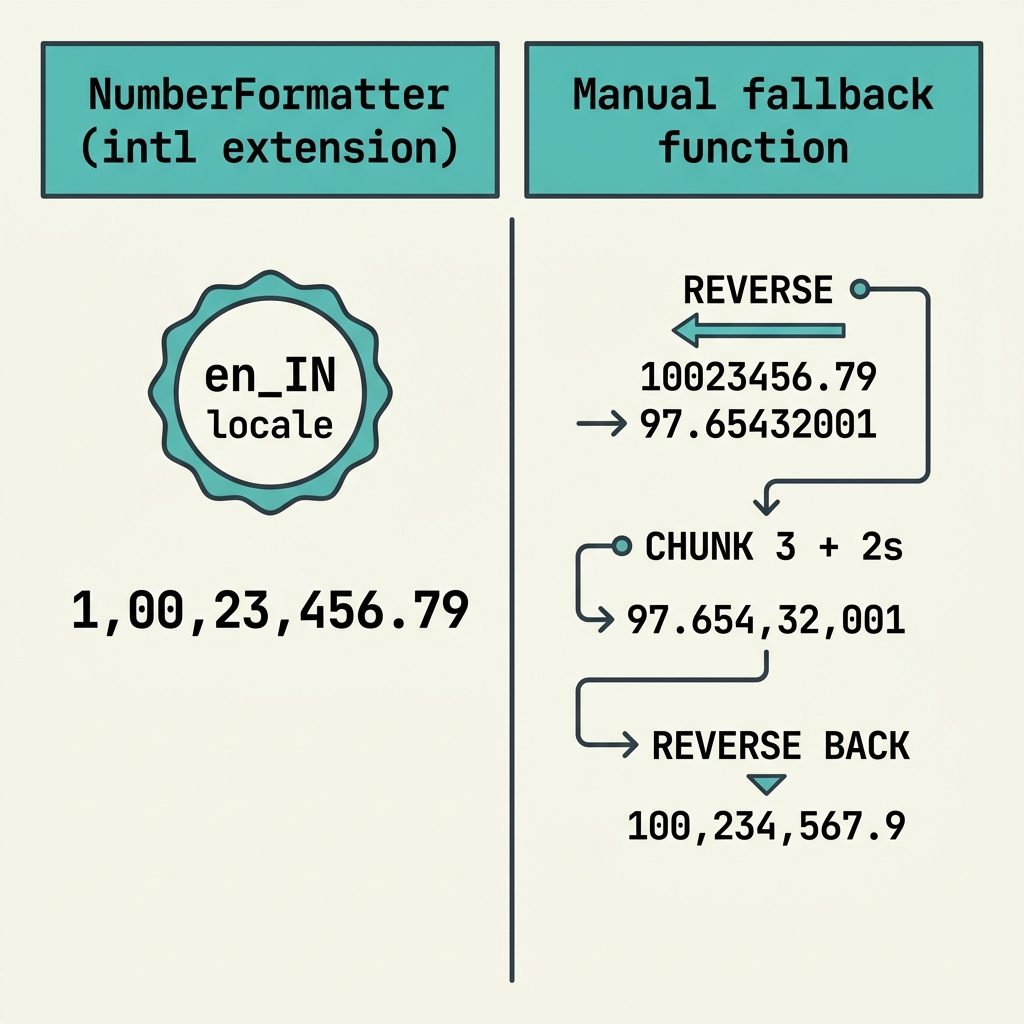
When intl isn’t installed (some shared hosts), build the grouping yourself. The trick is to reverse the integer portion, take the first three characters, then split the rest into pairs:
function format_currency($num, $decimal_point = 2)
{
    if (!is_numeric($num)) {
        return '0.00';
    }

    // Format to a fixed number of decimals (string output)
    $decimal_number = number_format($num, $decimal_point, '.', '');
    $parts = explode('.', $decimal_number);

    if (count($parts) !== 2) {
        return '0.00';
    }

    $integer_part = $parts[0];
    $decimal_part = $parts[1];

    // Reverse so we can chunk from the right
    $reversed = strrev($integer_part);

    // First 3 digits (the rightmost three), then groups of 2
    $groups   = [substr($reversed, 0, 3)];
    foreach (str_split(substr($reversed, 3), 2) as $chunk) {
        $groups[] = $chunk;
    }

    // Reverse back and add the decimal portion
    return strrev($decimal_part . '.' . implode(',', $groups));
}
Use it the same way as number_format:
echo format_currency(10023456.789, 2);  // 1,00,23,456.79
echo format_currency(1234.5, 2);        // 1,234.50
echo format_currency(99);               // 99.00
How the manual grouping works
- Format with no separator —
number_format($num, 2, '.', '')gives a clean decimal string like"10023456.79". - Split on the decimal point — into
"10023456"and"79". - Reverse the integer part —
"10023456"→"65432001". This lets us chunk from the right by chunking from the left after reversal. - Take the first 3 characters —
"654"(which represents"456"in the original). - Split the rest into pairs of 2 —
"32","00","1". - Reassemble with commas, then reverse back —
"654,32,00,1"→ reversed →"1,00,23,456". - Append the decimal portion back on with a dot:
"1,00,23,456.79".
Frequently asked questions
It’s the standard digit grouping in South Asian numbering (used across Bangladesh, India, Nepal, Pakistan): one group of 3 on the right, then groups of 2 thereafter. 10023456.789 becomes 1,00,23,456.789. This matches everyday currency display for taka, rupees, etc. Western 3-3-3 grouping (10,023,456.789) is what number_format() produces by default.
number_format() handle this? number_format($num, 2, '.', ',') always inserts a separator every 3 digits — it has no notion of mixed grouping. PHP’s NumberFormatter class (from intl) does support locale-aware grouping, and Indian/Bangladeshi locales produce the 3-2-2 pattern correctly. But intl isn’t installed on every shared host, so the manual function in this post is a portable fallback.
NumberFormatter instead if intl is available? Yes — when you can. (new NumberFormatter('en_IN', NumberFormatter::DECIMAL))->format(10023456.789) returns '1,00,23,456.789' for Indian English locale, no custom code needed. For Bangladesh, use 'bn_BD' with the appropriate digits or stick with en_IN for the same grouping pattern in Latin digits. Check availability with extension_loaded('intl') at runtime; fall back to the manual function below if it’s missing.
The reference function in this post doesn’t — it operates on the absolute portion before splitting. For negatives, strip the sign first, format, then re-attach: $sign = $num < 0 ? '-' : ''; return $sign . format_currency(abs($num));. Easy to add but worth knowing if your codebase has negative balances or refunds.
Up to PHP’s float precision (~15-17 significant digits), yes. Beyond that — say, a balance in paisa stored as a 20-digit integer — convert the integer to a string first, work on the string with substr and strrev, and never let it become a float. bcmath functions help if you also need arithmetic at that scale.
Related guides
- How to Convert a String to Float in PHP
- How to Format a Number with Decimals in JavaScript
- How to Add Days to a Date in PHP
References
PHP NumberFormatter: php.net/manual/en/class.numberformatter.php. PHP number_format: php.net/manual/en/function.number-format.php.