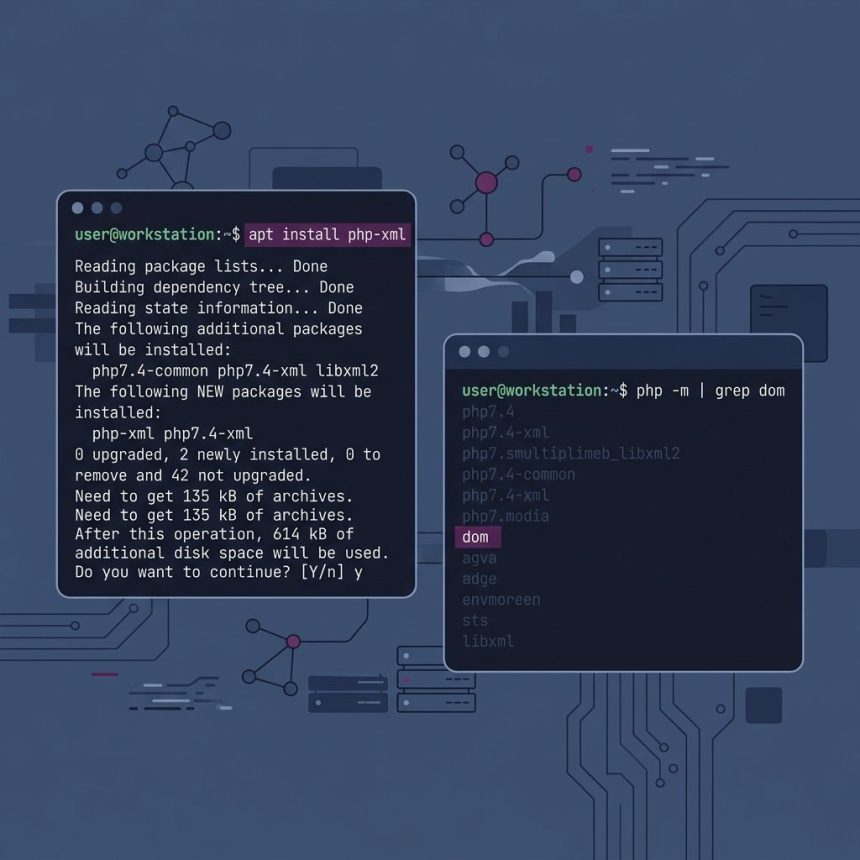
To enable the PHP DOM extension, install the bundled php-xml package (on Debian/Ubuntu) and restart the PHP process that serves your site. If the extension is installed but disabled, uncomment extension=dom in php.ini (or the matching file under conf.d/). After that, php -m should list dom among the loaded modules.
Last verified: 2026-05-17 on Ubuntu 22.04 with PHP 8.1 and 8.3. Originally published 2023-02-24, rewritten and updated 2026-05-17.
Check whether DOM is already loaded
php -m | grep -i domIf you see dom in the output, the extension is loaded for the CLI. If nothing prints, it’s either not installed or installed-but-disabled.
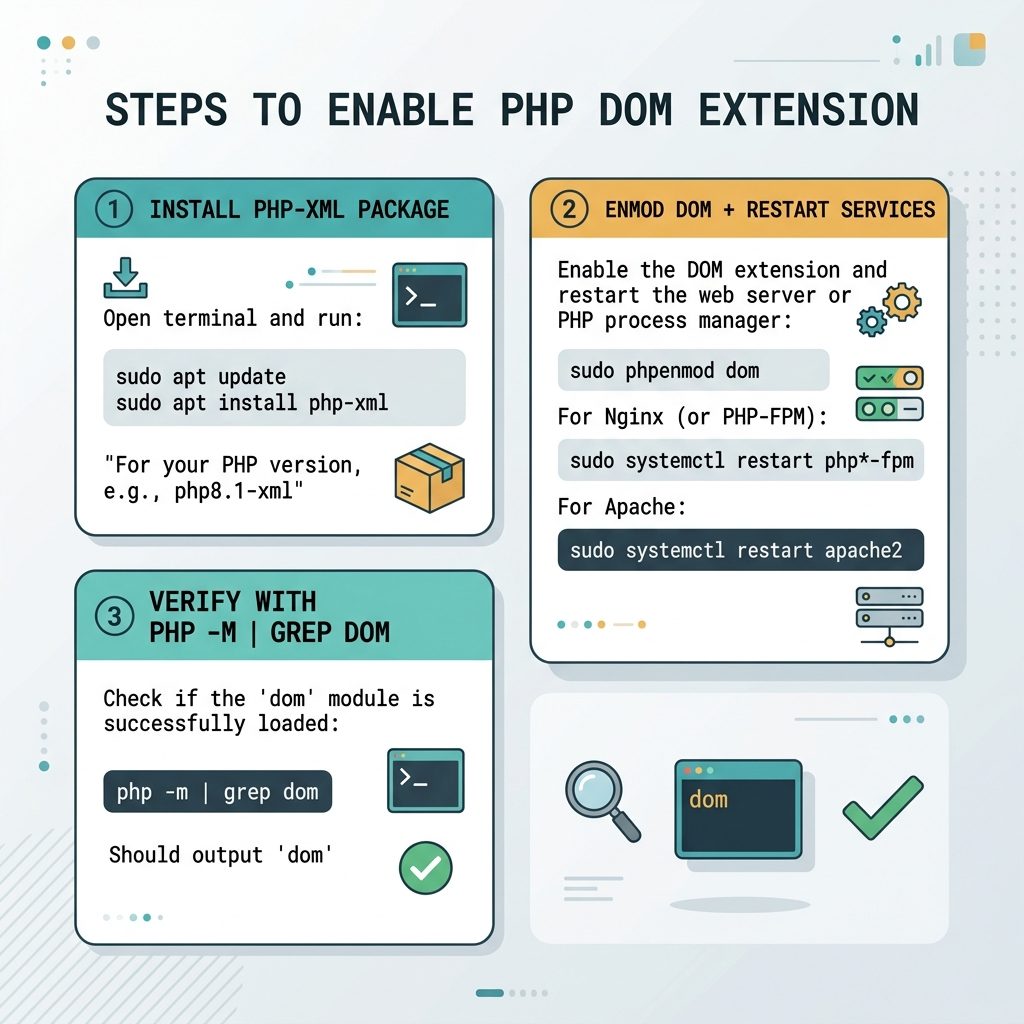
Install the extension (Ubuntu / Debian)
# Generic — installs DOM for the default PHP
sudo apt-get install php-xml

# Pinned to a minor version
sudo apt-get install php8.1-xml
sudo apt-get install php8.3-xml
The php-xml meta-package pulls in DOM, SimpleXML, XMLReader, XMLWriter, and XSL — all the XML-family extensions. If you only want DOM, the package is still the same bundle.
Install on RHEL / Alma / Rocky
sudo dnf install php-xml
# or, with Remi's repo
sudo dnf install php81-php-xml
Enable it if it’s installed but disabled
Find which ini file controls DOM:
php --ini
# Loaded Configuration File:         /etc/php/8.1/cli/php.ini
# Scan for additional .ini files in: /etc/php/8.1/cli/conf.d
On Debian/Ubuntu, the per-extension files live under /etc/php/{ver}/mods-available/ and are enabled by phpenmod:
sudo phpenmod dom
# To verify the symlinks:
ls -l /etc/php/8.1/fpm/conf.d/ | grep dom
On distros without phpenmod, edit the relevant ini file directly. Find the line ;extension=dom (or ;extension=dom.so on older PHP) and remove the leading ; to uncomment it. Save and restart PHP.
Restart PHP
# PHP-FPM (Nginx, or Apache via proxy_fcgi) — most common stack
sudo systemctl restart php8.1-fpm

# Or mod_php (Apache loads PHP in-process)
sudo systemctl restart apache2
Verify
php -m
# [PHP Modules]
# ...
# dom
# ...
# [Zend Modules]
# Zend OPcache
If php -m shows dom but WordPress still complains, the web PHP is loading a different config. Run phpinfo() from a script in your document root to confirm what the web PHP sees, then check that the corresponding FPM pool (or Apache config) is the one you restarted.
Frequently asked questions
php-xml package? Historically the DOM, SimpleXML, and XMLReader/XMLWriter extensions are all bundled into a single Debian/Ubuntu package called php-xml (and php8.x-xml per minor release). Installing it installs all of them at once. RHEL-family distributions sometimes split php-dom separately, but on most modern stacks php-xml is what you want.
php.ini when there are several? Run php --ini — it prints “Loaded Configuration File” and the directory of additional .ini files (often conf.d/ or mods-available/). On most distros, individual extensions live in their own conf.d/20-dom.ini rather than the main php.ini, and you toggle them by enabling/disabling that file. The CLI and FPM php.ini can also differ — check both with php --ini and php-fpm -i | grep 'Loaded Configuration'.
On mod_php stacks (Apache loads PHP as a module), restart Apache: sudo systemctl restart apache2. On PHP-FPM stacks (Nginx or Apache with proxy_fcgi), restart FPM: sudo systemctl restart php8.x-fpm. If you’re not sure which you’re on, php -v alone won’t tell you — check what’s actually serving requests with ps aux | grep -E 'php-fpm|httpd|apache'.
From the command line, php -m | grep -i dom shows the CLI module list. To confirm what your web PHP sees, drop a <?php phpinfo(); ?> into a temp file under your document root and hit it from the browser — search for “dom” in the output. Remove the file when done; phpinfo leaks server details.
Related guides
- How to Install PHP on Ubuntu
- How to Display PHP Errors
- How to Create a Folder If It Does Not Exist in PHP
References
PHP DOM manual: php.net/manual/en/book.dom.php. PHP extension installation on Debian/Ubuntu: wiki.debian.org/PHP. phpenmod: man phpenmod on any Debian-family system.