
Sorting query results is one of the most common things you do with Eloquent, and the laravel eloquent order by clause gives you several ways to do it — from the basic orderBy() builder to shortcuts like latest() and custom local scopes. This guide walks through every ordering pattern I use in production Laravel apps, starting with the simplest “sort posts by newest ID first” case and ending with multi-column sorts and reusable model scopes.
Last verified: 2026-04-21 on Laravel 11 with PHP 8.3. Originally published 2022-11-06, rewritten and updated 2026-04-21.
TL;DR
Call Post::orderBy('id', 'DESC')->get() to sort by ID descending, or use the shorthand Post::orderByDesc('id')->get(). For created-at sorts use Post::latest()->get(). Chain multiple orderBy() calls for multi-column sorts. For a reusable ordering, define a local scope like scopeIdDescending() on the model and call it as Post::idDescending()->get().
Basic orderBy usage
The orderBy() method on any Eloquent query takes a column name and a direction (asc or desc, case-insensitive). To pull every post newest-first by primary key:
$posts = Post::orderBy('id', 'DESC')->get();
// or the shorthand:
$posts = Post::orderByDesc('id')->get();
Both produce the same SQL: SELECT * FROM posts ORDER BY id DESC. The default direction is ascending, so Post::orderBy('id')->get() is equivalent to Post::orderBy('id', 'asc')->get().
The latest() and oldest() shortcuts
For the extremely common “most recent first” case Eloquent ships a shortcut that defaults to the created_at column:
$posts = Post::latest()->get();           // ORDER BY created_at DESC
$posts = Post::latest('published_at')->get(); // different column
$posts = Post::oldest()->get();           // ORDER BY created_at ASC
These are purely syntactic sugar for orderBy('created_at', 'desc'/'asc'), but they read nicely in controllers and blade components.
Sorting by multiple columns
Chain multiple orderBy() calls and Eloquent stacks them in the ORDER BY clause in call order. This is how you implement a “sort by status, then newest first within status” list:
$posts = Post::orderBy('status', 'asc')
    ->orderByDesc('created_at')
    ->get();
// SELECT * FROM posts ORDER BY status ASC, created_at DESC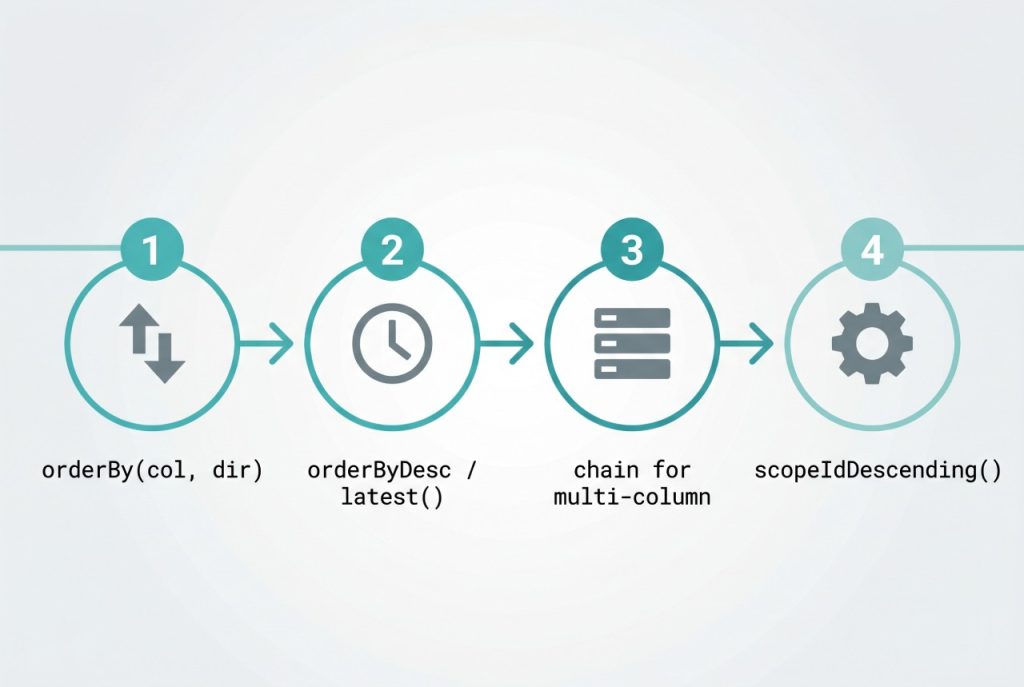
Reusable ordering with a local scope
If the same ordering shows up across many queries, promote it to a local scope on the model. That’s what idDescending() in the original question is — a custom scope, not a built-in method. Define it on the model like this:
// app/Models/Post.php
class Post extends Model
{
    public function scopeIdDescending($query)
    {
        return $query->orderBy('id', 'DESC');
    }
}
Laravel strips the scope prefix and lowercases the first letter, so you call it as:
$posts = Post::idDescending()->get();
// or combined with other builders:
$posts = Post::idDescending()->where('status', 'published')->paginate(20);
Scopes keep controllers readable and mean you can change the canonical ordering in one place. For one-off orderings, stick with plain orderBy().
Random order
For “pull five random posts” type features, inRandomOrder() is the built-in:
$featured = Post::inRandomOrder()->limit(5)->get();It emits ORDER BY RAND() (MySQL) or the driver-equivalent. Fine for small tables; for large datasets it’s cheaper to pick IDs in PHP (array_rand against Post::pluck('id')) and run a whereIn.
Frequently asked questions
orderBy('id', 'DESC') and orderByDesc('id')? They produce identical SQL. orderByDesc('id') is a shorthand that drops the second argument — pick whichever reads cleaner in your code. There’s a matching orderBy('id', 'asc') / no shorthand for ascending since ascending is the default.
Chain orderBy() calls — the first one is the primary sort, the next is the tiebreaker, and so on. For example: Post::orderBy('status')->orderByDesc('created_at')->get() sorts by status ascending, then newest first within each status.
latest() the same as orderBy('created_at', 'DESC')? Yes by default — latest() sorts by created_at descending. You can pass a different column: Post::latest('published_at')->get(). The mirror shortcut is oldest() which sorts ascending.
idDescending() do — is it built into Laravel? No, it’s not built in. In the original snippet it’s a custom local scope defined on the model (public function scopeIdDescending($query) { return $query->orderBy('id', 'DESC'); }). Once defined, you call it as Post::idDescending()->get(). Scopes are handy when the same ordering repeats across controllers.
Use inRandomOrder(): Post::inRandomOrder()->limit(5)->get(). Under the hood it adds ORDER BY RAND() (or the driver’s equivalent), which is fine for small tables but expensive on large ones — for big datasets, prefer picking random IDs in PHP and fetching by ID.
Related guides
- How to Install Laravel on Ubuntu — set up the framework before running any Eloquent query.
- Best Way to Insert or Update Records in Laravel Eloquent — related query-builder pattern for upserts.
- How to Check If a Record Exists in Laravel — complement to ordering when building list pages.
References
Official Laravel query-builder ordering docs: laravel.com/docs/queries. Eloquent local scopes reference: laravel.com/docs/eloquent.