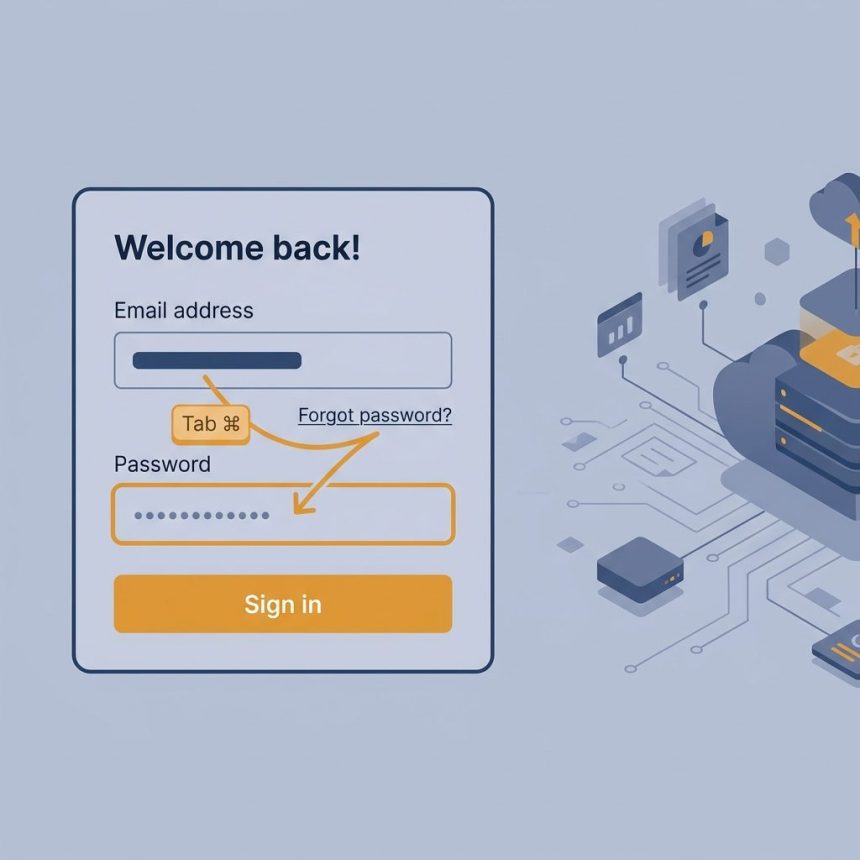
To prevent the Tab key from focusing on a specific <a> tag, add tabindex="-1" to it. The negative value removes the element from the natural keyboard tab order — it stays clickable with the mouse, but pressing Tab skips over it.
Last verified: 2026-05-17 in Chrome 124, Firefox 125, Safari 17. Originally published 2023-01-21, rewritten and updated 2026-05-17.
The one-attribute fix
<a href="#" id="forgot-password" tabindex="-1">Forgot Password</a>With tabindex="-1", the user’s Tab key jumps straight from the username field to the password field, skipping the “Forgot Password” link.
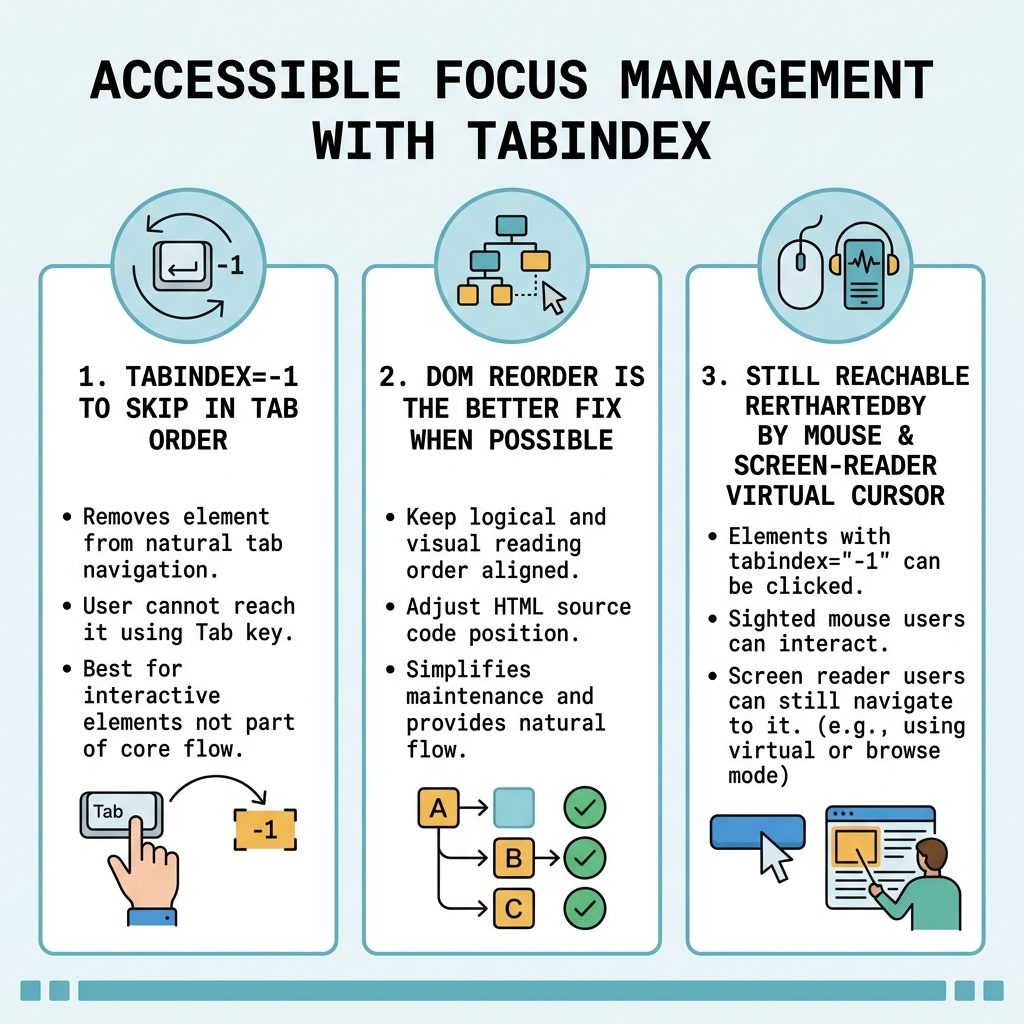
How tabindex values behave
tabindex="0"— included in the natural tab order at its DOM position. Used to make non-interactive elements focusable (e.g.<div tabindex="0">).tabindex="-1"— not in the tab order, but still programmatically focusable via.focus(). The case we want here.tabindex="1"and above — forces a custom tab order regardless of DOM. Almost always a bug magnet; let DOM order dictate tab order instead.- No
tabindexat all — interactive elements (<a href>,<button>, form fields) are tabbable by default; non-interactive ones aren’t.
The better fix — reorder the markup
<form>
  <label for="username">Username</label>
  <input type="text" id="username" name="username">

  <label for="password">Password</label>
  <input type="password" id="password" name="password">

  <a href="#" id="forgot-password">Forgot Password</a>

  <button type="submit">Log In</button>
</form>
Move “Forgot password” below the password input (visually and in the DOM). Tab order follows DOM order — username → password → forgot password → log in is the natural flow most users expect, and no tabindex tricks are needed.
Accessibility note
tabindex="-1" removes the element from keyboard tab navigation, not from accessibility. Screen-reader users in virtual-cursor mode can still reach the link with arrow-key navigation; mouse users can still click it. The element is still announced and reachable — it just doesn’t interrupt the form-filling tab path.
Frequently asked questions
tabindex="-1" hide the element from screen readers? No — it only removes the element from the keyboard tab order. Screen-reader users navigating with virtual-cursor mode (arrow keys) can still encounter it. tabindex="-1" excludes from keyboard tabbing, not from accessibility — which is exactly what you want for a “Forgot password” link that should be reachable but not on the password-entry path.
It can be if you remove keyboard access to everything. For an inline link inside a form, skipping it during tab and reaching it on mouse or via Shift+Tab from later focus points is reasonable. Audit yourself by trying to complete the form with only the keyboard — if the user can still reach “Forgot password” (e.g. after reaching the submit button, Shift+Tab back), the change is fine.
Yes, when you control the layout — move “Forgot password” below the password input or to the right of it. tabindex="-1" is the right tool when the DOM order is dictated by a template you can’t change (theme, plugin, third-party widget). When you can edit the markup, fixing the visual + DOM order is the more robust fix.
tabindex="-1" and tabindex="0"? 0 includes the element in the natural tab order at its position in the source. -1 excludes it from tab order entirely but makes it programmatically focusable (you can call .focus() on it). Positive values like tabindex="5" force a custom order — almost always a mistake; let DOM order dictate tab order.
Related guides
- How to Add a Required Attribute to Input Fields in jQuery
- How to Disable or Enable an Input with JavaScript or jQuery
- How to Auto-Focus a Select2 Dropdown on Page Load
References
MDN tabindex: developer.mozilla.org/en-US/docs/Web/HTML/Global_attributes/tabindex. WAI-ARIA Authoring Practices on keyboard interaction: w3.org/WAI/ARIA/apg/practices/keyboard-interface.