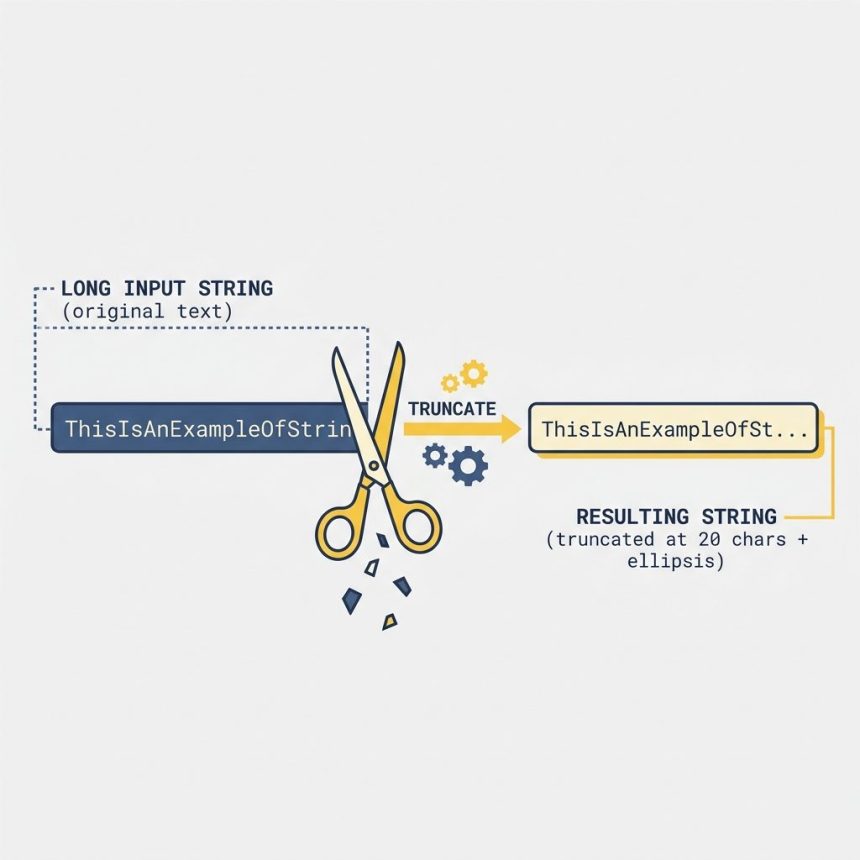
To keep only the first N characters of a string in JavaScript, use str.slice(0, n). It returns the first n characters or the whole string when it’s shorter than n — no errors, no truncation surprises. substring(0, n) works the same way for this use case.
Last verified: 2026-05-17 in Chrome 124, Firefox 125, Safari 17. Originally published 2022-09-17, rewritten and updated 2026-05-17.
The one-liner
const yourString = "lorem ipsum dolor sit amet, consectetur adipiscing elit";
const result     = yourString.slice(0, 20);
// "lorem ipsum dolor si"
slice(start, end): the end is exclusive — pass n to get characters at indices 0 through n−1. When the string is shorter than n, you just get the whole string back.
Alternatives
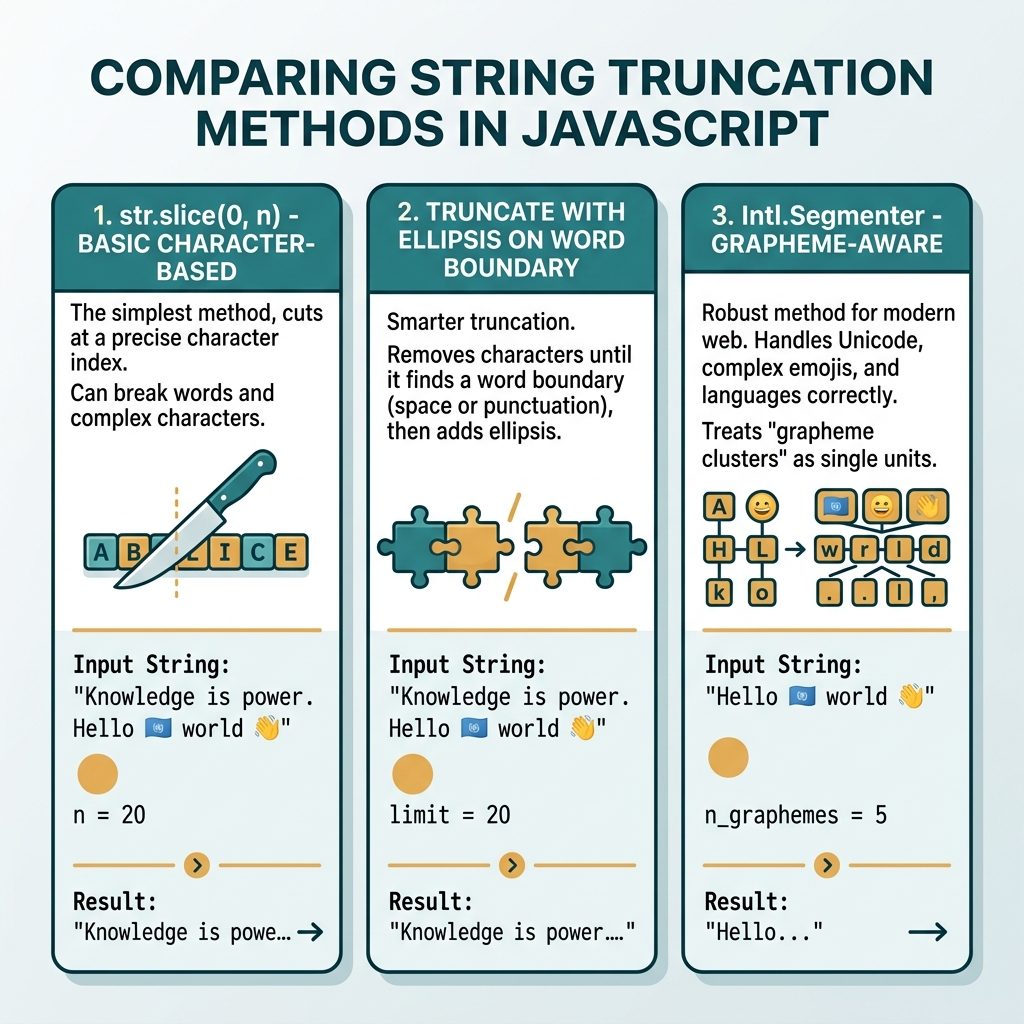
str.slice(0, 100);     // recommended
str.substring(0, 100); // same result; swaps args if start > end (avoid)
str.substr(0, 100);    // legacy / deprecated; works but don't reach for it
Truncate with an ellipsis
function truncate(str, n) {
    if (str.length <= n) return str;
    return str.slice(0, n) + '…';   // single-char ellipsis
}

truncate("lorem ipsum dolor sit amet", 12);
// "lorem ipsum…"
Use the Unicode ellipsis character … rather than three dots — it’s one character wide and renders consistently.
Truncate on a word boundary
function truncateOnWord(str, n) {
    if (str.length <= n) return str;
    const cut = str.slice(0, n);
    const lastSpace = cut.lastIndexOf(' ');
    return (lastSpace > 0 ? cut.slice(0, lastSpace) : cut) + '…';
}

truncateOnWord("lorem ipsum dolor sit amet", 15);
// "lorem ipsum…"   — trimmed back to the last full word
Emoji / multibyte safety
"🚀launch".slice(0, 1);          // "\uD83D"  — broken half of the emoji
[..."🚀launch"].slice(0, 1).join('');  // "🚀"   — code-point granularity

// Grapheme-aware (handles flags 🇺🇸, family emoji, skin-tone modifiers)
const seg = new Intl.Segmenter('en', { granularity: 'grapheme' });
[...seg.segment("🚀launch")].slice(0, 1).map(s => s.segment).join('');
// "🚀"
Frequently asked questions
substring() or slice()? slice(0, n) is the modern recommendation — same behavior as substring(0, n) for non-negative arguments, but it also accepts negative indices to count from the end. substring() swaps its arguments if start > end, which is a footgun you don’t want. For new code, default to slice().
Check the length, then slice and append: str.length > n ? str.slice(0, n) + '\u2026' : str. Use '\u2026' (single-character ellipsis) instead of three dots, which renders cleaner and is one character instead of three. For headlines and snippets, slice on a word boundary by trimming back to the last space.
slice() works on UTF-16 code units, not graphemes. '🚀launch'.slice(0, 1) returns half of the rocket emoji — a broken surrogate. For grapheme-aware truncation use Intl.Segmenter, or for code-point granularity spread the string first: [...str].slice(0, n).join('').
str.slice(0, n).padEnd(n, ' ') caps at N and pads with spaces if shorter — useful for column-aligned terminal output. Swap padEnd for padStart if you want right-aligned text.
Related guides
- How to Get the First Character of a String in JavaScript
- How to Get N Elements from an Array in JavaScript
- How to Keep Only Numbers in a String with JavaScript
References
MDN String.prototype.slice(): developer.mozilla.org/en-US/docs/Web/JavaScript/Reference/Global_Objects/String/slice. MDN Intl.Segmenter: developer.mozilla.org/en-US/docs/Web/JavaScript/Reference/Global_Objects/Intl/Segmenter.