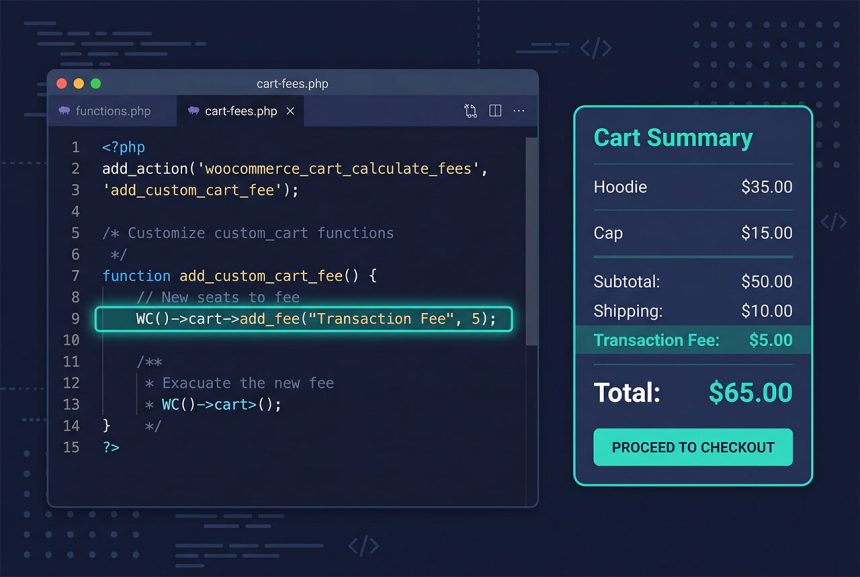
The woocommerce add fee pattern is always add_action('woocommerce_cart_calculate_fees', ...) + WC()->cart->add_fee('Label', $amount). WooCommerce recalculates the cart whenever something changes (item added, shipping country picked, payment method switched) and fires the hook — your callback decides whether to add a fee and how much. This guide covers fixed fees, percentage fees, threshold-based fees, and the payment-method-triggered variant that needs a small AJAX nudge.
Last verified: 2026-04-23 on WooCommerce 9.x with WordPress 6.5. Originally published 2024-03-23, rewritten and updated 2026-04-23.
TL;DR
add_action( 'woocommerce_cart_calculate_fees', function () {
    if ( is_admin() && ! defined( 'DOING_AJAX' ) ) {
        return;
    }
    WC()->cart->add_fee( __( 'Transaction Fee', 'how7o' ), 5 );
} );
Pattern 1 — Fixed fee
add_action( 'woocommerce_cart_calculate_fees', function () {
    if ( is_admin() && ! defined( 'DOING_AJAX' ) ) {
        return;
    }
    WC()->cart->add_fee( __( 'A small fee', 'how7o' ), 5 );
} );
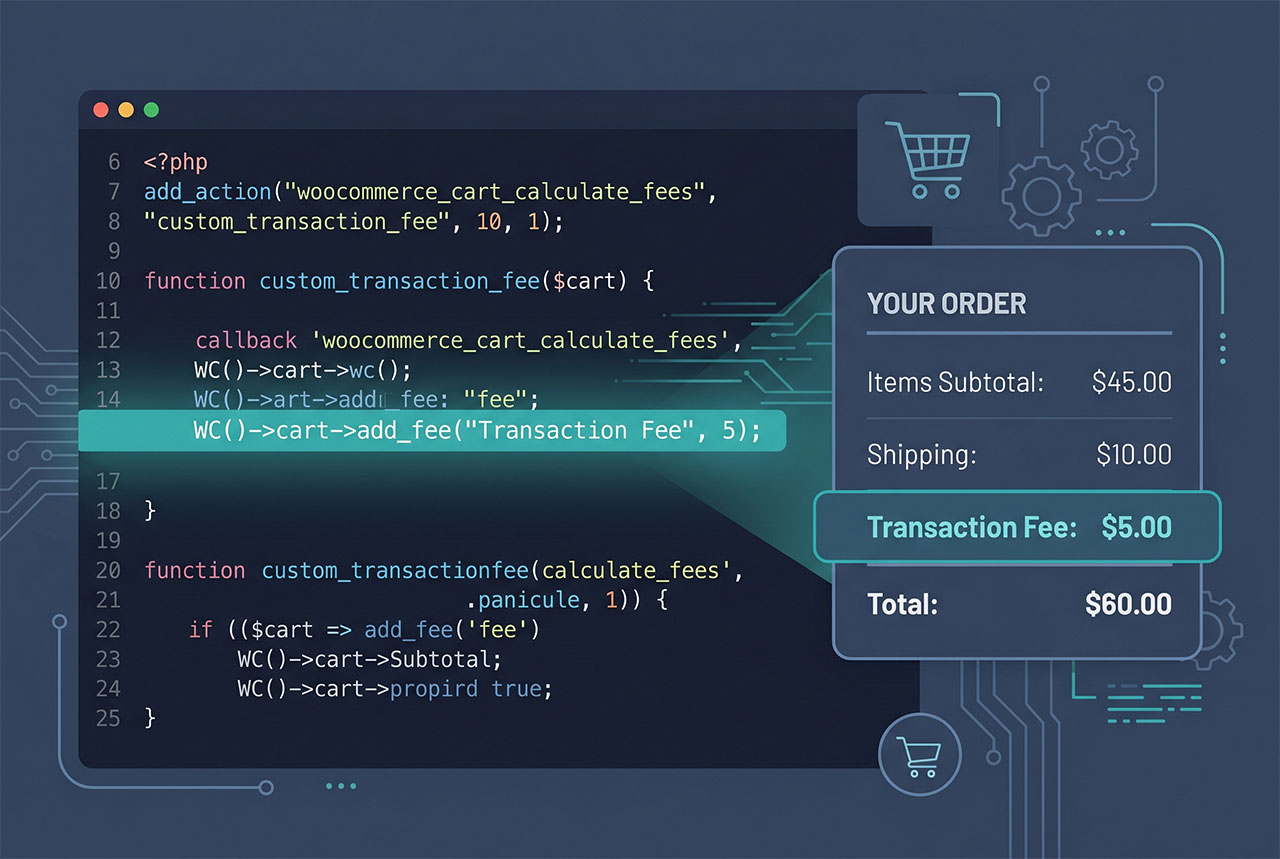
The simplest form: every cart gets a flat $5 fee added. The first argument to add_fee is the user-visible label; the second is the amount in the store’s base currency.
Pattern 2 — Percentage fee
add_action( 'woocommerce_cart_calculate_fees', function () {
    if ( is_admin() && ! defined( 'DOING_AJAX' ) ) {
        return;
    }

    $percentage     = 0.05;  // 5%
    $subtotal       = WC()->cart->get_cart_contents_total() + WC()->cart->get_shipping_total();
    $percentage_fee = $subtotal * $percentage;

    WC()->cart->add_fee( __( 'Processing fee (5%)', 'how7o' ), $percentage_fee );
} );
A 5% fee on cart + shipping. get_cart_contents_total() is the items subtotal (after cart-level discounts); get_shipping_total() is the chosen shipping rate. Summing both and multiplying gives a percentage fee that mirrors how PayPal/Stripe transaction fees actually work.
Pattern 3 — Fee below a threshold
add_action( 'woocommerce_cart_calculate_fees', function () {
    if ( is_admin() && ! defined( 'DOING_AJAX' ) ) {
        return;
    }

    $cart_total = WC()->cart->get_cart_contents_total();

    if ( $cart_total < 500 ) {
        WC()->cart->add_fee( __( 'Small order fee', 'how7o' ), 50 );
    }
} );
Adds a surcharge on carts below $500. Encourages larger orders or covers the fixed overhead of small ones. The same pattern flips for a threshold-based discount: add a negative fee (with the same caveats about coupons being the better tool).
Pattern 4 — Fee by shipping country
add_action( 'woocommerce_cart_calculate_fees', function () {
    if ( is_admin() && ! defined( 'DOING_AJAX' ) ) {
        return;
    }

    $country = WC()->customer->get_shipping_country();
    if ( $country === 'NO' ) {
        WC()->cart->add_fee( __( 'Norway shipping surcharge', 'how7o' ), 50 );
    }
} );
Country-specific fees (customs, logistics, regulatory) live in the customer object. get_shipping_country() returns the two-letter ISO code; pair with in_array() for multiple countries. WooCommerce re-fires woocommerce_cart_calculate_fees automatically when the billing/shipping country changes on the checkout.
Pattern 5 — Fee by shipping method
add_action( 'woocommerce_cart_calculate_fees', function () {
    if ( is_admin() && ! defined( 'DOING_AJAX' ) ) {
        return;
    }

    $chosen_shipping = WC()->session->get( 'chosen_shipping_methods' );

    if ( ! empty( $chosen_shipping[0] ) && str_starts_with( $chosen_shipping[0], 'flat_rate' ) ) {
        WC()->cart->add_fee( __( 'Flat-rate handling fee', 'how7o' ), 50 );
    }
} );
The chosen shipping method IDs take the form flat_rate:1, free_shipping:2, local_pickup:3. str_starts_with matches a whole method family regardless of which specific zone-rate instance was picked.
Pattern 6 — Fee by payment method (+ the JS bit)
add_action( 'woocommerce_cart_calculate_fees', function () {
    if ( is_admin() && ! defined( 'DOING_AJAX' ) ) {
        return;
    }

    $chosen_payment = WC()->session->get( 'chosen_payment_method' );
    if ( $chosen_payment === 'paypal' ) {
        WC()->cart->add_fee( __( 'PayPal fee', 'how7o' ), 50 );
    }
} );

// Trigger a recalc when payment method changes (WooCommerce doesn't do this automatically)
add_action( 'woocommerce_review_order_before_payment', function () {
    ?>
    <script>
    (function($){
        $('form.checkout').on('change', 'input[name^="payment_method"]', function() {
            $('body').trigger('update_checkout');
        });
    })(jQuery);
    </script>
    <?php
} );
Unique case: WooCommerce doesn’t automatically fire update_checkout when the payment method radio changes (only when shipping changes). The small script manually triggers it, so woocommerce_cart_calculate_fees runs again with the new payment method, and your fee updates inline.
Making fees taxable
WC()->cart->add_fee(
    __( 'Handling fee', 'how7o' ),
    10,
    true,              // taxable
    'standard'         // tax class (optional)
);
Third argument is the taxable flag; fourth is the tax class (default '' uses the standard rate). Flip to true when your jurisdiction requires VAT/GST on the fee.
Frequently asked questions
woocommerce_cart_calculate_fees. WooCommerce fires this on every cart recalculation, and inside the callback you can call WC()->cart->add_fee('Label', $amount) to add the fee. The fee automatically flows into the cart subtotal, the checkout totals, tax calculations if taxable, and the final order. No database writes needed — fees live for the current cart session.
if (is_admin() && !defined('DOING_AJAX')) return guard? Cart calculations can fire in the admin (manual order creation, subscription renewal) — and there you often don’t want customer-facing surcharges to apply. The guard skips the fee logic in those admin contexts while still letting AJAX requests (checkout updates, cart refresh) through. Most fee snippets should keep it; remove only if you specifically want the fee on admin-created orders.
Technically yes — add_fee('Discount', -5) subtracts from the total. But use WooCommerce’s coupon system for real discounts; negative fees don’t show up in reports as discounts, don’t respect coupon restrictions, and can confuse tax calculations. Negative fees are appropriate only for “rounding adjustments” or small corrections.
WooCommerce’s checkout JS only fires update_checkout on certain field changes — billing country, shipping method. For payment-method changes you need a small script that triggers it manually: $('form.checkout').on('change', 'input[name^="payment_method"]', function() { $('body').trigger('update_checkout'); });. Hook it on woocommerce_review_order_before_payment.
WC()->cart->add_fee('Label', $amount, $taxable, $tax_class) — third argument is a boolean, fourth is the tax class. Pass true if the fee should be taxed at the standard rate, or name a specific tax class ('reduced-rate') for other rates. Default is non-taxable, which is appropriate for most transaction-fee add-ons.
Related guides
- How to Remove Checkout Fields in WooCommerce — companion checkout-surface customization.
- How to Display Orders Instead of Dashboard on the WooCommerce My Account Page — another filter-driven tweak.
- How to Dynamically Change Currency in WooCommerce — currency-aware pricing around fees.
- How to Add a Link or Button After the Login Form in WooCommerce — My Account hook family.
References
WooCommerce WC_Cart::add_fee reference: woocommerce.github.io/code-reference/classes/WC-Cart.html#method_add_fee.