How7o
  • Home
  • Tools
  • Prank Screens
  • Learn
  • Blog
  • Contact
Reading: How to Reset the LiteSpeed WebAdmin Console Password
Share
How7oHow7o
Font ResizerAa
  • OS
Search
  • Home
  • Tools
  • Prank Screens
  • Learn
  • Blog
  • Contact
Follow US
© 2024–2026 How7o. All rights reserved.
How7o > Free Laravel, PHP, WordPress & Server Tutorials > Server Management > How to Reset the LiteSpeed WebAdmin Console Password
Server Management

How to Reset the LiteSpeed WebAdmin Console Password

how7o
By how7o
Last updated: May 22, 2026
4 Min Read
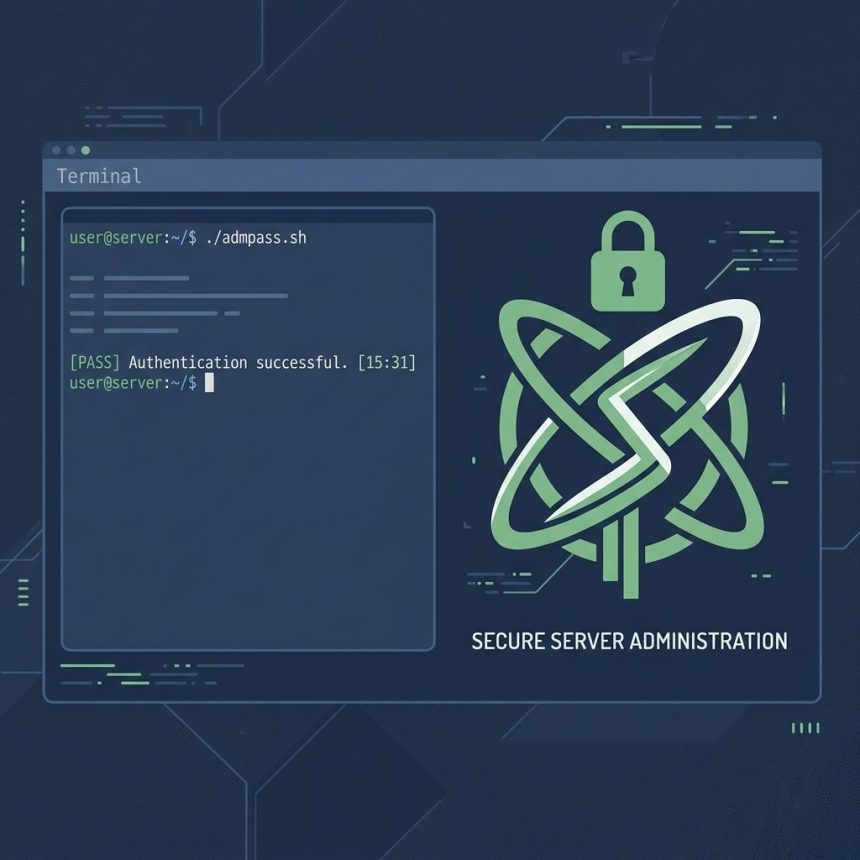
Reset the LiteSpeed WebAdmin Console password
SHARE

To reset the LiteSpeed WebAdmin Console password on cPanel (or any LiteSpeed install), SSH in as root and run the bundled admpass.sh script. It prompts for a new username and password and writes them immediately — no service restart needed.

Contents
  • Run the reset script
  • Log in to verify
  • Where the credentials live
  • If the script isn’t there
  • Frequently asked questions
  • Related guides
  • References

Last verified: 2026-05-17 on LiteSpeed Web Server 6.2 + cPanel. Originally published 2023-12-14, rewritten and updated 2026-05-17.

Run the reset script

sudo /usr/local/lsws/admin/misc/admpass.sh

The script prompts:

Please specify the user name of administrator.
This is the user name required to login the administration Web interface.
User name [admin]:                # press Enter to keep "admin"

Please specify the administrator's password.
Password:                          # type your new password (hidden)
Retype password:

Administrator's username/password is updated successfully!

The change is immediate — you can log in to the console with the new password right away.
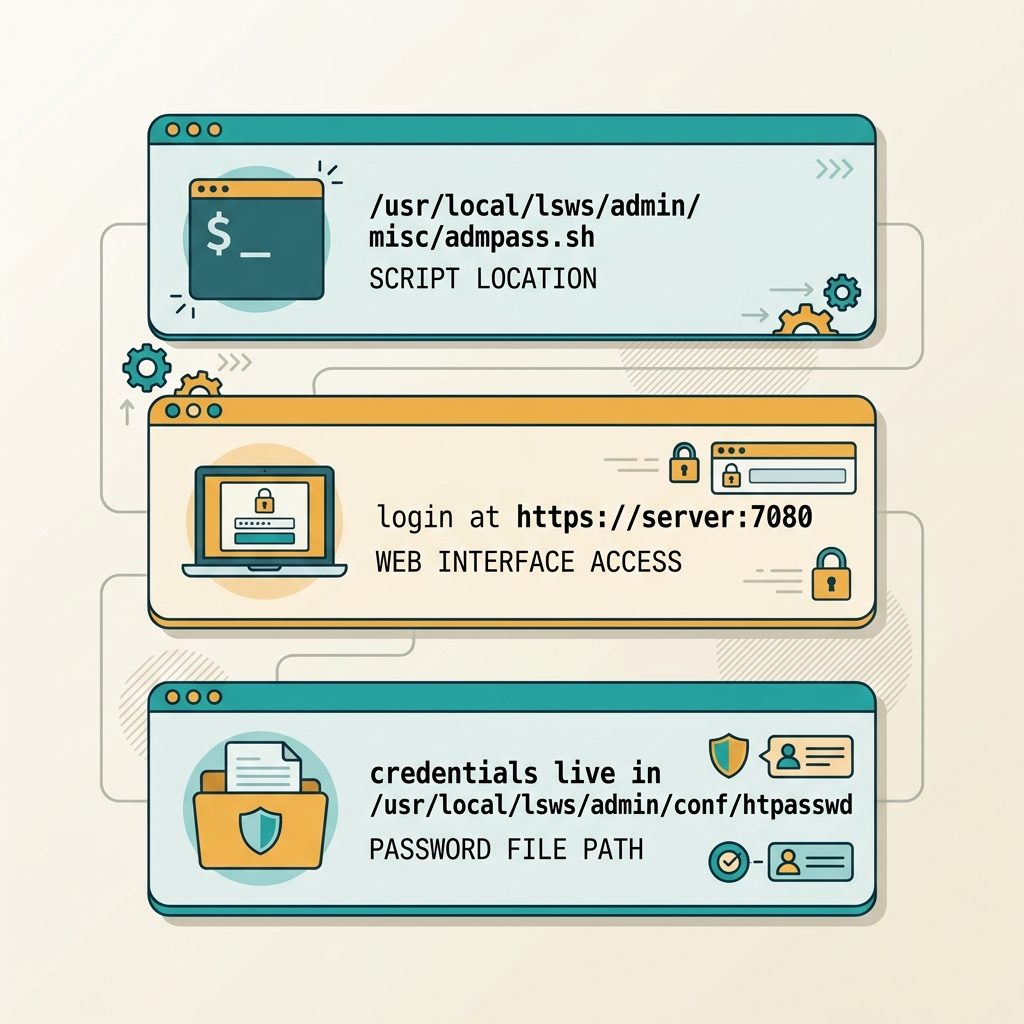
Reset LiteSpeed WebAdmin password — admpass.sh script, login at port 7080, htpasswd file location

Log in to verify

https://your-server-ip:7080/

The default LiteSpeed WebAdmin port is 7080 over HTTPS. The cert is self-signed by default, so accept the browser warning or set up a reverse proxy on a real domain.

Where the credentials live

# Credentials file (don't edit by hand)
/usr/local/lsws/admin/conf/htpasswd

# WebAdmin configuration
/usr/local/lsws/admin/conf/admin_config.conf

The password is stored as a salted hash in htpasswd. Editing the file directly works in theory (LiteSpeed accepts standard Apache htpasswd hashes) but admpass.sh is the supported path — it generates the right hash format automatically.

If the script isn’t there

Some custom LiteSpeed installs use a different prefix. Search for the script:

sudo find /usr/local -name 'admpass.sh' 2>/dev/null
# Typical location: /usr/local/lsws/admin/misc/admpass.sh

OpenLiteSpeed installs use the same script under the same relative path inside their own prefix.

Frequently asked questions

Do I need to restart LiteSpeed after running admpass.sh?

No — the script writes the new credentials immediately to disk, and the WebAdmin Console reads them on each login. No service restart needed. The change takes effect on your next login attempt.

What’s the default username and where is it stored?

The default is admin. Credentials live in /usr/local/lsws/admin/conf/htpasswd as a salted hash. admpass.sh is the supported way to update them — editing the file by hand requires generating a compatible hash and rarely worth the effort.

Is this the same as the cPanel root password?

No, completely separate accounts. The LiteSpeed WebAdmin Console password controls access to LiteSpeed-specific server tuning (graceful restart, configuration reload, virtual hosts) at https://your-server:7080. It’s unrelated to your cPanel root login, WHM credentials, or SSH key-based access.

Where can I find the WebAdmin Console URL?

Default port is 7080 over HTTPS — https://your-server-ip:7080/. The cert is self-signed by default, so browsers warn. For production access, set up a reverse proxy on a real subdomain (e.g. lsws.example.com) with a Let’s Encrypt cert, then restrict that subdomain to your office IP with firewall rules.

Related guides

  • How to Switch from LiteSpeed to Apache in WHM/cPanel
  • How to Fix Quotas in cPanel
  • How to Retrieve the MySQL Root Password in aaPanel

References

cPanel knowledge base: support.cpanel.net (LiteSpeed WebAdmin password reset). LiteSpeed admin guide: docs.litespeedtech.com/lsws.

TAGGED:configurationcPanelLinuxLiteSpeed

Sign Up For Daily Newsletter

Be keep up! Get the latest breaking news delivered straight to your inbox.
[mc4wp_form]
By signing up, you agree to our Terms of Use and acknowledge the data practices in our Privacy Policy. You may unsubscribe at any time.
Share This Article
Facebook Copy Link Print
Previous Article Replace strings in a MySQL database with UPDATE and REPLACE() How to Replace Strings in a MySQL Database
Next Article Run a Linux cron job as a non-root user How to Run a Cron Job as a Non-Root User
Leave a Comment

Leave a Reply Cancel reply

You must be logged in to post a comment.

FacebookLike
XFollow
PinterestPin
InstagramFollow
Most Popular
Run Laravel queue workers with Supervisor
How to Run Laravel Queue Workers in Production with Supervisor
May 23, 2026
Nginx as a reverse proxy for a Node.js app on Ubuntu
How to Set Up Nginx as a Reverse Proxy for Node.js on Ubuntu
May 23, 2026
Install and configure Redis on Ubuntu for Laravel and WordPress
How to Install and Configure Redis on Ubuntu (for Laravel & WordPress)
May 23, 2026
Harden a fresh Ubuntu VPS with UFW, Fail2Ban, and SSH key auth
How to Harden a Fresh Ubuntu VPS: UFW + Fail2Ban + SSH Key Auth
May 23, 2026
Set up Let's Encrypt SSL with Certbot on Ubuntu
How to Set Up Let’s Encrypt SSL with Certbot on Ubuntu (Apache & Nginx)
May 23, 2026

You Might Also Like

Install the Apache web server on Ubuntu
Server Management

How to Install the Apache Web Server on Ubuntu

7 Min Read
Run a Node.js application from a Windows .bat file
OS

How to Run a Node.js Application from a Windows .bat File

5 Min Read
Remove the Other Favorites button on the Microsoft Edge favorites bar
OS

How to Remove the “Other Favorites” Button in Microsoft Edge

4 Min Read
Disable binary logging in MySQL or MariaDB
Server Management

How to Disable Binary Logging in MySQL or MariaDB

5 Min Read
How7o

We provide tips, tricks, and advice for improving websites and doing better search.

Tools

  • Age Calculator
  • Word Counter
  • Image Upscaler
  • Password Generator
  • QR Code Generator
  • See all tools→

Pranks

  • Fake Blue Screen Prank
  • Hacker Typer
  • Fake iMessage Generator
  • Windows XP Crash Prank
  • Windows 11 Update Prank
  • See all prank screens →

Company

  • About Us
  • Blog
  • Contact
  • Privacy Policy
  • Terms of Service
  • Sitemap
© 2024–2026 How7o. All rights reserved.
Welcome Back!

Sign in to your account

Username or Email Address
Password

Lost your password?