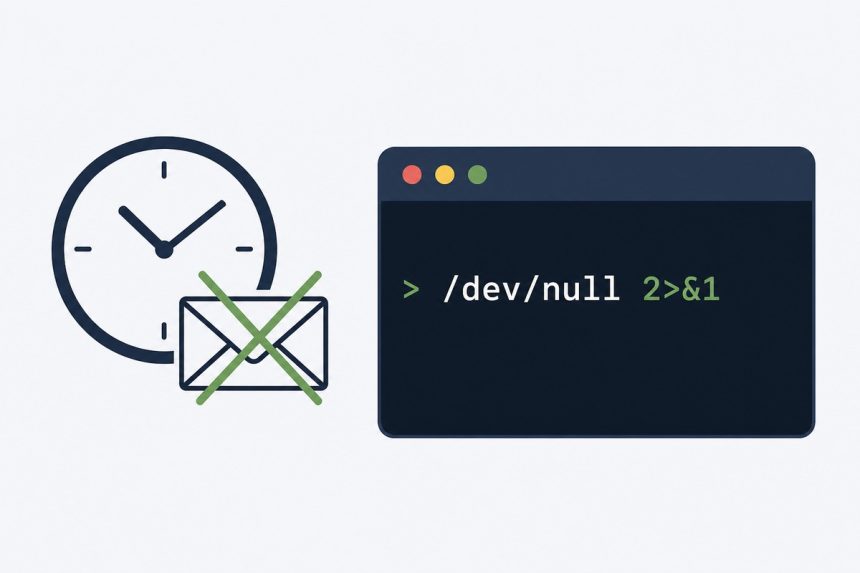
To stop cron output (and the email cron sends whenever a job produces output), redirect both stdout and stderr to /dev/null by appending >/dev/null 2>&1 to the command. For a job that fetches a URL like http://example.com/cron.php, the silent version is:
* * * * * wget http://www.example.com/cron.php >/dev/null 2>&1Last verified: 2026-05-17 on Ubuntu 22.04 and AlmaLinux 9. Originally published 2023-11-30, rewritten and updated 2026-05-17.
What the redirection does
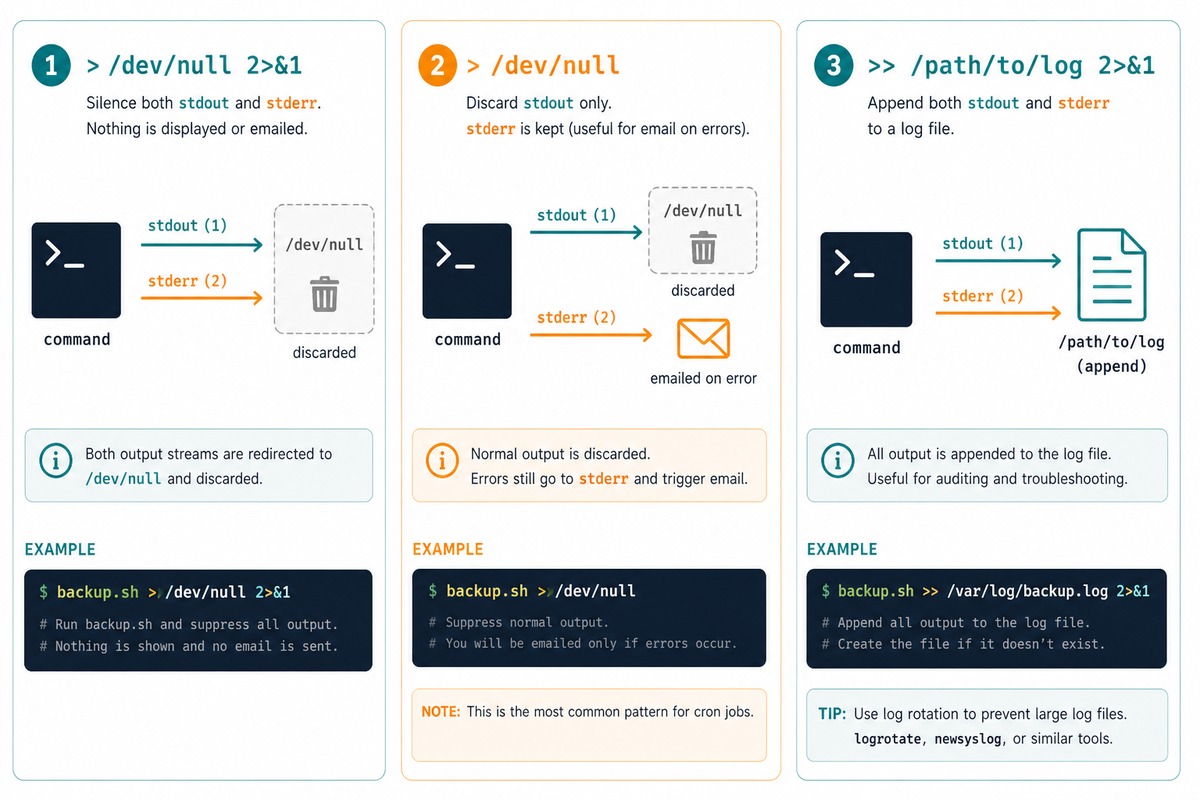
>/dev/null— sends stdout (file descriptor 1) to the system’s “throw it away” device.2>&1— sends stderr (file descriptor 2) to the same place stdout is going. Order matters: this has to come after the stdout redirect.
Cron emails the user when a job writes anything to stdout or stderr. Sending both to /dev/null silences both channels, so no email and no log.
 Keep error emails only
# Drop stdout, keep stderr -> cron emails on errors only
* * * * * wget http://www.example.com/cron.php >/dev/null

# Or with curl, fail-on-HTTP-error so you actually hear about 500s
* * * * * curl -fsS http://www.example.com/cron.php >/dev/null
With only stdout silenced, anything the job writes to stderr (errors, warnings) is still captured by cron and emailed to the crontab owner — exactly when you’d want notification.
Log to a file instead
# Append everything to a log
* * * * * wget http://www.example.com/cron.php >> /var/log/myapp-cron.log 2>&1

# Rotate with logrotate to keep it from filling the disk
>> appends, so each run adds to the same file. Pair with logrotate so the log file doesn’t grow forever.
For local PHP scripts
# Run a PHP script directly, no HTTP round-trip
* * * * * /usr/bin/php /var/www/html/cron.php >/dev/null 2>&1
Running the script locally is faster than fetching it over HTTP and skips the whole web stack. Use the full path to php — cron’s PATH is minimal.
wget‘s own quiet flag
# --quiet suppresses wget's normal output (its progress bar, save messages)
* * * * * wget --quiet --output-document=/dev/null http://www.example.com/cron.php
Combine --quiet with --output-document=/dev/null to silence both the progress messages and the saved file. Cleaner than shell redirection when you want to be explicit, but >/dev/null 2>&1 works on any command.
Frequently asked questions
2>&1 actually mean? 2>&1 redirects file descriptor 2 (stderr) to wherever file descriptor 1 (stdout) is currently going. Order matters: >/dev/null 2>&1 first sends stdout to /dev/null, then sends stderr to the same place. Flipping it to 2>&1 >/dev/null sends stderr to the original stdout (the terminal), then sends only stdout to /dev/null — usually not what you want.
Cron’s default behaviour: any output to stdout or stderr is captured and emailed to the crontab owner via sendmail. >/dev/null 2>&1 silences that. If you want to keep email only on errors, set [email protected] in the crontab and redirect only stdout: >/dev/null. Errors still go to stderr, cron captures them, you get an email.
wget or curl for HTTP-triggered cron? Either works. curl -fsS is slightly nicer: -f exits with a non-zero status on HTTP errors (so cron can detect failures and email you), -s silences the progress meter, -S still shows real errors. The cron line becomes: * * * * * curl -fsS http://example.com/cron.php >/dev/null. If curl fails, cron emails the error and you find out.
Has trade-offs. Pros: the cron host doesn’t need PHP/dependencies installed — just curl/wget. Cons: requests go through the full web stack (slower), the endpoint must be reachable, and unauthenticated cron endpoints can be hit by anyone who knows the URL. Either authenticate the endpoint (a shared secret in the URL or header) or run the script locally with * * * * * /usr/bin/php /path/to/cron.php.
Related guides
- How to Run a Cron Job as a Non-Root User
- How to Set Up a System-Based Cron Job for WordPress
- How to Schedule a Cron Job in WordPress Without a Plugin
References
man 5 crontab on any Linux. Bash redirection: gnu.org/software/bash/manual/html_node/Redirections.html. logrotate: github.com/logrotate/logrotate.