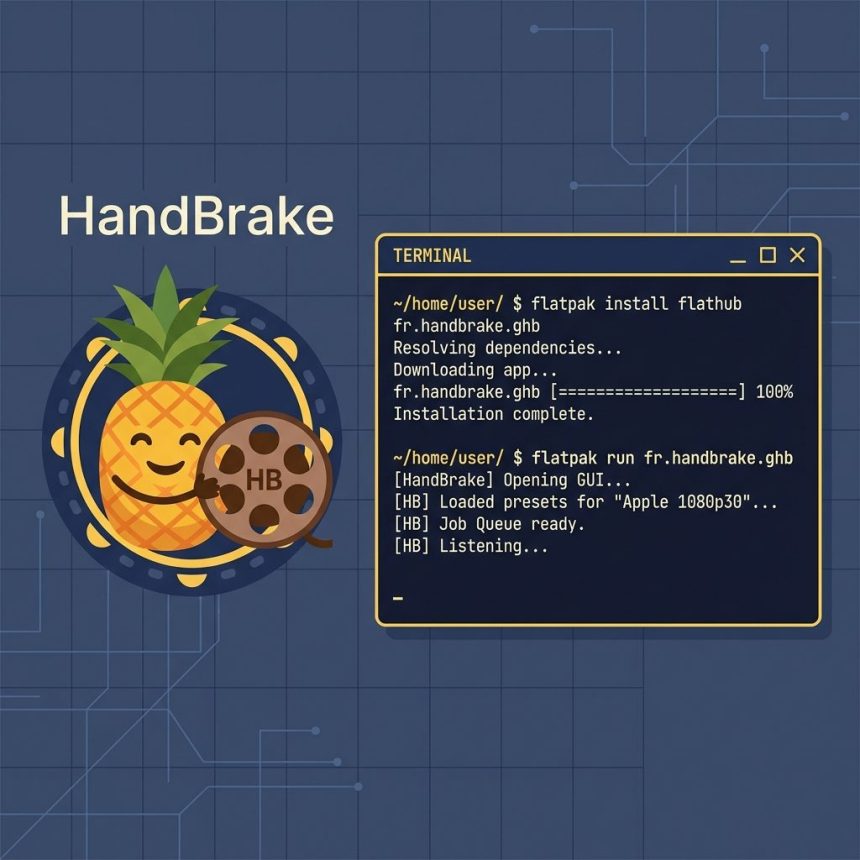
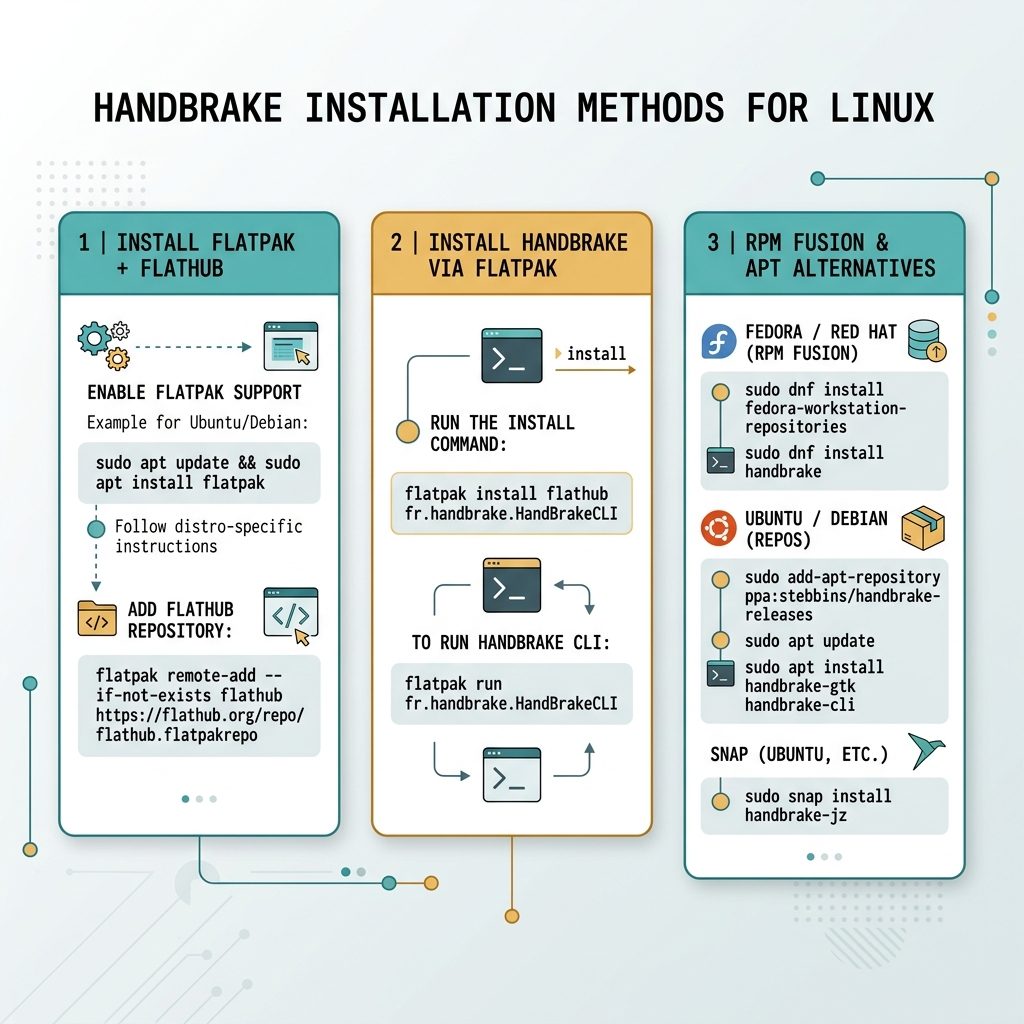
To install HandBrake CLI on Linux via Flatpak — the path the HandBrake project officially supports — install Flatpak from your distro repos, then install HandBrake from the Flathub or a downloaded .flatpak bundle. Run it through flatpak run.
Last verified: 2026-05-17 on AlmaLinux 9 with Flatpak 1.14. Originally published 2023-11-30, rewritten and updated 2026-05-17.
Step 1 — install Flatpak
# RHEL-family (AlmaLinux, Rocky, RHEL)
sudo dnf install flatpak -y

# CentOS 7 (legacy / EOL)
sudo yum install flatpak -y

# Debian / Ubuntu
sudo apt install flatpak -y
Step 2 — add Flathub (recommended)
flatpak remote-add --if-not-exists flathub https://flathub.org/repo/flathub.flatpakrepoFlathub is the central Flatpak repository — adding it once lets flatpak install pull HandBrake and other apps by name. If you’ve downloaded an offline .flatpak bundle from the HandBrake releases page, you can skip this step.
Step 3 — install HandBrake
# Stand-alone CLI (no GUI dependencies)
flatpak install flathub fr.handbrake.HandBrakeCLI

# GUI build (also includes the CLI binary)
flatpak install flathub fr.handbrake.ghb

# Or install from a local .flatpak bundle
flatpak install ./HandBrakeCLI-1.7.x-x86_64.flatpak
For server-side encoding you only need the CLI bundle. The GUI build pulls in GTK and Wayland/X11 dependencies you don’t want on a headless box.
Step 4 — run HandBrake CLI
# Stand-alone CLI bundle
flatpak run fr.handbrake.HandBrakeCLI --help

# CLI shipped inside the GUI bundle
flatpak run --command=HandBrakeCLI fr.handbrake.ghb --help

# Example: encode a file with the Fast 1080p30 preset
flatpak run fr.handbrake.HandBrakeCLI \
    -i input.mkv \
    -o output.mp4 \
    --preset "Fast 1080p30"
Alternative — RPM Fusion (RHEL-family) or apt (Debian-family)
# AlmaLinux / Rocky / RHEL 9 via RPM Fusion
sudo dnf install \
    https://mirrors.rpmfusion.org/free/el/rpmfusion-free-release-9.noarch.rpm
sudo dnf install HandBrake-cli

# Debian / Ubuntu (native package)
sudo apt install handbrake-cli
These give you a regular binary at /usr/bin/HandBrakeCLI — no flatpak run wrapper needed. The trade-off is version lag: Flatpak typically ships the latest stable; distro repos can be a release or two behind.
Frequently asked questions
HandBrake’s official Linux binaries are distributed as Flatpak bundles because Flatpak ships the exact dependency versions HandBrake was built against, sidestepping the “works on Ubuntu, breaks on RHEL” problem. On Ubuntu/Debian a native handbrake-cli package exists in the repos; on RHEL-family the Flatpak is the supported path.
User-mode (flatpak install --user) puts it under ~/.var/app/fr.handbrake.HandBrakeCLI/. System-wide (sudo flatpak install without --user) installs to /var/lib/flatpak/. For server-side batch encoding you usually want system-wide so the same binary works for every user and cron job.
Yes — wrap the flatpak run invocation in a script. Note that Flatpak’s flatpak run --command=HandBrakeCLI fr.handbrake.ghb -- ARGS form is what passes flags through to the binary. Test the command line interactively first, then put it in cron. Watch for input file paths — Flatpak’s sandbox can prevent reads outside /home unless you grant access with flatpak override.
Yes — the RPM Fusion repository ships HandBrake-cli for Fedora and RHEL-family. Add RPM Fusion first (dnf install https://mirrors.rpmfusion.org/free/el/rpmfusion-free-release-9.noarch.rpm), then dnf install HandBrake-cli. Whether you prefer this or Flatpak is mostly a question of which ecosystem you already trust on the box.
Related guides
- How to Check the Linux OS Name and Version from the Command Line
- How to Install the Apache Web Server on Ubuntu
- How to Zip Multiple Files and Directories in Linux
References
HandBrake documentation: handbrake.fr/docs. HandBrake releases (GitHub): github.com/HandBrake/HandBrake/releases. Flatpak documentation: docs.flatpak.org. RPM Fusion: rpmfusion.org.