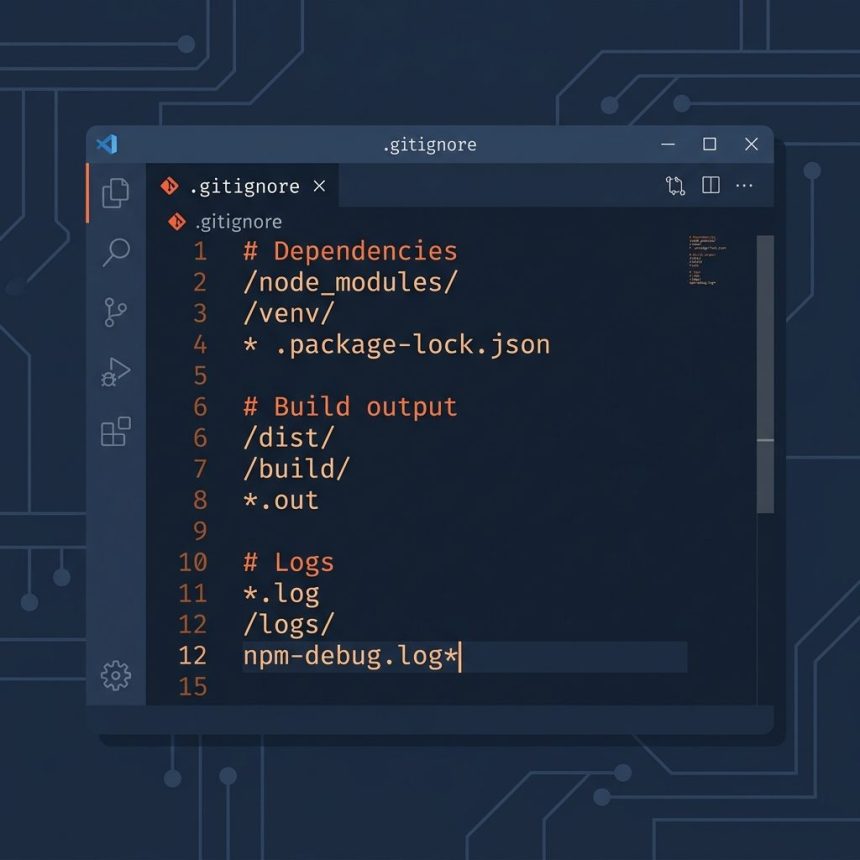
To comment in a .gitignore file, start the line with #. Git ignores everything from the # to the end of that line. Comments must be on their own line — # in the middle of a pattern is not treated as a comment, it’s part of the pattern.
Last verified: 2026-05-17 with git 2.43. Originally published 2022-11-14, rewritten and updated 2026-05-17.
TL;DR
# This is a comment — git ignores the whole line
node_modules/

# Build output
dist/
*.log

# To ignore a file whose name literally starts with #, escape it
\#weird-filename.txt
The syntax
Per the gitignore documentation:
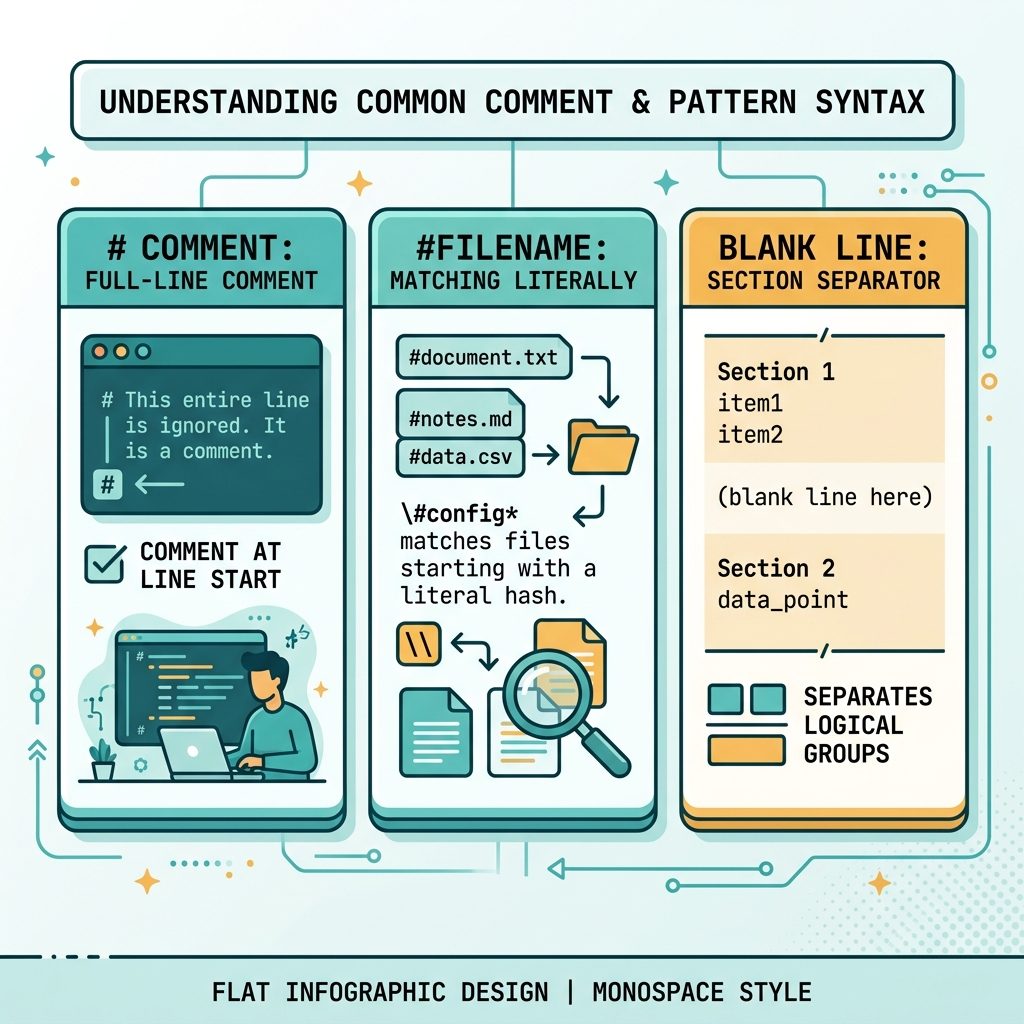
- A line starting with
#is a comment. - The
#must be the very first character on the line — there is no end-of-line comment syntax. - Blank lines are also ignored and make good section separators.
- To match a file whose name actually starts with
#, escape it as\#filename.
Common mistake — inline comments
This does not do what it looks like:
# WRONG — the comment becomes part of the pattern
*.log    # ignore log files
Git reads the entire line as a pattern: it tries to match files named literally *.log # ignore log files (with the spaces and hash included), which won’t match anything useful. Move the comment to its own line:
# Ignore log files
*.log
A well-commented .gitignore
# Dependencies
node_modules/
vendor/

# Build output
dist/
build/
*.min.js

# Local environment
.env
.env.local

# Editor / OS junk
.idea/
.vscode/
.DS_Store
Thumbs.db

# Logs
*.log
npm-debug.log*
Section headers with # and blank-line separators make the file scannable. Both are free — git ignores all of it.
Frequently asked questions
.gitignore? No. # starts a comment only at the very beginning of the line. Anything like *.log # ignore logs is treated as one ignore pattern that ends with the literal characters # ignore logs, which almost certainly won’t match anything but is still wrong. Put the comment on its own line above the pattern.
#? Escape the leading # with a backslash: \#strange-filename.txt. The same rule applies to a file that starts with ! (which would otherwise be interpreted as a negation pattern): write \!keep-this.txt.
.gitignore? Yes. Blank lines are ignored by git and are useful as visual separators between sections (e.g. one block for build artifacts, one for editor files, one for local env). Trailing whitespace on a non-blank line is significant unless it is escaped, so prefer truly empty separator lines.
.gitattributes and .git/info/exclude? Yes — both files use the same syntax as .gitignore: # starts a comment when it’s the first character on a line, escape with \# if you need a literal one.
Related guides
- How to Check the Linux OS Name and Version from the Command Line
- How to Zip Multiple Files and Directories in Linux
References
gitignore manual: git-scm.com/docs/gitignore.