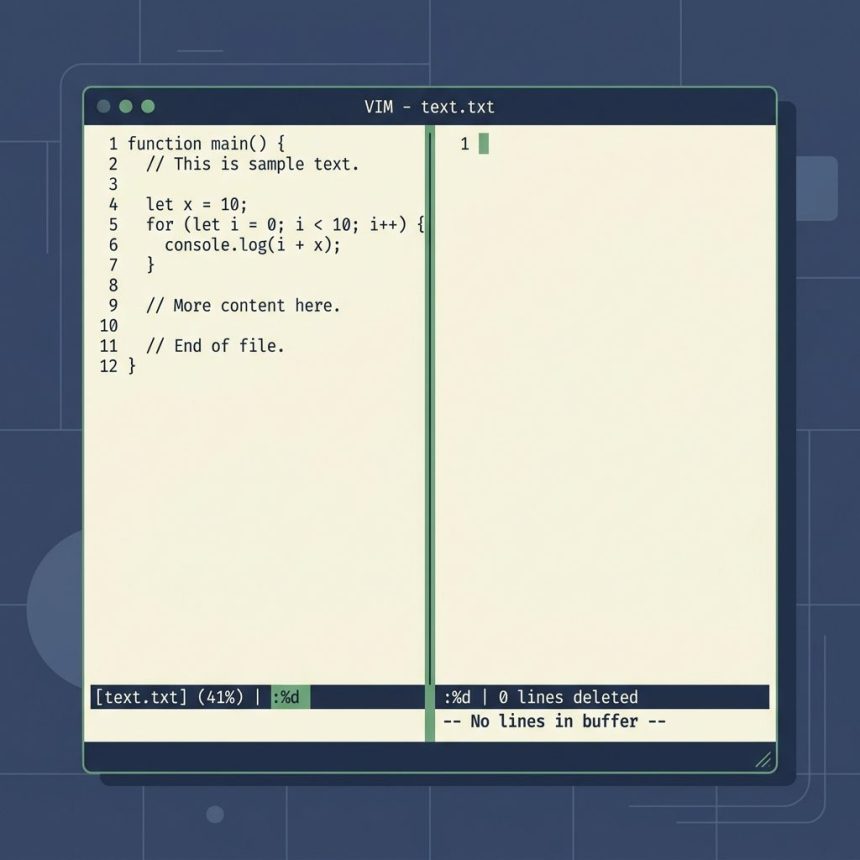
To delete all lines in a file using Vi or Vim, type :%d in normal mode and press Enter. % stands for the whole file, d for delete. The longer form :1,$d means the same thing — line 1 to the last line, deleted.
Last verified: 2026-05-17 on Vim 9.1 and BSD vi. Originally published 2022-06-19, rewritten and updated 2026-05-17.
The shortest form
:%dPress Esc first to make sure you’re in normal mode (not insert mode), then type :%d and hit Enter. The buffer is now empty. Save with :w to commit the change to disk.
How it parses
:— enters ex (command-line) mode at the bottom of the screen.%— line-range shorthand for “the whole file” (equivalent to1,$).d— the delete command.
Equivalent forms
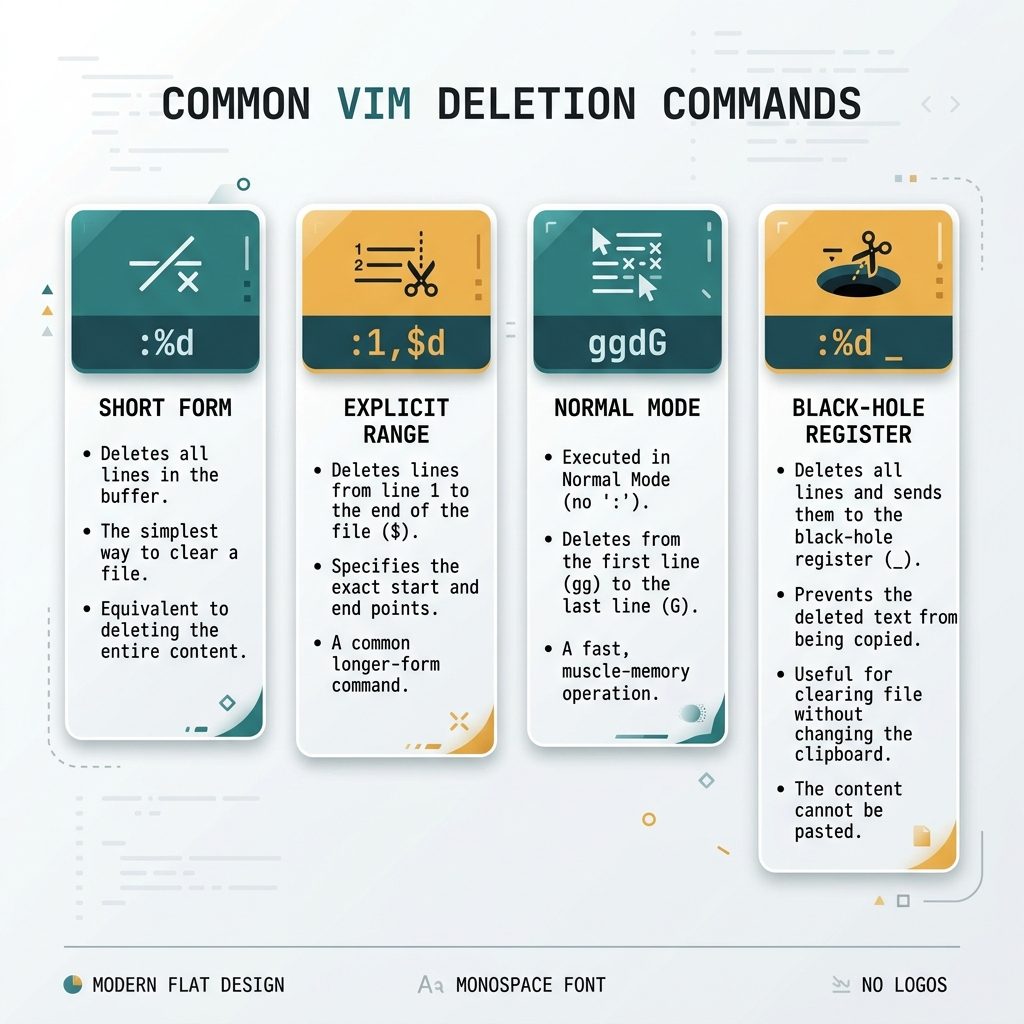
:%d           " shortest — % means "whole file"
:1,$d         " explicit — line 1 to last line
ggdG          " normal-mode: jump to top, delete to bottom
:%d _         " same as :%d but discards the deleted text (black-hole register)
ggdG is the keyboard-only version (no colon mode). :%d _ is the safe version that doesn’t clobber your yank register — useful if you’ve already yanked something you want to paste later.
Deleting a range, not the whole file
The :RANGE d form works with any line range. Examples:
:5,10d        " delete lines 5 through 10
:.,$d         " delete from current line to end
:1,.d         " delete from start to current line
:5,$-2d       " delete from line 5 to the second-to-last line (keeps last 2 lines)
Save the empty buffer
:w            " write the (now-empty) buffer to the file
:wq           " write and quit
ZZ            " normal-mode shortcut: same as :wq
Until you write, the file on disk is unchanged. If you change your mind, :q! abandons the empty buffer without saving and the file stays as it was.
Frequently asked questions
% in :%d mean? In ex (command-line) mode, % is shorthand for the entire file — equivalent to 1,$ (line 1 through the last line). It’s the same % you use in :%s/foo/bar/g for a file-wide search-and-replace.
:%d _ instead of :%d? Both delete every line. The difference is the register: bare :%d copies the deleted lines into the unnamed register ("), which means a later paste will dump the entire old file. :%d _ sends the deleted text to the black-hole register _, discarding it. If you have something useful in your yank register and want to keep it, use :%d _.
Yes — in normal mode, ggdG does the same thing. gg jumps to the first line, dG deletes from the cursor to the last line. It’s three keystrokes and a habit-builder if you’re learning vim motions.
echo > file.txt at the shell? echo > file.txt truncates the file from outside vim, but if you have the file open in vim, vim still holds the old contents in its buffer — saving from vim will overwrite your shell truncation. To empty the file from inside vim, use :%d and then :w to write the now-empty buffer to disk.
Related guides
- How to Check the Linux OS Name and Version from the Command Line
- How to Zip Multiple Files and Directories in Linux
- How to Add and Delete Users on a Linux Server from the Terminal
References
Vim manual: :help :delete, :help :range, :help registers. Online: vimhelp.org/change.txt.html#:delete.